
Recoverit AI
AI data recovery softwareRecover deleted files and repair video
Highlights
What you can do with it
- Recover files deleted by mistake from a hard drive
- Repair a corrupted or partially overwritten video file
- Rescue data after a system crash or a formatted drive
How to use it
- 1 Install Recoverit on a Windows or Mac machine
- 2 Choose the location or device you want to scan
- 3 Run the scan and browse the recoverable files
- 4 Preview and select what you need, then recover it to a safe drive
Who it is for
Pros
- Broad scenario coverage on both Windows and Mac
- Video fragment reassembly targets a case most tools give up on
- A free trial lets you scan and preview before paying
Limitations
- The free trial is for evaluation, and full recovery depends on a paid plan whose price is not shown here
- Recovery is never guaranteed, especially on overwritten or physically damaged media
- Continued use of a failing drive can make things worse, so stop writing to it immediately
What Recoverit AI is
Recoverit AI, also sold as Wondershare Recoverit, is data recovery software for Windows and Mac. It addresses the cases that actually cause data loss: accidental deletion, formatting, system crashes, disk damage and virus infection, which the vendor groups into more than 10,000 scenarios. Beyond plain file recovery it combines patented video fragment reassembly with AI repair, so a corrupted or partially overwritten video has a better chance than with a generic scanner. The vendor states a recovery success rate of up to 99.5 percent and more than 21 years of technical experience, with users in over 160 countries. A free trial is available alongside flexible paid plans.
What you can do with it
- Scan a drive or device for deleted, formatted or virus-affected files
- Repair damaged video using fragment reassembly and AI repair
- Recover data after a system crash or a disk error
- Preview what is found before committing to a paid recovery
Who it is for
- Individuals who deleted files by accident and need them back
- Professional creators recovering video and project files
- Businesses rescuing data from a failed or infected drive
- Anyone preparing for a recovery attempt before paying for a plan
What to watch out for
The free trial is an evaluation tool, and full recovery depends on a paid plan whose price is not shown on this page. More importantly, recovery is never guaranteed: the quoted success rate is a vendor claim, and overwritten or physically damaged media may simply be gone. If a drive is failing, stop writing to it immediately, because continuing to use it can overwrite the very sectors you are trying to rescue. For physically damaged hardware, a professional recovery lab is usually the safer route.
FAQ
Is Recoverit free?
It offers a free trial. Full recovery depends on a paid plan, and pricing is not listed on this page.
What can it recover?
Files lost to accidental deletion, formatting, system crashes, disk damage and virus infection, across more than 10,000 scenarios on Windows and Mac.
Can it fix damaged video?
It combines patented video fragment reassembly with AI repair for corrupted or incomplete video files.
Will everything come back?
No. The vendor states a success rate of up to 99.5 percent, but overwritten or physically damaged media may be unrecoverable.
Why it is free
What the official page says: free trial
Free limits, trial length and features are decided by the official site and can change at any time.
Product preview
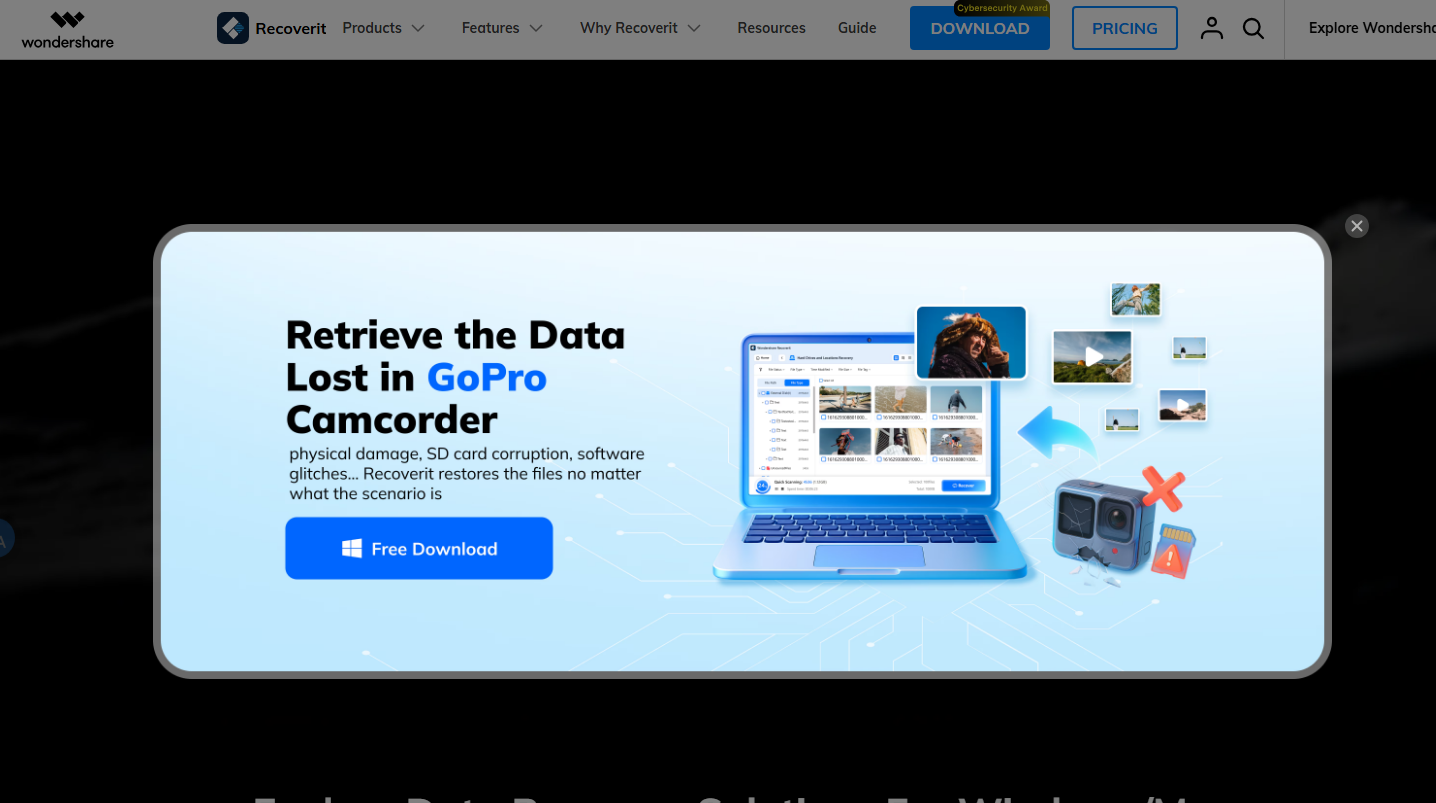
Screenshot archived from the listing page, for preview only.











