Records
Video form creation toolGather video responses from anyone
Highlights
What you can do with it
- Collect customer testimonials as video for use in marketing.
- Run asynchronous team meetings where people reply by video.
- Gather job applications and user-generated content at scale.
How to use it
- 1 Create your own collection space on the Records site.
- 2 Input your questions or start from an expert-designed template.
- 3 Share the space so people can submit video responses.
- 4 Review the responses and export professional video renders.
Who it is for
Pros
- Free to use, so teams can try video collection at no cost.
- Templates and manual question entry both work.
- Responses carry your own branding and style.
Limitations
- The free-use terms may change over time.
- The site was unreachable during review, so access is not guaranteed.
- It depends on respondents having a camera and internet.
What Records is
Records is a video form creation tool. Instead of a normal text form, you build a collection space, add your questions, and invite people to answer with short video clips. You can gather customer testimonials, run asynchronous team meetings, collect job applications, get diverse feedback, and source user-generated content, all from one place. The tool offers several expert-designed templates, or you can type in your own questions from scratch. Every recording is presented in your own style and branding, and you can export professional video renders from the responses you collect. It is free to use, which makes it a low-risk way to test whether video responses work for your team or brand before you invest in a bigger setup.
What you can do with it
- Create a video form and collect responses from anyone, anywhere.
- Choose an expert-designed template or enter your own questions by hand.
- Receive video replies directly inside your own collection space.
- Present recordings in your own branding and export professional video renders.
Who it is for
- Marketers and brands that want authentic video testimonials from real customers.
- Remote teams that run asynchronous meetings and prefer video over long text updates.
- Recruiters and hiring managers collecting video job applications at scale.
- Creators and community managers sourcing user-generated video content from an audience.
What to watch out for
Records depends on the people you invite having a working camera, microphone, and internet connection, so response quality will vary a lot from person to person and you cannot control their lighting or setting. The site was not responding during review, so availability may be a concern and you should check it live before you plan a campaign or a hiring round around it. The free-use terms may change over time, and because the product is still young, the template library, branding options, and export features may grow or shift as it develops. Test the full flow from invite to export, and keep a backup plan for collecting responses, before you rely on it for a hard deadline.
FAQ
What is Records used for?
It creates video forms to collect testimonials, feedback, applications, and other video responses.
Can I use my own branding?
Yes. Your recordings are presented in your own style and branding.
Do I need to write questions from scratch?
No. You can pick an expert-designed template or enter questions manually.
Why it is free
What the official page says: 免费使用免费
Free limits, trial length and features are decided by the official site and can change at any time.
Product preview
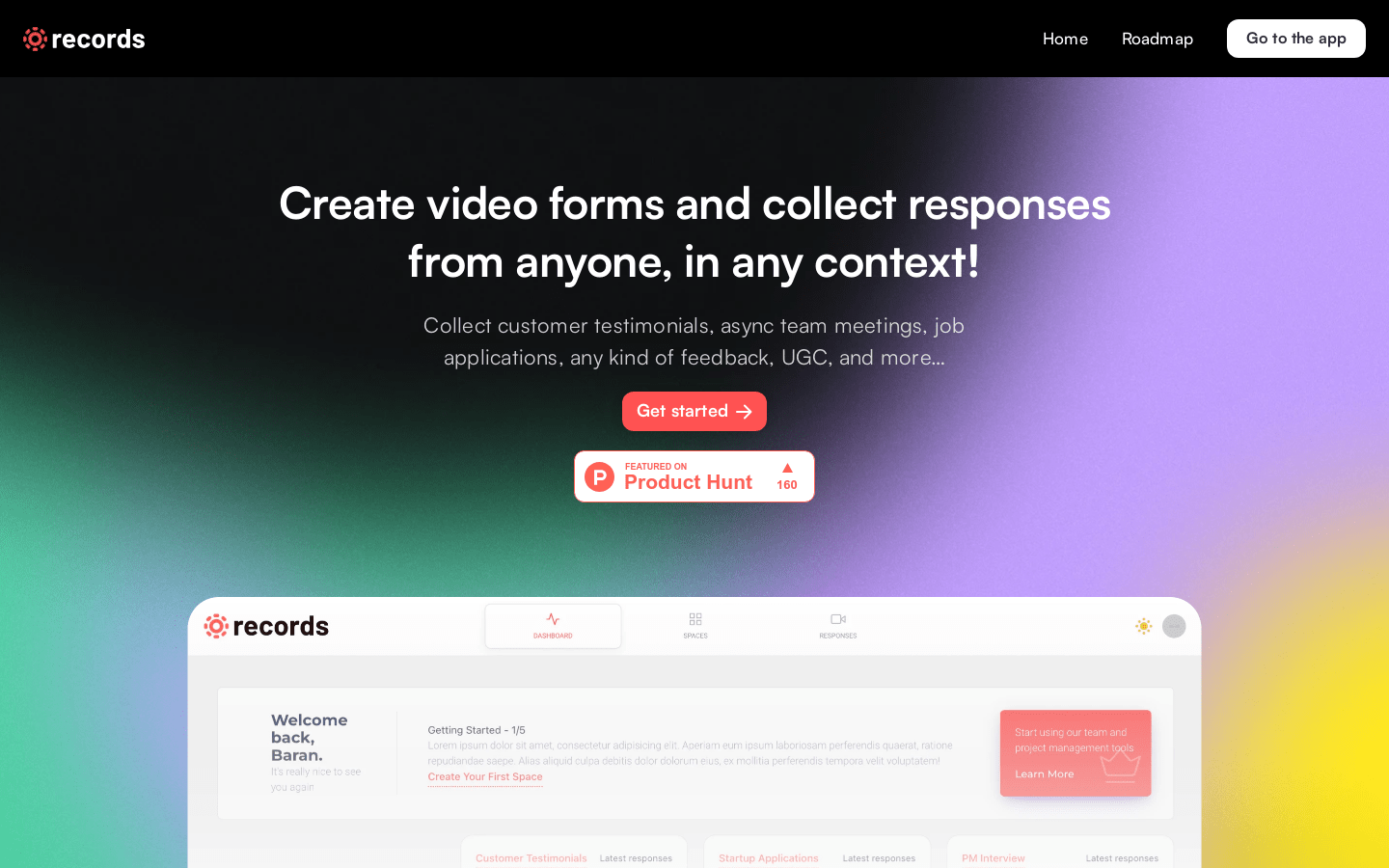
Screenshot archived from the listing page, for preview only.