
Reclip.io
AI toolkit for editing, voicing, and downloading videoOne toolkit to generate, edit, voice, and clean up videos
Highlights
What you can do with it
- A creator trims a long recording into short highlight clips for social media.
- A blogger adds an AI voiceover and background music to a faceless video.
- An editor removes hardcoded subtitles and compresses a large file for upload.
How to use it
- 1 Start a free trial on the Reclip.io website.
- 2 Pick the tool you need, such as the video generator or video editor.
- 3 Follow the prompts, like entering a prompt or uploading a long video.
- 4 Preview and adjust the result.
- 5 Download or export the finished video.
Who it is for
Pros
- Many video and image tools in one place
- Free version and free trial to test it
- Automation that can speed up repetitive editing
Limitations
- Free version limits and plan pricing can change
- Downloading video must respect copyright and platform terms
- Automated clips still need a human pass for quality
What Reclip.io is
Reclip.io is an AI-driven creator toolkit that puts a range of video and image tools in one place. It includes an AI video generator that can produce watermark-free clips from prompts, an AI image generator, an AI video editor that automatically finds and edits the strongest clips from long footage, AI voiceover powered by ElevenLabs voices, a subtitle remover, a video compressor, a video downloader for platforms like YouTube, TikTok, and Instagram, and an image background remover. The goal is to save creators time and energy on repetitive editing so they can publish more often. For access, there is a free version with a free trial, and paid plans called Starter, Pro, and Creator are priced at $19, $39, and $69 per month.
What you can do with it
- Generate watermark-free video and images from prompts
- Auto-find and edit the strongest clips inside a long video
- Add AI voiceover, remove subtitles, and compress files
- Download video and remove image backgrounds
Who it is for
- Content creators who publish videos on a regular schedule
- Social media bloggers making short-form clips for Reels, Shorts, or TikTok
- Video editors who want to cut down on manual, repetitive work
What to watch out for
The free version has limits, and plan features and pricing can change over time, so check the current plans before you depend on a specific one. The video downloader should only be used on content you have the right to download, since pulling video from YouTube, TikTok, or Instagram can raise copyright and platform terms issues that are your responsibility. Automated editing and voiceover are useful, but the output still benefits from a human pass for accuracy and tone, and the AI voice is a synthetic stand-in rather than a real recording. Finally, since the tool leans on outside models and platforms, an upstream change can affect how a feature behaves.
FAQ
Is there a free version?
Yes. Reclip.io has a free version with a free trial, alongside paid Starter, Pro, and Creator plans.
What can the video editor do?
It uses AI to automatically find and edit the strongest clips from long videos.
Can I download videos?
It includes a downloader for platforms like YouTube, TikTok, and Instagram, but you should only download content you have the right to use.
Why it is free
What the official page says: free versionfree trial
Free limits, trial length and features are decided by the official site and can change at any time.
Product preview
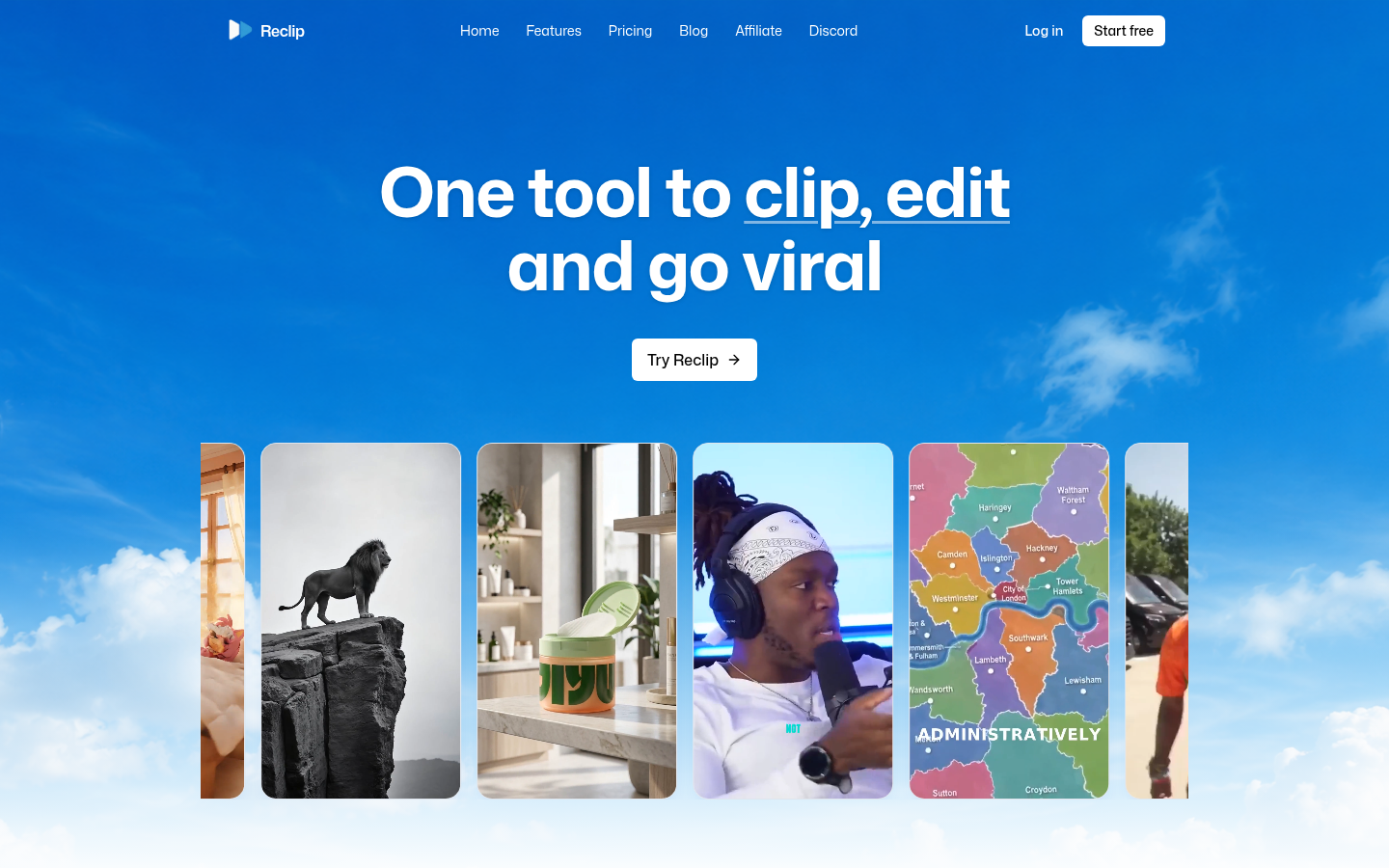
Screenshot archived from the listing page, for preview only.











