
Reclaim AI
AI calendar scheduling for busy teamsLet AI find time for your tasks
Highlights
What you can do with it
- Team collaboration with shared calendars and defended focus blocks
- Marketing, sales, engineering, product, finance, and HR coordination
- One-to-one meetings scheduled and kept on rhythm
- Booking time with external people through scheduling links
How to use it
- 1 Connect Reclaim AI to your Google Calendar.
- 2 Add tasks and habits with the time they need.
- 3 Let the app place them around existing meetings and breaks.
- 4 Use scheduling links to share booking pages with others.
- 5 Review the planner and adjust priorities as the week changes.
Who it is for
Pros
- Free of charge and integrates with Google Calendar
- Automates placement of tasks, habits, and meetings
- Buffer time and calendar sync reduce back-to-back scheduling
- Scheduling links remove email ping pong for booking
Limitations
- Free status and features can change, so review current terms before a team rollout
- Depends on Google Calendar, so other calendar systems need a support check
- Setup takes thought, and early schedules need adjusting to match how a team works
- A broad feature list means some learning time before it feels natural
What Reclaim AI is
Reclaim AI is a scheduling app that uses AI to create more time for team tasks, habits, meetings, and breaks. It connects with Google Calendar and is free of charge, so a team can try it without a payment step. The feature set covers task scheduling, smart habits, smart one-to-one meetings, scheduling links, calendar sync, buffer time, and a planner view. The pitch is that you tell the app what needs to happen and it defends time for the work instead of letting recurring commitments fill the week. It is aimed at teams that already run their day inside a calendar.
What you can do with it
- Schedule tasks and habits automatically around existing meetings.
- Create smart one-to-one meetings and keep them on a regular rhythm.
- Share scheduling links so other people can book time without email ping pong.
- Sync calendars, add buffer time between events, and review everything in a planner.
Who it is for
- Team leads and managers coordinating people across functions.
- Marketing, sales, engineering, product, finance, and HR teams.
- People whose calendars are full of meetings and who need protected focus time.
What to watch out for
The app is free of charge today, but pricing and features can change, so review the current terms before relying on it for a whole team. It depends on Google Calendar, so teams on other calendar systems should check support first. Setup takes some thought: tasks, habits, and buffers need to be described clearly, and early schedules may need adjusting until the app matches how your team actually works. Start with a small sample to confirm the output meets your expectations before processing the full batch.
FAQ
Does Reclaim AI work with Google Calendar?
Yes, the description states that it integrates with Google Calendar and is free of charge.
What does it schedule?
It schedules tasks, habits, meetings, and breaks, and it adds buffer time between events.
Which teams is it aimed at?
The listed use cases include team collaboration, marketing, sales, engineering, product, finance, and human resources.
Does it replace my calendar?
No, it works with your calendar and places work around the meetings and commitments already there.
Why it is free
What the official page says: free of charge
Free limits, trial length and features are decided by the official site and can change at any time.
Product preview
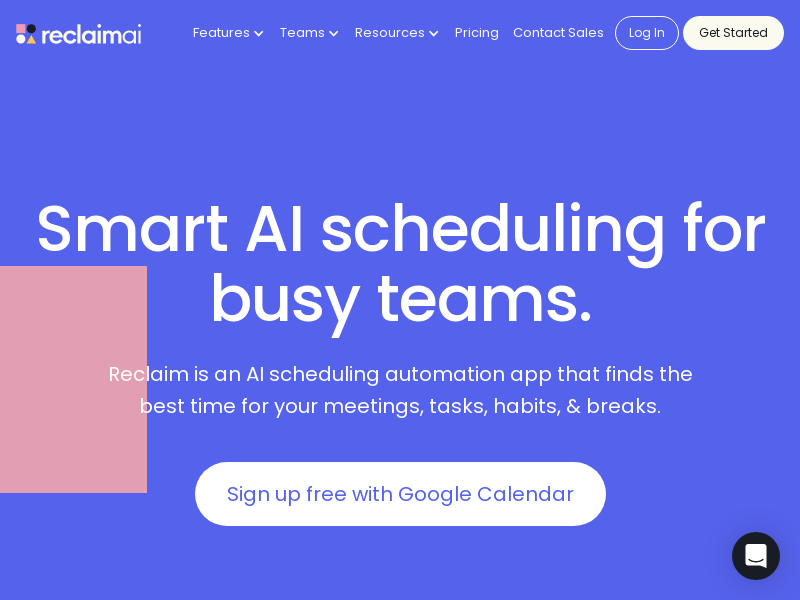
Screenshot archived from the listing page, for preview only.











