
Recall
AI knowledge base for saved contentSummarize, save, and review anything online
Highlights
What you can do with it
- Save a long article and read the summary later
- Keep tutorial videos in a reviewable library
- Revisit saved material with spaced repetition
How to use it
- 1 Create a Recall account and start on the free plan
- 2 Save a link or upload a file
- 3 Let Recall summarize and categorize it
- 4 Review items through the spaced repetition flow
- 5 Export data when you need it elsewhere
Who it is for
Pros
- One place for articles, videos, and PDFs
- Automatic categorization saves manual filing
- Spaced repetition turns saving into learning
- Export keeps your data portable
Limitations
- Summary quality varies with the source material
- The richer feature set sits behind the paid version
- Saving content you do not have rights to can be a problem
What Recall is
Recall is an AI assistant that doubles as a personal knowledge base. Its job is to take the things you save online, including YouTube videos, blog posts, PDF files, and news articles, and turn them into short summaries you can actually revisit. It then categorizes and connects those items automatically so the library stays searchable, and it adds spaced repetition review so saved material turns into retained knowledge. Offline access and data export keep the collection useful and portable.
What you can do with it
- Save a link or file and receive a summary of the key points.
- Let automatic categorization group related items without manual folders.
- Review saved content on a spaced repetition schedule.
- Open saved material offline and export it when you need to move it.
Who it is for
- Readers whose bookmark folders have become a graveyard.
- Students who want a review library instead of a pile of PDFs.
- Professionals tracking research, competitors, and long articles.
What to watch out for
A summary is a starting point, not a replacement for the source, and important decisions should trace back to the original file. The free plan covers the basics while the paid version carries more features, so check which side of that line your workflow falls on before committing. Finally, saving content does not grant you rights to it, so keep private material private and respect the terms of anything you store. Free tiers and usage limits can change, so check the current rules on the official page before relying on it long term. Processing speed depends on file size and network conditions, so retry later if a task stalls during peak hours.
FAQ
What kind of content can Recall save?
It can summarize and save YouTube videos, blog posts, PDF files, news articles, and more.
Does it help me remember things?
Yes, it includes spaced repetition learning along with automatic categorization.
Is Recall free?
You can start using it for free, and a paid version offers more features.
Why it is free
What the official page says: for free
Free limits, trial length and features are decided by the official site and can change at any time.
Product preview
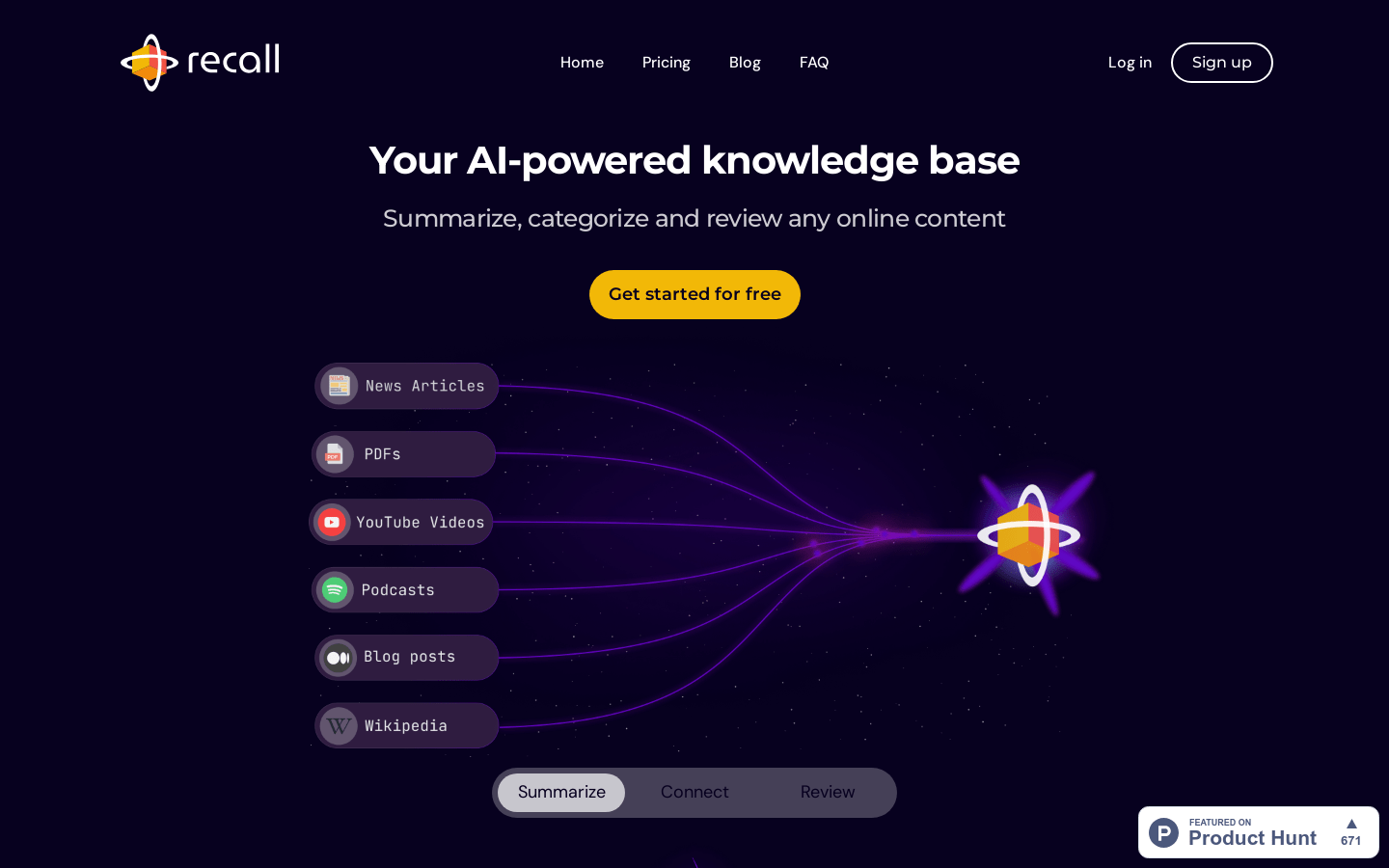
Screenshot archived from the listing page, for preview only.











