ReadWeb.ai
Instant bilingual web page translationRead any webpage in two languages at once
Highlights
What you can do with it
- Reading a foreign news site in your own language
- Studying with parallel original and translated text
- Passing a market report to colleagues in another language
How to use it
- 1 Open ReadWeb.ai and enter the page address
- 2 Pick the target language
- 3 Read the bilingual view or switch to a single language
- 4 Share the translated page with others
Who it is for
Pros
- No need to copy text into a separate translator
- The bilingual view helps both reading and learning
- Free to use for instant page translation
Limitations
- Machine translation will not be perfect on complex pages
- Layout can break on unusual or heavily scripted sites
- Free availability and language coverage can change
What ReadWeb.ai is
ReadWeb.ai is a web page translation tool. Instead of copying text into a separate translator, you give it a page and it renders that page in another language, with the option of a bilingual view that keeps the original alongside the translation. It handles website-wide translation, switches language in one click and is designed so the result can be shared with someone who reads a different language. The stated goal is simpler access to global information for readers, learners and cross-language teams.
What you can do with it
- Translate a whole web page instantly into another language
- Read original and translated text side by side
- Switch language with a single click
- Share a translated page with colleagues or classmates
Who it is for
- Language learners who want parallel text while reading
- Readers following foreign news, forums or blogs
- Distributed teams that pass links and reports across languages
What to watch out for
Machine translation on a live page is convenient but imperfect. Idioms, technical terms and anything with legal or financial weight should be checked against the original, and a bilingual view helps with exactly that. Page layout can break on sites that rely heavily on scripts or unusual formatting, and some paywalled or login-gated content will not translate at all. Free availability and the list of supported languages can change, so do not build a workflow that depends on one specific language pair. When quality matters, export a small draft first to confirm the result before producing the final file. Generated suggestions are for reference only, so verify anything that affects professional judgment or important data.
FAQ
What does ReadWeb.ai do?
It provides instant multilingual web page translation with a bilingual reading view.
Can I see the original and translation together?
Yes, a bilingual reading experience is listed as a feature.
Is it free?
The listing describes it as a free instant translation tool.
Why it is free
What the official page says: 免费
Free limits, trial length and features are decided by the official site and can change at any time.
Product preview
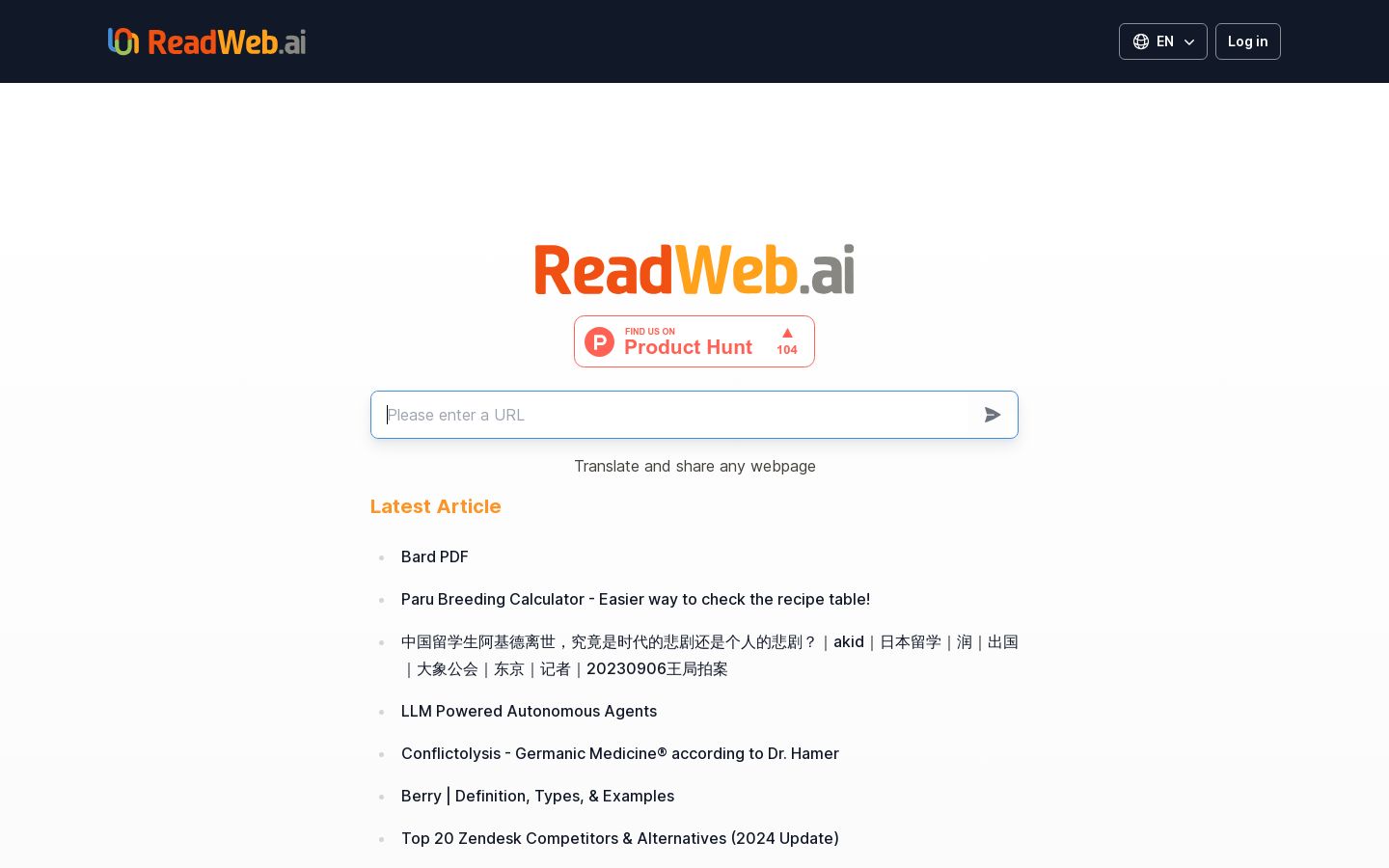
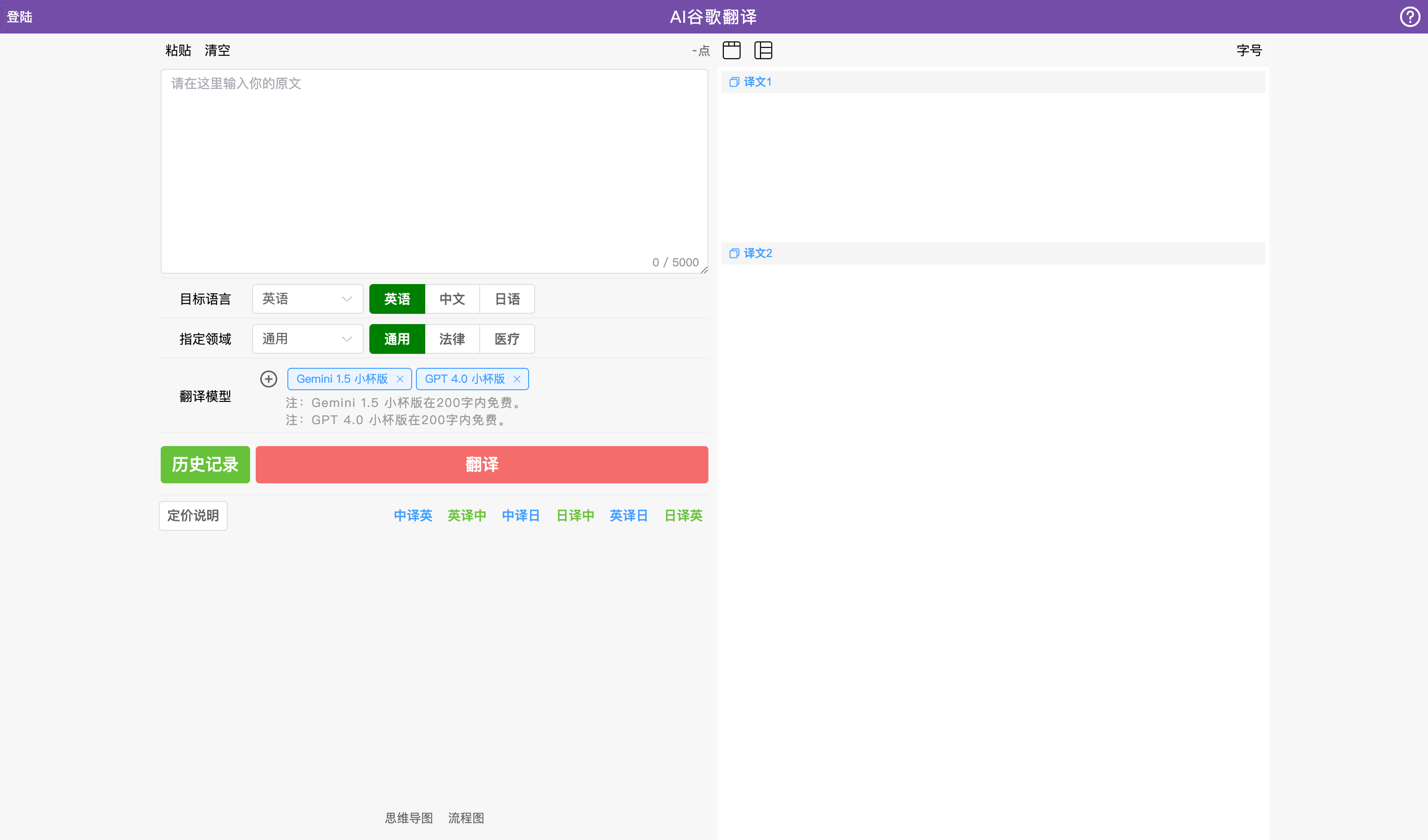
Screenshot archived from the listing page, for preview only.