
Read PDF Aloud
Free PDF to speech readerListen to any document, in 142 languages
Highlights
What you can do with it
- Turn a novel into an audiobook for a commute
- Listen to research reports and papers while exercising
- Practice foreign language listening and pronunciation
How to use it
- 1 Open readpdfaloud.com and upload your document
- 2 Pick a language and a voice from the options
- 3 Press play, or click any sentence to start there
- 4 Export the audio as MP3 if you want it offline
Who it is for
Pros
- Free to use, with a daily quota after login
- Wide format and language coverage in one tool
- Most processing runs locally in your browser
Limitations
- The free daily quota is limited and the site can change those rules
- OCR accuracy depends on scan quality and layout
- Long files lean on your device because processing is local
- Voice choice and quality vary by language
What Read PDF Aloud is
Read PDF Aloud is a free web tool that reads documents out loud. Upload a PDF and it converts the text into natural speech you can play in the browser, with a player that lets you jump to any position. It supports more than 142 languages with around 470 voices, and it uses OCR so scanned pages can be read as well. Beyond PDF, it accepts epub, mobi, azw3, kf8, docx, odt, odp, pptx, rtf, txt, and markdown files. You can export the audio as MP3 for offline listening. Most processing happens locally in your browser, and a free daily quota is available after you log in.
What you can do with it
- Turn PDFs, ebooks, and office documents into speech
- Pick from 142 languages and roughly 470 voices
- Read scanned pages with OCR
- Export audio as MP3 and listen offline
Who it is for
- Students working through long reading lists
- Professionals who review reports and papers on the move
- Anyone who prefers listening while commuting, exercising, or resting
What to watch out for
The free daily quota after login is limited, and the site can change those rules at any time, so do not build a critical workflow on a fixed allowance. OCR accuracy depends on the scan; crooked pages, low contrast, or handwriting will produce errors that you need to catch. Because most processing runs locally, very long files depend on your device and browser rather than a server, and an old machine may feel slow. Voice quality varies by language, and some languages have fewer options than others. Always check that the reading matches the document before you rely on it for study or work.
FAQ
Is it really free?
Yes. It is a free web tool, and logging in gives you a free daily usage quota.
Can it read scanned documents?
Yes. OCR recognizes text in scanned PDFs, though very poor scans will still produce errors.
What can I export?
You can export the converted speech as an MP3 file and play it on any device.
Why it is free
What the official page says: for free
Free limits, trial length and features are decided by the official site and can change at any time.
Product preview
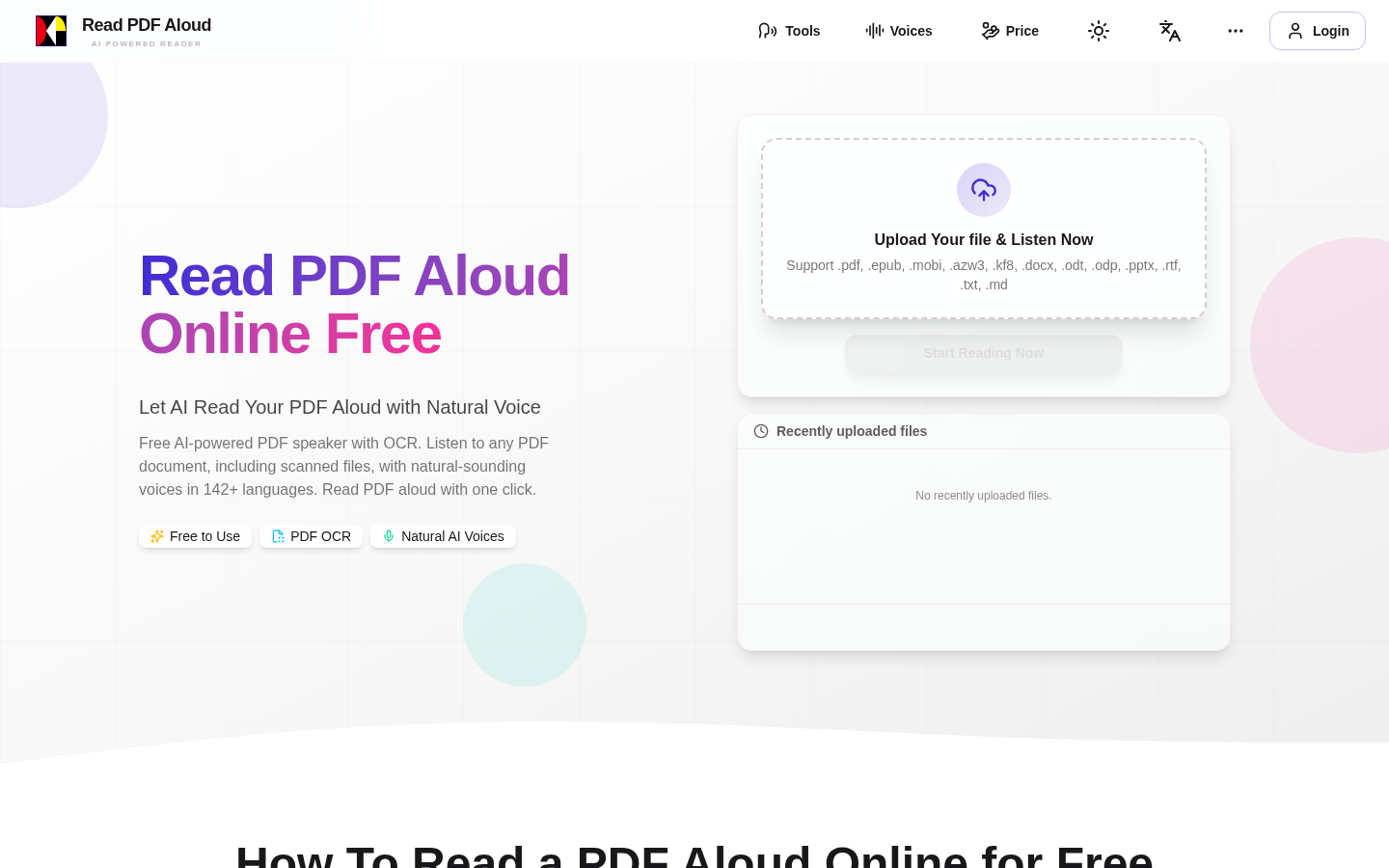
Screenshot archived from the listing page, for preview only.











