
ReactAI Components
AI React component makerDescribe it, get React code fast
Highlights
What you can do with it
- A startup needs a working form component in minutes before a demo
- A non-developer builds a complex navigation bar from a plain description
- A frontend team speeds up UI work by generating components in batches
How to use it
- 1 Register an account on the ReactAI Components site
- 2 Describe the component you want, including features and look
- 3 Pick an AI model and let it generate the code
- 4 Copy the code into your React project and adjust it
- 5 Run the app to check the result, then keep customizing
Who it is for
Pros
- Free to use during Beta with no credit card
- Plain descriptions are enough, so the entry barrier is low
- Multiple models give you some control over output style
Limitations
- Beta status means features and the free rule can change or disappear
- Generated code still needs review and adjustment before production use
- Scope is limited to components, so the rest of the app is still yours to write
What ReactAI Components is
ReactAI Components is a web platform that turns a written description into React component code. It sits in the Development and Tools and AI model categories, and it uses models such as Claude and Anthropic to do the generation. The pitch is simple: describe what the component should do and look like, then let the model write it. There is no coding requirement, so people who are not professional developers can still produce something usable. The product is in its Beta phase. During Beta it is free to use, no credit card is needed, and the site says usage is unlimited for testing. Output is meant to drop straight into an existing project with no extra configuration, and the team says it will keep updating as the models improve.
What you can do with it
- Generate React components from a short text description
- Pick between different AI models for the same request
- Drop the output into an existing React project with no extra configuration
- Contribute your own components back to the shared library
Who it is for
- Frontend developers who want to cut repetitive UI work
- Non-professional developers who need real components without deep React knowledge
- Startup teams that need to prototype a React app in a short window
What to watch out for
The Beta label matters. Free access during testing is not a promise about the future, and the pricing or usage limits after Beta are not published, so the free rule can change at any time. Output quality depends on the upstream models, so results vary and generated code should be reviewed, adjusted, and tested before it goes into anything production facing. The platform is also narrow in scope: it makes components, not whole applications, and there is little public detail on how community contributions are handled or licensed. If you need full app scaffolding, you will still be writing the rest yourself.
FAQ
Is ReactAI Components free?
The site says it is free to use during the Beta phase and no credit card is needed. Pricing after Beta is not stated.
Do I need to know React to use it?
The description says no coding is required and a plain description is enough, though you still need to place the code in a project.
Which AI models does it use?
The description mentions Claude and Anthropic models, and the feature list says you can choose different models.
Why it is free
What the official page says: free to useno credit card
Free limits, trial length and features are decided by the official site and can change at any time.
Product preview
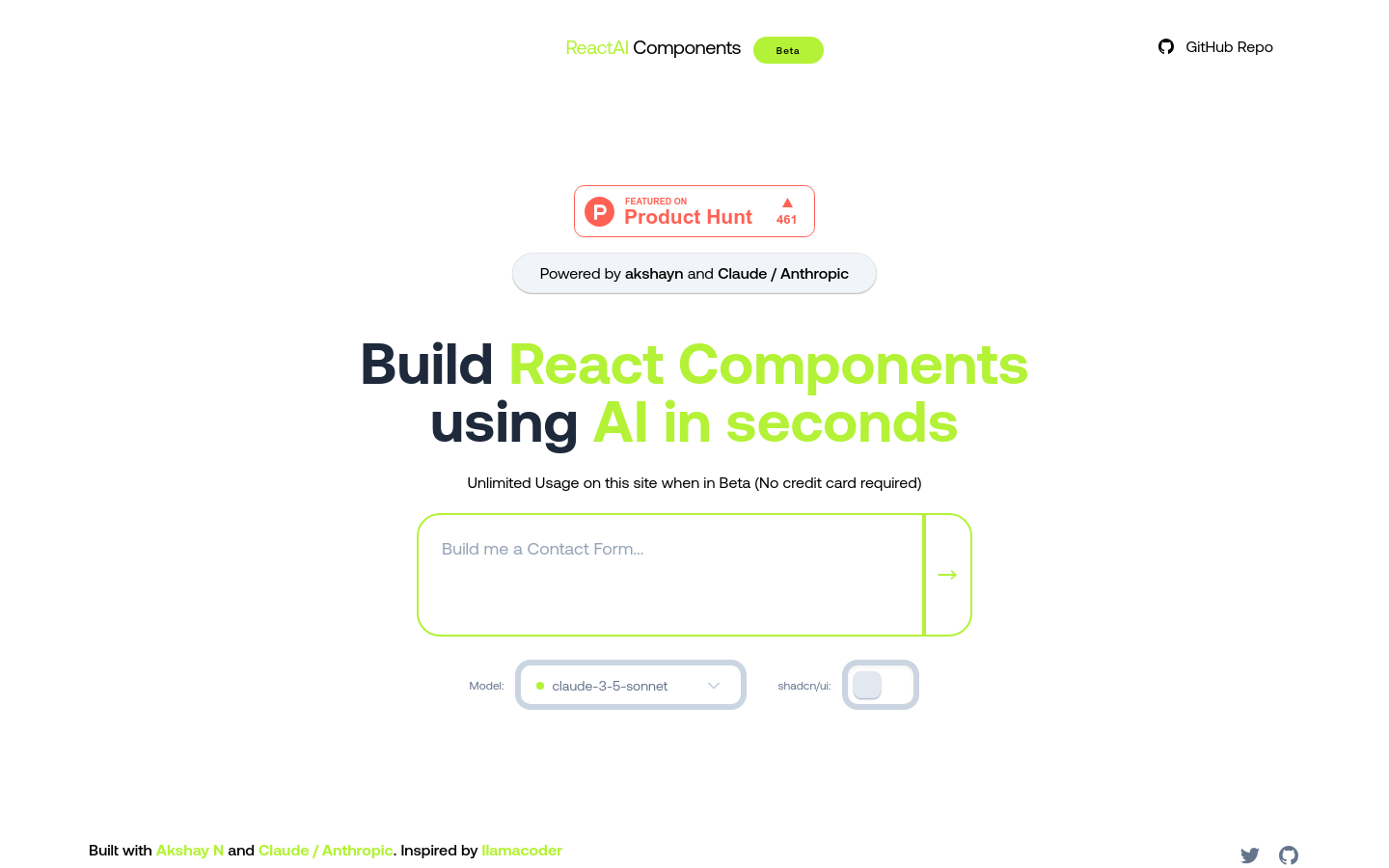
Screenshot archived from the listing page, for preview only.











