
Ray3
16-bit HDR AI video modelMovie-grade AI video with 16-bit HDR
Highlights
What you can do with it
- Generate a realistic kung fu fight scene
- Create a luxury watch ad with dramatic lighting
- Produce a cinematic mountain landscape video
How to use it
- 1 Open the site and choose a generation mode
- 2 Describe the video in detail or add an image
- 3 Set quality and duration options
- 4 Generate, preview, adjust, then export
Who it is for
Pros
- Professional 16-bit HDR color depth and range
- Inference AI improves consistency and physics
- Fits into Adobe-based production workflows
Limitations
- Pricing is not listed and may change
- Aimed at pros, so it may be complex for beginners
- AI output still needs review for exact shots
What Ray3 is
Ray3 is an AI video model that outputs 16-bit HDR and adds inference intelligence to the generation process. It is built for film and television production, advertising companies, and studios that need high fidelity, consistency, and control. The inference engine understands scene context, keeps multi-character scenes logically consistent, and performs physics-based generation so objects behave the way they should. It delivers movie-grade quality and is fully compatible with Adobe Creative Suite software such as Premiere Pro, with support for ACES color management, so it can slot into an existing production pipeline. A 5x speed draft mode lets you test concepts quickly, and you can generate video from text or from image plus text prompts. The page shows a trial option, so a free trial with paid plans is likely, though exact pricing is not listed.
What you can do with it
- Generate 16-bit HDR video with professional color depth
- Keep scenes consistent and physically accurate with inference AI
- Plug output into Adobe tools with ACES color management
- Test concepts fast with the 5x speed draft mode
Who it is for
- Film and television production teams
- Advertising companies that need high-fidelity video
- Studios that handle many video projects at once
What to watch out for
Pricing is not clearly listed, and any trial or plan terms may change over time, so confirm current details before you rely on it for a project. Ray3 is aimed at professional production, so the workflow and settings may be complex for beginners or casual creators. AI output is strong but still needs review, since exact shots and fine details may not match your intent every time. It focuses on video generation rather than full editing, so plan to finish and refine clips in your usual tools.
FAQ
What makes Ray3 different?
It offers 16-bit HDR output and inference intelligence for more consistent, physically accurate video.
Does it work with Adobe?
Yes, it is compatible with Adobe Creative Suite including Premiere Pro and supports ACES color management.
Is there a free trial?
The page shows a trial option, so a free trial with paid plans is likely, though exact pricing is not stated.
Why it is free
What the official page says: free trial
Free limits, trial length and features are decided by the official site and can change at any time.
Product preview
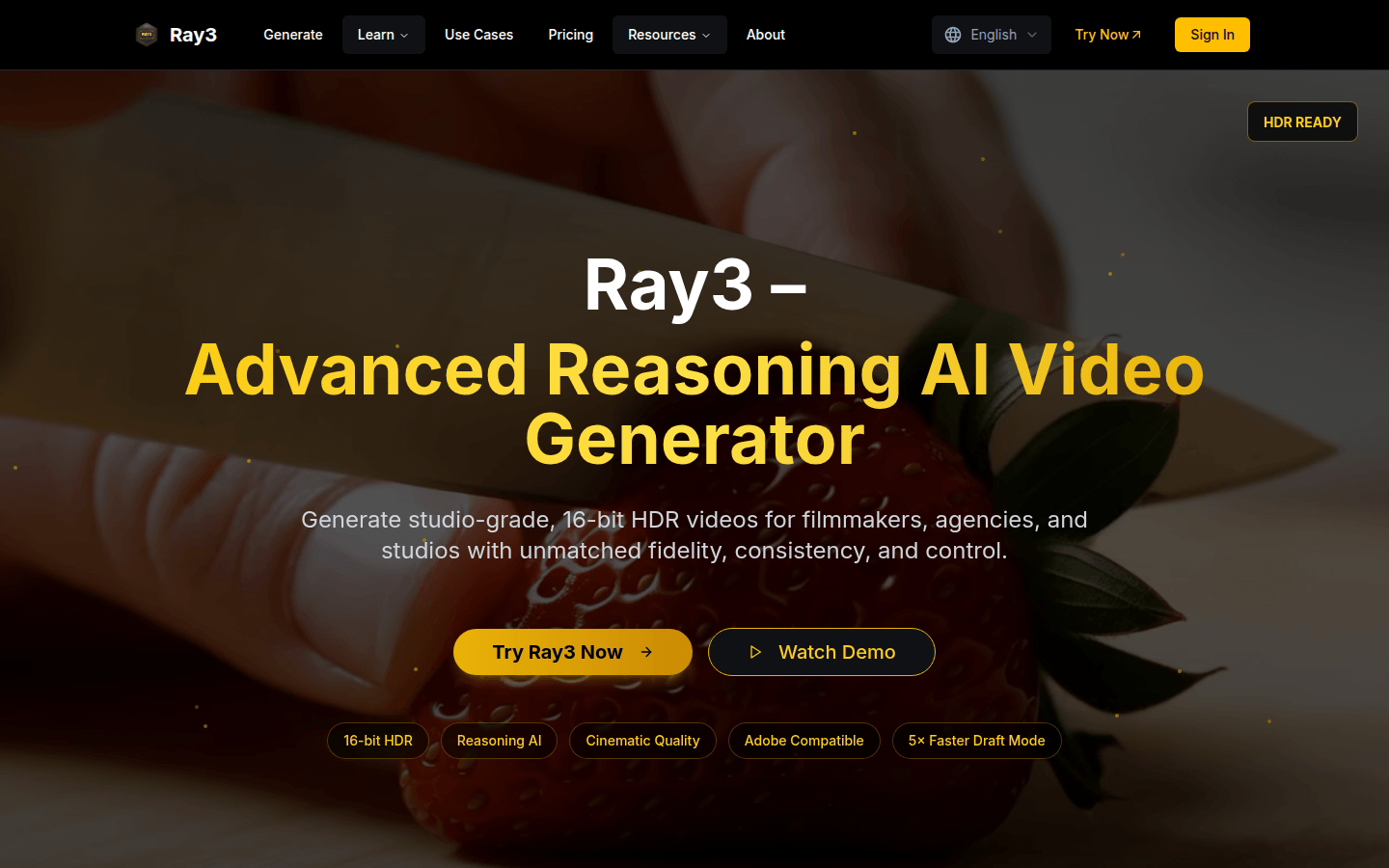
Screenshot archived from the listing page, for preview only.











