Ray 3 AI Video
HDR AI video generator16-bit HDR video with character consistency
Highlights
What you can do with it
- Keep characters consistent across episodes
- Create an HDR brand story video
- Turn an idea or image into a short HDR clip
How to use it
- 1 Upload an image or enter a prompt
- 2 Choose a Ray 3 model path
- 3 Generate and download the HDR video
Who it is for
Pros
- HDR output with strong color
- Fast draft mode for iteration
- Character consistency for series work
Limitations
- Free trial is credit-based; premium costs more
- HDR output needs capable displays to appreciate
- Generation time and quality vary by input
What Ray 3 AI Video is
Ray 3 AI Video is an online AI video generator that produces native 16-bit HDR video with strong color and contrast. An AI inference engine reads your intent, evaluates outputs, and iterates to improve the result. Draft mode is quoted at five times faster generation with lower preview cost, which makes it useful for quick prototypes, while Hi Fi mode upgrades drafts to 4K HDR for production. Advanced physics simulation, visual annotation for precise motion control, and character consistency across scenes round out the feature set. A free trial is offered, with generation using credits or a paid premium plan.
What you can do with it
- Generate 16-bit HDR video from prompts or images
- Prototype quickly in draft mode
- Upgrade drafts to 4K HDR
- Keep characters consistent across scenes
Who it is for
- Professional video creators
- Film and television production teams
- Everyday users making short personal videos
What to watch out for
The free trial is credit-based, and continued use requires credits or a premium plan, so cost scales with output. HDR video only looks its best on capable displays; on standard screens the advantage is less visible. Generation time and quality vary with input complexity, and physics simulation does not guarantee a physically perfect result. Character consistency is strong but not absolute, so review sequences before locking an edit, and expect to iterate rather than get a finished cut in one pass. Start with a small sample to confirm the output meets your expectations before processing the full batch. Free tiers and usage limits can change, so check the current rules on the official page before relying on it long term.
FAQ
What makes Ray 3 different?
It generates native 16-bit HDR video with an AI inference engine, draft mode, Hi Fi upgrade, and character consistency.
Is there a free trial?
Yes. The listing says a free trial is offered, with generation using credits or a paid premium version.
Who is it for?
Professional video creators, film and television production companies, and everyday users.
Why it is free
What the official page says: free trial
Free limits, trial length and features are decided by the official site and can change at any time.
Product preview
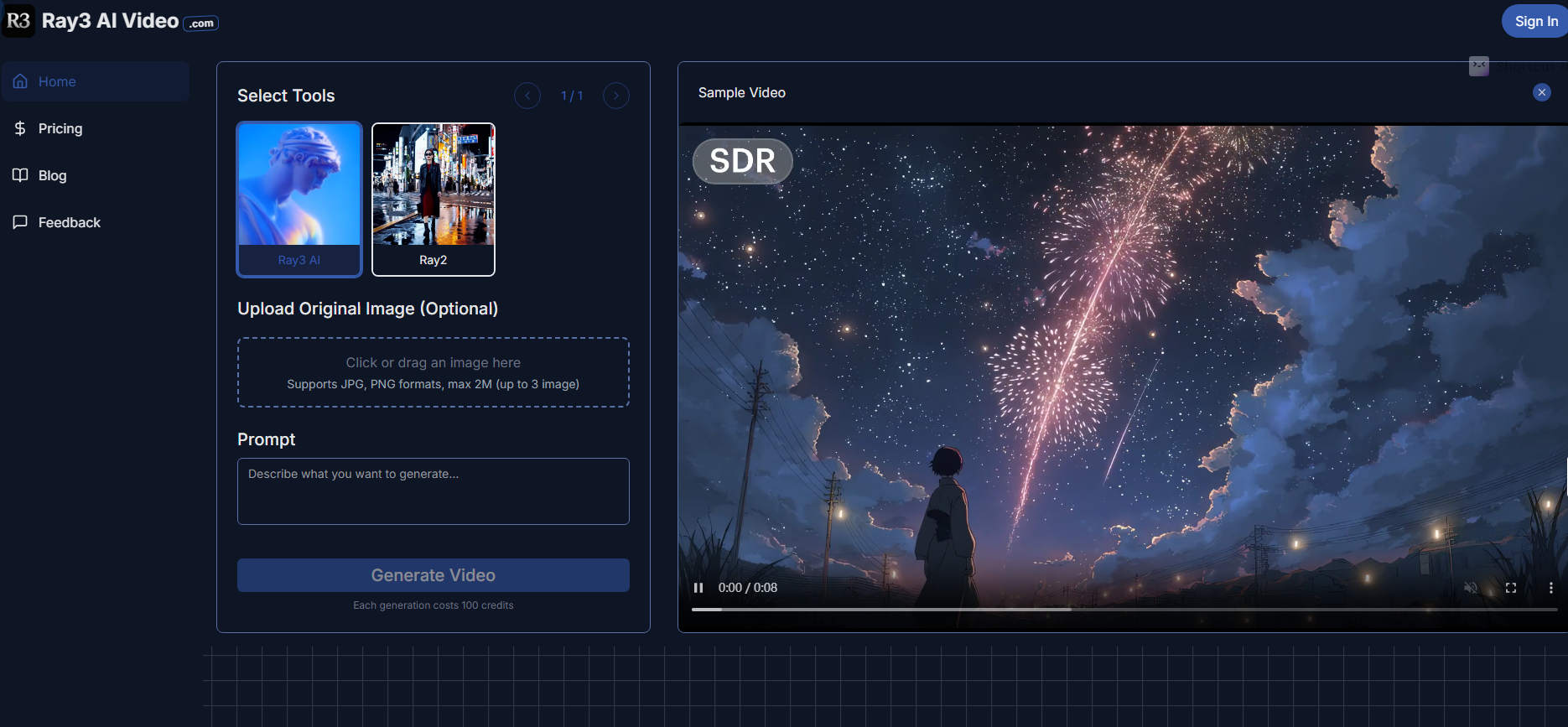
Screenshot archived from the listing page, for preview only.











