Ray 3
4K HDR AI video generator with reasoningTurn text into 4K HDR video
Highlights
What you can do with it
- Produce a product launch promo video
- Turn teaching material into animated video
- Generate social media ad creative quickly
How to use it
- 1 Open ray3.video and pick a plan
- 2 Register and go to the generation page
- 3 Enter your script or teaching material
- 4 Choose style, language, voiceover and subtitles
- 5 Generate, preview, then download
Who it is for
Pros
- 4K HDR output and reasoning guided prompts
- Draft mode for fast idea testing
- Free version to evaluate before paying
Limitations
- Professional and enterprise pricing is significant
- Long renders and queues are likely at 4K
- Claims about being first and fastest come from the vendor
What Ray 3 is
Ray 3 is an AI video generator that turns text into 4K HDR video. The vendor presents it as the first video model that pairs HDR output with intelligent reasoning, which in practice means the system reads your intent and builds matching visuals, transitions and pacing rather than guessing from keywords alone. It supports several video styles, adds voiceover and automatically generated subtitles, and offers a draft mode that the company says explores ideas five times faster for quick validation. It integrates with platforms such as Gemini, Adobe Firefly and Luma Dream Machine, and the enterprise tier adds batch generation and cloud storage. There is a free version, a professional plan at 29.9 dollars per month and an enterprise plan at 999 dollars.
What you can do with it
- Convert a script or product description into 4K HDR video
- Add voiceover and smart subtitles automatically
- Use draft mode to test an idea quickly
- Produce launch promos, teaching animation or social ads
Who it is for
- Creators and video bloggers publishing on a schedule
- Marketing teams that need campaign assets fast
- Studios and developers who want API access
What to watch out for
The free version is an evaluation tier, and the paid plans are priced for professional use, at 29.9 dollars a month for professional and 999 for enterprise, so a hobby project may not justify it. Claims such as first, fastest and best in class come from the vendor and should be tested against your own renders. 4K HDR generation is demanding, so expect longer waits and queues at peak times, and check export settings before you plan a delivery date. Voiceover and subtitle output should be proofread, since a single misheard word can undermine a professional video.
FAQ
What does Ray 3 generate?
Text to video at 4K HDR, with voiceover, smart subtitles and multiple style options.
How much does it cost?
There is a free version, a professional plan at 29.9 dollars per month and an enterprise plan at 999 dollars.
What is draft mode?
A mode the vendor says explores creative ideas five times faster so you can validate concepts before final rendering.
Why it is free
What the official page says: free version
Free limits, trial length and features are decided by the official site and can change at any time.
Product preview
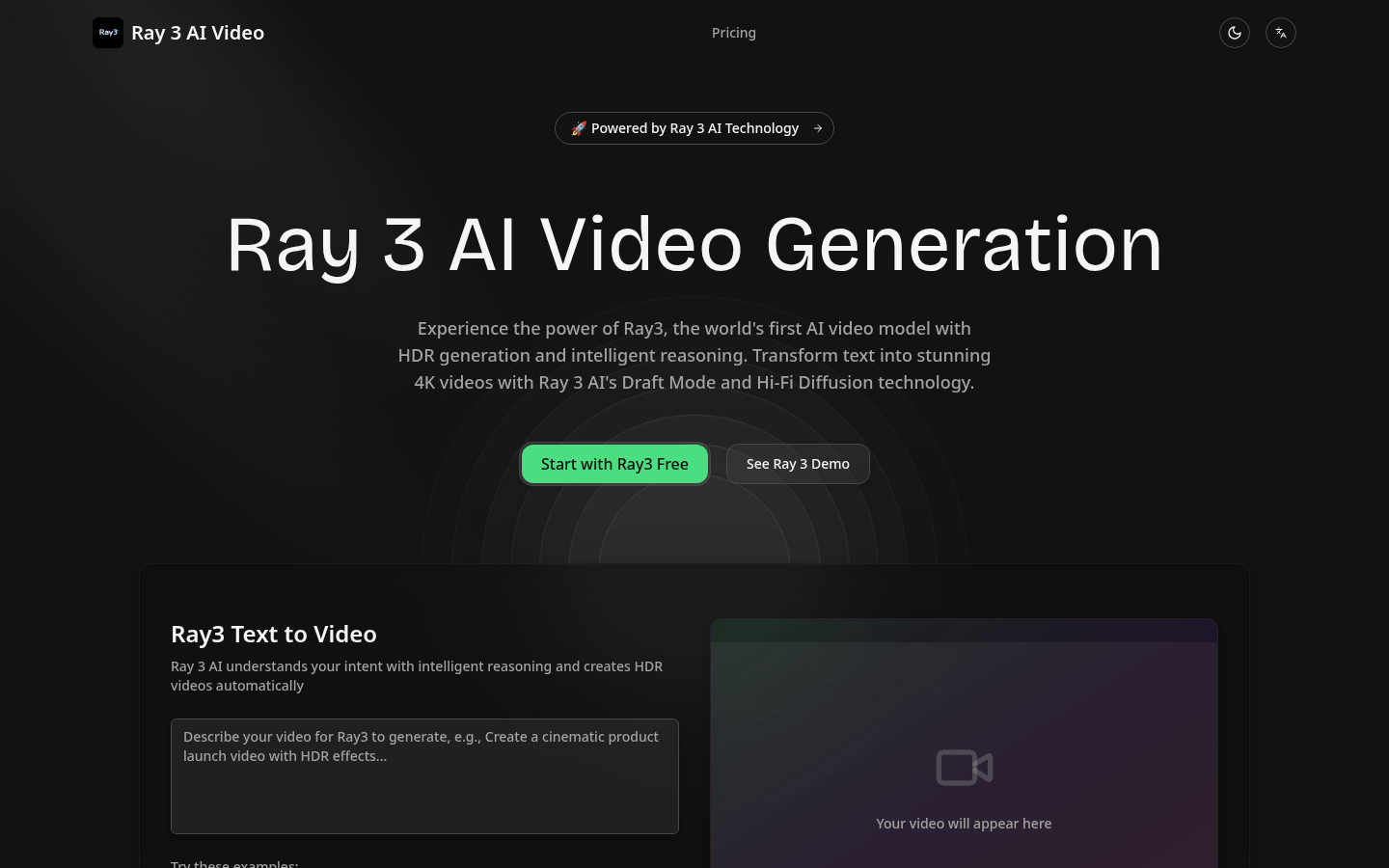
Screenshot archived from the listing page, for preview only.











