
RapidRazor
AI cleanup plugin for Premiere ProAutomate the boring parts of video editing
Highlights
What you can do with it
- Cutting hours of cleanup from a long video edit
- Cleaning up a multi channel podcast recording
- Extracting short clips from a long recording
How to use it
- 1 Register on the RapidRazor site and start the trial.
- 2 Install the plugin inside Adobe Premiere Pro.
- 3 Import your footage into Premiere Pro.
- 4 Pick the cleanup functions you want and let it process.
Who it is for
Pros
- Removes the most tedious editing tasks automatically
- Runs inside Premiere Pro rather than as a separate app
- Seven day trial before paying
Limitations
- Requires Adobe Premiere Pro, which is its own subscription
- Automated cuts still need review and adjustment
- Trial is short and pricing can change afterwards
What RapidRazor is
RapidRazor is an AI video editing plugin built specifically for Adobe Premiere Pro. Its target is the cleanup work that eats an editor's day: finding and cutting silence, removing filler words such as um and uh, generating subtitles, applying zoom without manual keyframes, searching for and inserting B roll, flagging the moments worth clipping, filtering profanity, and trimming repeated phrases. It runs inside Premiere Pro, so you stay in your existing timeline instead of exporting to another tool. A seven day free trial is offered with the Pro plan, and an Agency plan exists for teams.
What you can do with it
- Remove silence and filler words automatically.
- Generate and sync dynamic subtitles inside Premiere Pro.
- Apply smart zoom without setting keyframes by hand.
- Search for, suggest, and insert B roll footage.
- Detect highlight clips and filter profanity.
- Cut repeated phrases so dialogue stays tight.
Who it is for
- Video editors who spend too long on manual cleanup.
- Podcast producers working with multi channel recordings.
- Production teams that need to move through more projects.
- Anyone who edits talking head or long form content.
What to watch out for
It requires Adobe Premiere Pro, which is a separate subscription, so the real cost is the plugin plus your existing Adobe plan. Automated cuts are a starting point and still need review, because silence removal and filler word clipping can cut the wrong thing and change the rhythm of a take. The seven day trial is short, so test it on a real project quickly, and pricing can change afterwards. B roll search depends on the sources the plugin can reach, so results will vary.
FAQ
What software does it need?
It is a plugin for Adobe Premiere Pro.
Is there a free trial?
Yes, a seven day free trial is offered with the Pro plan.
What does it automate?
Silence removal, filler word clipping, subtitles, zoom, B roll, clip detection, and profanity filtering.
Why it is free
What the official page says: free trial
Free limits, trial length and features are decided by the official site and can change at any time.
Product preview
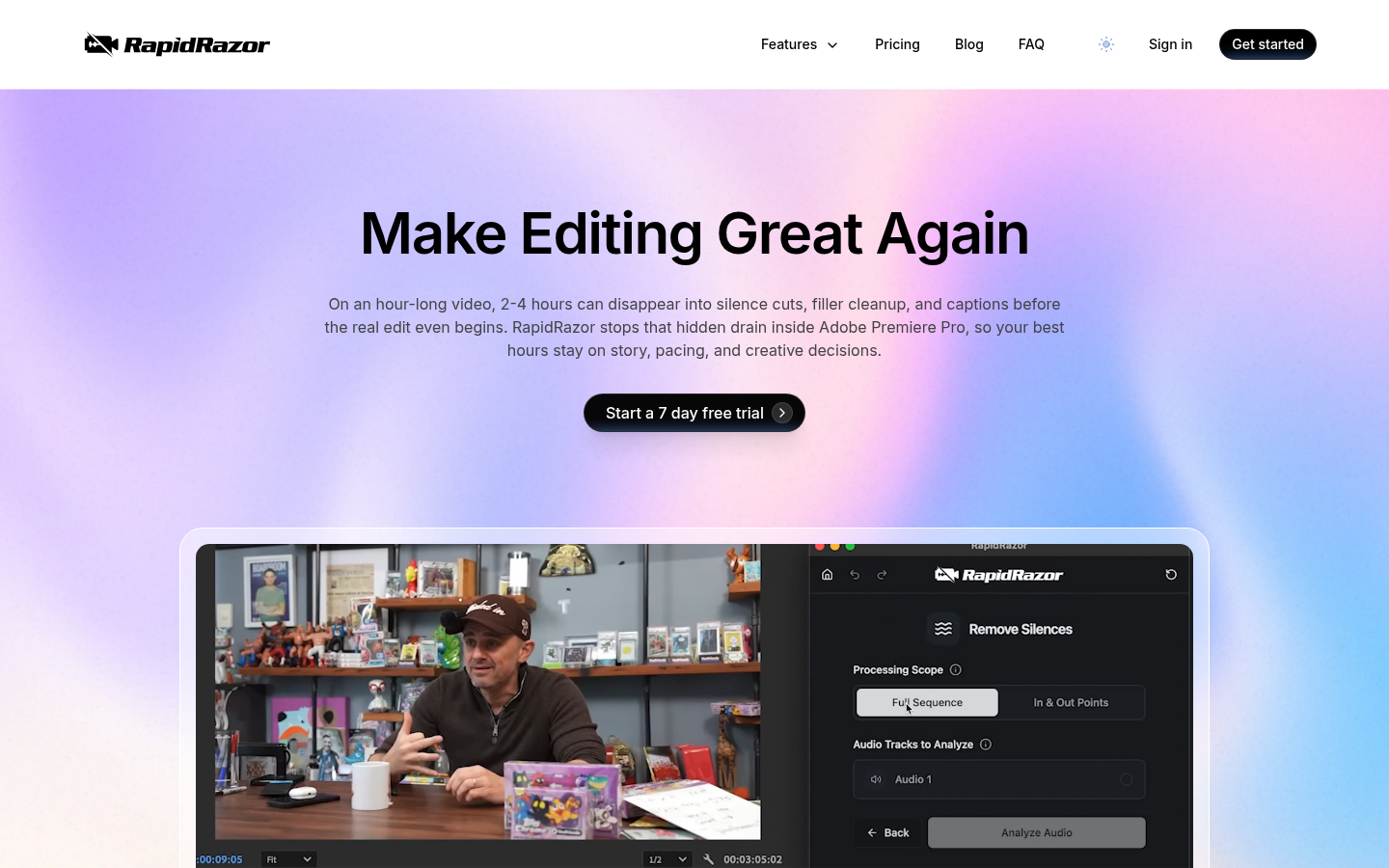
Screenshot archived from the listing page, for preview only.











