
Random Group Generator
Fast, fair random groupingSplit lists into fair random groups
Highlights
What you can do with it
- A high school teacher builds random project groups for a class activity
- A corporate trainer splits workshop participants so people work with new teammates
- A sports coach forms fair practice groups during daily training
How to use it
- 1 Open the site and enter names in the text box, paste a list, or import a file
- 2 Pick a grouping method: number of groups or number of people per group
- 3 Click Generate to create the random groups
- 4 Review the result on screen and regenerate if you want a different split
- 5 Save the list and settings, or export the groups for later use
Who it is for
Pros
- Runs in the browser and is free to use right now
- Two grouping modes cover most classroom and workshop needs
- Saved lists and export options cut down repeat setup work
Limitations
- Focused on grouping only, with no wider event or roster management
- Free access and the available export formats can change as the site is updated
- Results depend on the list you paste, so duplicates and blank lines need cleaning first
What Random Group Generator is
Random Group Generator is a free online tool that turns a list of names into random groups. You paste or type the list, decide whether you want a set number of groups or a set number of people in each one, and the tool returns a split. The page says the randomness comes from a cryptographically secure random number generator, so nobody in the room can claim the result was rigged. That matters more than it sounds: a teacher or a coach who has to divide a group in front of an audience needs an answer that holds up. Access is currently free, and the tool is described as a convenient solution for educators and team leaders rather than a full event management product.
What you can do with it
- Enter names by typing, pasting, or importing a file
- Group either by number of groups or by number of people per group
- Save lists and grouping settings for repeat use
- Export the generated groups in formats such as PDF, Excel, or CSV
Who it is for
The examples on the page are a high school teacher building project groups, a corporate trainer splitting workshop participants so people work with new teammates, and a sports coach forming practice groups that the kids accept as fair. That covers most of the audience: anyone who has to divide a group of people on a schedule and does not want to spend the time doing it by hand. If you run the same session repeatedly, the saved lists and export options are what make the tool worth bookmarking, because the setup only happens once.
What to watch out for
The scope is narrow on purpose. It groups names and nothing else, so attendance tracking, sign-ups, and roster management are out of scope and you will need another tool for those. Since the tool reads whatever list you supply, blank lines and duplicate names will appear in the output, so a quick clean-up of the input saves confusion later. The page also says the tool is currently offered for free, and free access plus the available export formats can change as the site is updated. Check the site before you plan a session around a specific export.
FAQ
Is Random Group Generator free to use?
The tool is currently offered for free. No paid tier is described on the page, though pricing or access rules can change later.
Can I group by the number of people in each group?
Yes. You can either set the total number of groups or set how many people should be in each group.
Does it keep records of my lists?
You can save lists and grouping settings for future use, and export results in formats such as PDF, Excel, or CSV.
How does it keep the split fair?
It uses a cryptographically secure random number generator, so each grouping result is random and unbiased.
Why it is free
What the official page says: for free
Free limits, trial length and features are decided by the official site and can change at any time.
Product preview
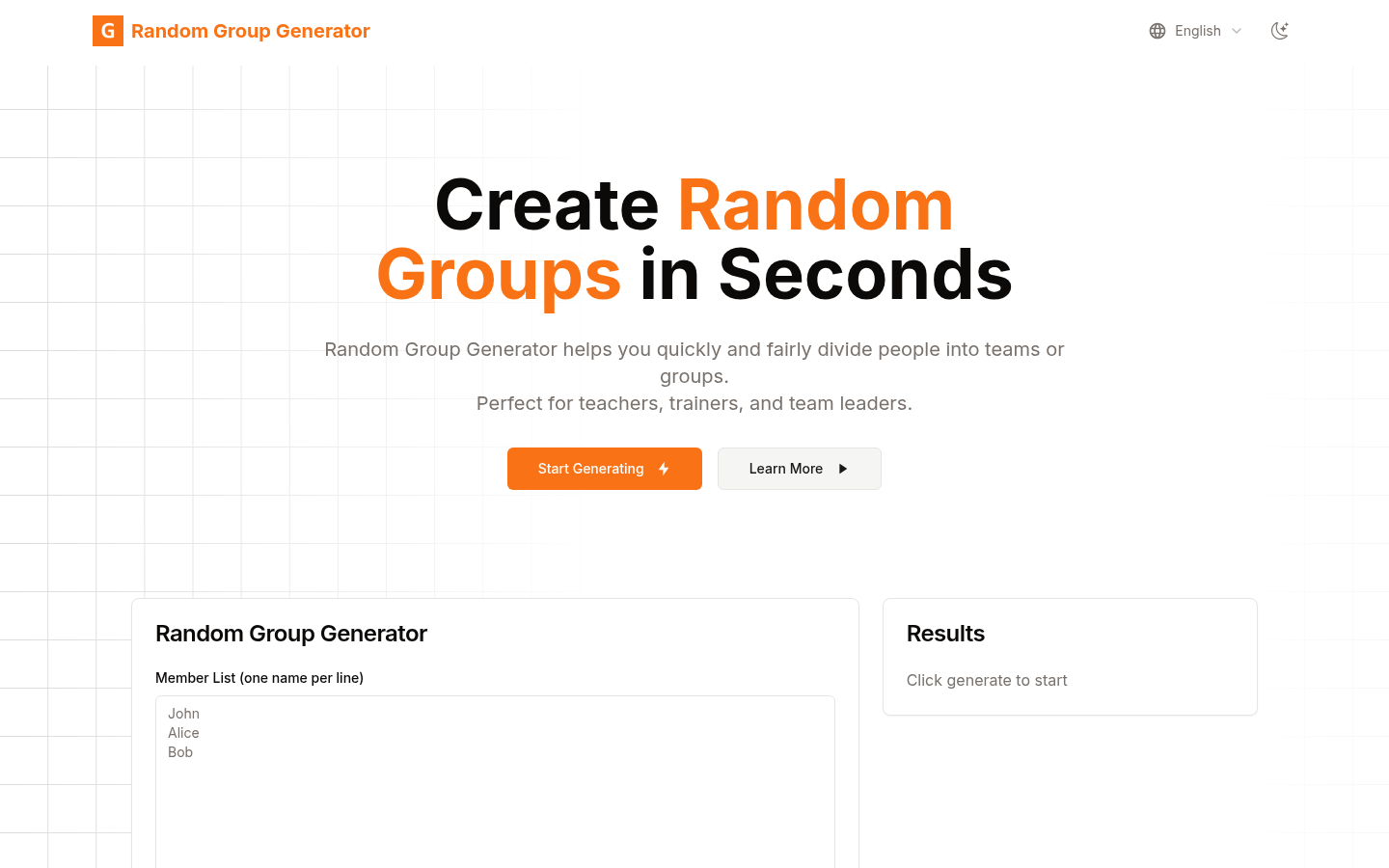
Screenshot archived from the listing page, for preview only.











