
Qwen Image 2.1
Online AI image generator with accurate in-image textPrecise text and region editing online
Highlights
What you can do with it
- Poster and cover work that needs exact titles and subtitles
- Product photography style stills with clean or transparent backgrounds
- Character consistent portraits for series content
- Local edits such as changing a garment color while keeping the face
How to use it
- 1 Open the site and describe the subject, style, composition, and any required text
- 2 Upload reference images for consistency, or paint a mask for region editing
- 3 Choose the mode: text generation, reference editing, masked editing, or transparent export
- 4 Run it, check text spelling and edges, then download as an image, PNG, or WebP
Who it is for
Pros
- In-image text accuracy is a core feature, not an afterthought
- Ten reference images is generous for consistency work
- Region editing avoids regenerating a whole image for a small change
- Transparent export makes the output usable in design pipelines
Limitations
- The page does not disclose prices or free trial terms, so cost is unclear
- Masked editing and transparent export cannot be combined in one pass
- Accurate text depends on careful prompts, and prompt expansion may need to be switched off
- A very new service, so model behaviour and credit rules can change
What Qwen Image 2.1 is
Qwen Image 2.1 is an online AI image generation and editing tool for anyone who needs text, people, or products to stay consistent across a set of images. The headline ability is accurate text inside the picture: you write the title, slogan, or copy that must appear, describe its position, font style, and color, and the tool renders it, which is what posters, ads, covers, and social graphics usually need. You can also upload up to ten reference images to hold a person, character, or product steady across different scenes, paint a mask to regenerate only one region, and export a transparent background as PNG or WebP for product cutouts and design assets. Everything runs in the browser with no desktop install. The page includes a generator, examples, instructions, and a pricing entry, so paid plans exist, but the available text does not state prices or free trial terms.
What you can do with it
- Write titles and copy that must appear correctly inside the image
- Use up to ten reference images for person, character, or product consistency
- Paint a mask and regenerate only the region you want changed
- Export transparent PNG or WebP for cutouts, stickers, and design files
- Mix Chinese and English text in one prompt with separate positions
- Turn prompt expansion off when exact spelling matters
Who it is for
- E-commerce and product teams producing stills and clean cutouts
- Brand and marketing staff making posters, ads, and covers
- Designers who need local edits, color changes, or material swaps
- Photographers and retouchers adjusting clothing or backgrounds
- Small teams and independent creators without a design department
What to watch out for
The page does not disclose prices or free trial terms, so you cannot budget for it from the marketing copy alone. Masked region editing and transparent export cannot be used in the same pass, so plan the workflow around that limitation. Accurate text still depends on a careful prompt, and you may need to switch prompt expansion off to keep spelling exact. It is a very new service, so generation credits, model behaviour, and feature limits can shift without much notice. Check the pricing page before you build a recurring production process around it.
FAQ
What is Qwen Image 2.1 good at?
Generating and editing images with accurate text, consistent subjects, and clean edges.
How many reference images can I use?
Up to ten per edit, using different angles and details of the same subject.
Can I export a transparent background?
Yes, as PNG or WebP. JPEG output stays opaque.
Is it free?
The page lists pricing plans, but the available text does not state prices or free trial terms.
Why it is free
What the official page says: free trial
Free limits, trial length and features are decided by the official site and can change at any time.
Product preview
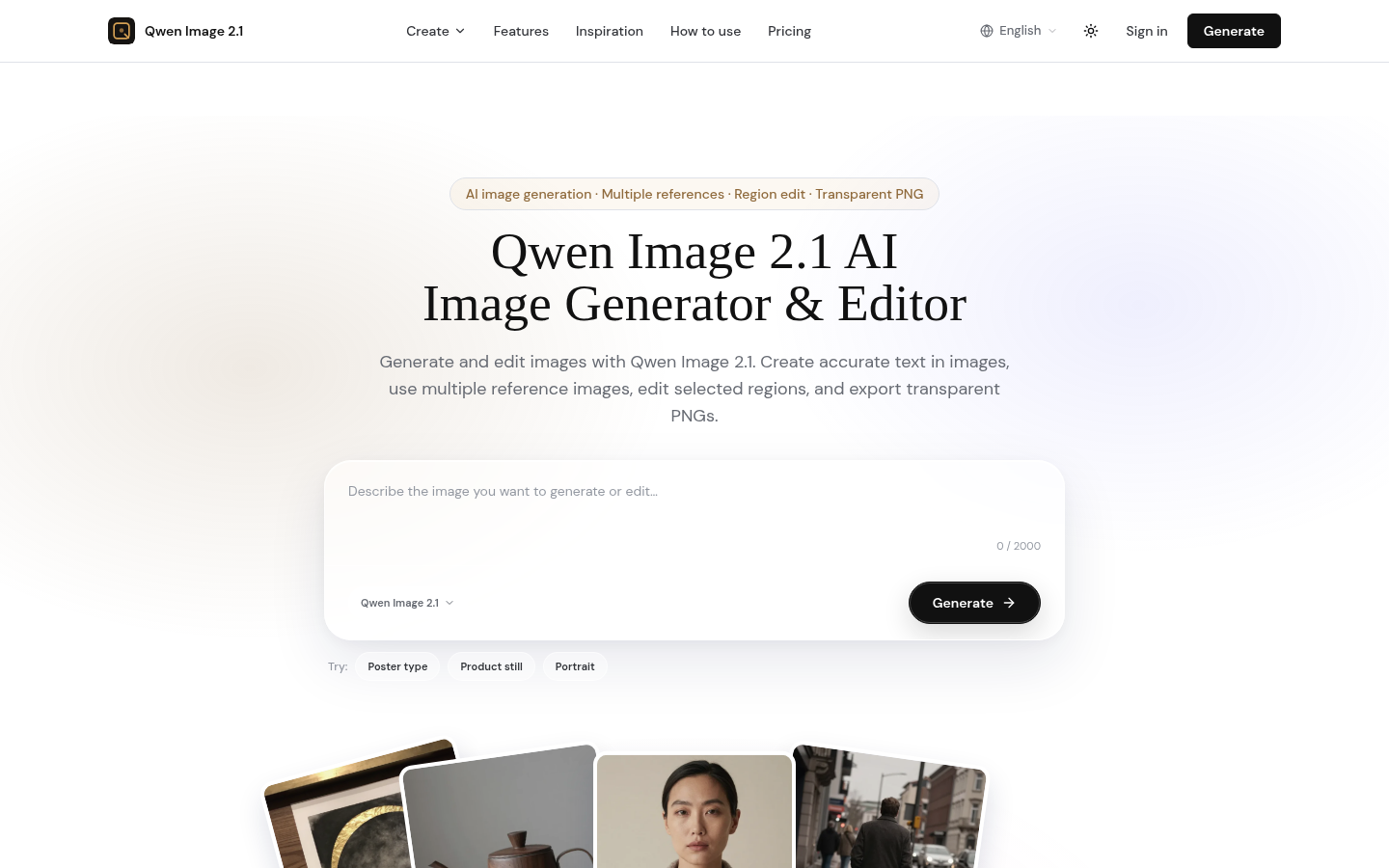
Screenshot archived from the listing page, for preview only.











