
QuizWizardGPT
AI teaching tools for quizzes and gradingSave time and raise your teaching game
Highlights
What you can do with it
- Teachers building quizzes for a lesson or unit
- Reducing grading workload with AI assistance
- Planning activities and communicating with parents
How to use it
- 1 Visit quizwizardgpt.com and start the free trial
- 2 Choose the tool you need, such as quiz generation or grading
- 3 Enter your topic, curriculum, or material
- 4 Generate quizzes, answers, or plans with the AI
- 5 Review and adapt the output for your class
Who it is for
Pros
- Quiz generation includes detailed answers
- Grading assistance can save real marking time
- A free trial lets you test the tools first
Limitations
- A paid plan follows the free trial
- AI generated questions and answers need teacher review
- It supports teaching tasks, not full school administration
What QuizWizardGPT is
QuizWizardGPT, also known as TeacherToolsGPT, is an AI toolkit for teachers. Its main job is to cut preparation time: you describe what you are teaching, and it generates personalized quizzes with detailed answers in various question formats. The same toolkit includes an intelligent grading assistant, support for parent teacher communication, activity planning, and help shaping a personalized curriculum. The stated aim is better learning outcomes with less routine work, so teachers can spend more time on actual instruction.
What you can do with it
- Generate personalized quizzes on any topic
- Get automatic detailed answers alongside questions
- Use different question formats to encourage active learning
- Reduce grading load with an intelligent assistant
- Plan activities and improve parent communication
Who it is for
- Classroom teachers preparing lessons and assessments
- Tutors who need fresh practice material quickly
- Educators who want support with planning and parent updates
What to watch out for
AI output is a draft, not a final product. Questions and answers should be reviewed for accuracy and fit with your curriculum before students see them, and grading suggestions should be checked rather than trusted blindly. The free trial is a sensible way to test whether the tools match your teaching style, but continued use requires a paid plan, and pricing or terms can change over time. Behavior may vary across browsers and devices, so test before production use and consult the help docs if errors appear. Features and interface details may change between versions, so review the latest notes on the page before you start. Start with a small sample to confirm the output meets your expectations before processing the full batch.
FAQ
What is QuizWizardGPT?
It is a set of AI teaching tools, also presented as TeacherToolsGPT, for quizzes, grading, planning, and communication.
Can it generate answers too?
Yes. It can generate personalized quizzes along with automatic detailed answers.
Is there a free trial?
Yes. A free trial is offered so teachers can evaluate the tools first.
Why it is free
What the official page says: free trial
Free limits, trial length and features are decided by the official site and can change at any time.
Product preview
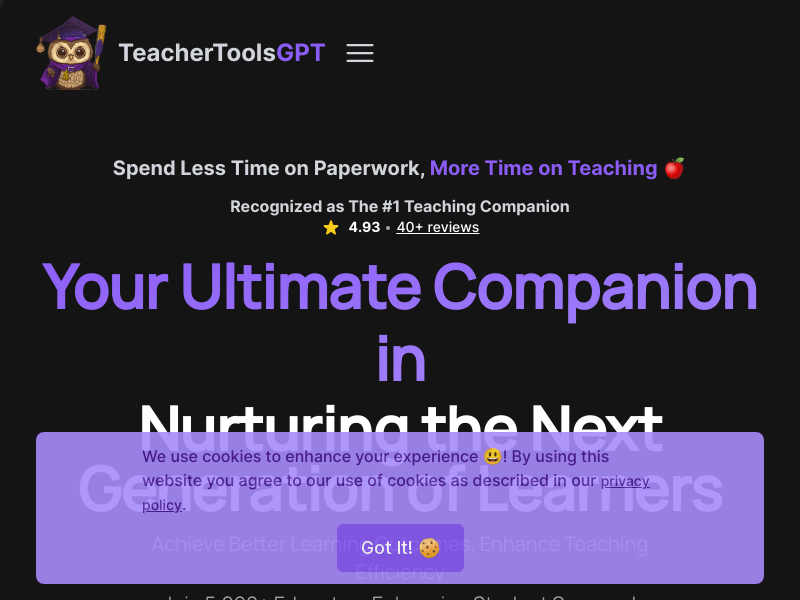
Screenshot archived from the listing page, for preview only.











