
QuikAuthor
AI course generation platformTurn docs and videos into training courses
Highlights
What you can do with it
- A company turns policy documents into new-hire onboarding courses
- An educational institution turns lecture videos into mobile courses
- A sales team builds branching training paths for different skill levels
How to use it
- 1 Create a course by describing the topic or uploading documents or video
- 2 Add game templates, branching paths, and confidence assessments
- 3 Export as SCORM 1.2, SCORM 2004, or HTML
- 4 Upload to your LMS or share by link and embed on your site
Who it is for
Pros
- Turns topics, documents, and videos into courses in minutes
- No design skills needed thanks to ready templates
- Exports to standard SCORM formats that fit most LMS tools
- Whole-course translation helps global teams
Limitations
- The free trial is time-limited and paid terms may change after it ends
- Gamified and branching design still needs a learning plan to be effective
- AI-generated content should be reviewed for accuracy before release
What QuikAuthor is
QuikAuthor is an AI-driven micro-learning and gamified e-learning platform, described as a high-quality alternative to tools like EdApp and 7Taps and suitable for SCORM content creation. Its main promise is to speed up building effective e-learning by turning topics, documents, and videos into interactive, mobile-first training courses within minutes instead of weeks. You describe a topic, upload a document, or input a video, and the AI generates a course for the target audience. It offers a free trial so teams can test the workflow first.
What you can do with it
- Generate interactive courses from a topic, documents, or video
- Convert webinar records, safety briefings, and drills into quizzes and lessons
- Choose from 60 interactive templates without design skills
- Add branching paths, skip points, and confidence assessments
- Export SCORM 1.2, SCORM 2004, or HTML and translate into 60 languages
Who it is for
- Learning and development managers building compliance, onboarding, and safety training
- Sales support staff who need short mobile lessons between customer visits
- Compliance and risk teams that must prove learner understanding
- Freelance trainers and educators who deliver to any LMS
What to watch out for
The free trial is time-limited, and pricing or features after the trial may change. Gamified and branching courses still need a clear learning plan; the tool builds structure but does not decide your training goals for you. AI-generated content should be reviewed for accuracy before it reaches learners, especially for compliance or safety topics. Because it relies on AI models and LMS standards, results can vary with the source material and the export format you choose. Processing speed depends on file size and network conditions, so retry later if a task stalls during peak hours.
FAQ
Is there a free trial?
Yes, QuikAuthor offers a free trial so you can test course generation before paying.
What formats can I export?
You can export SCORM 1.2, SCORM 2004, or standalone HTML, which can be uploaded to most learning management systems.
Do I need design skills?
No. It provides 60 interactive templates, so you can pick a template and add content without design work.
Why it is free
What the official page says: free trial
Free limits, trial length and features are decided by the official site and can change at any time.
Product preview
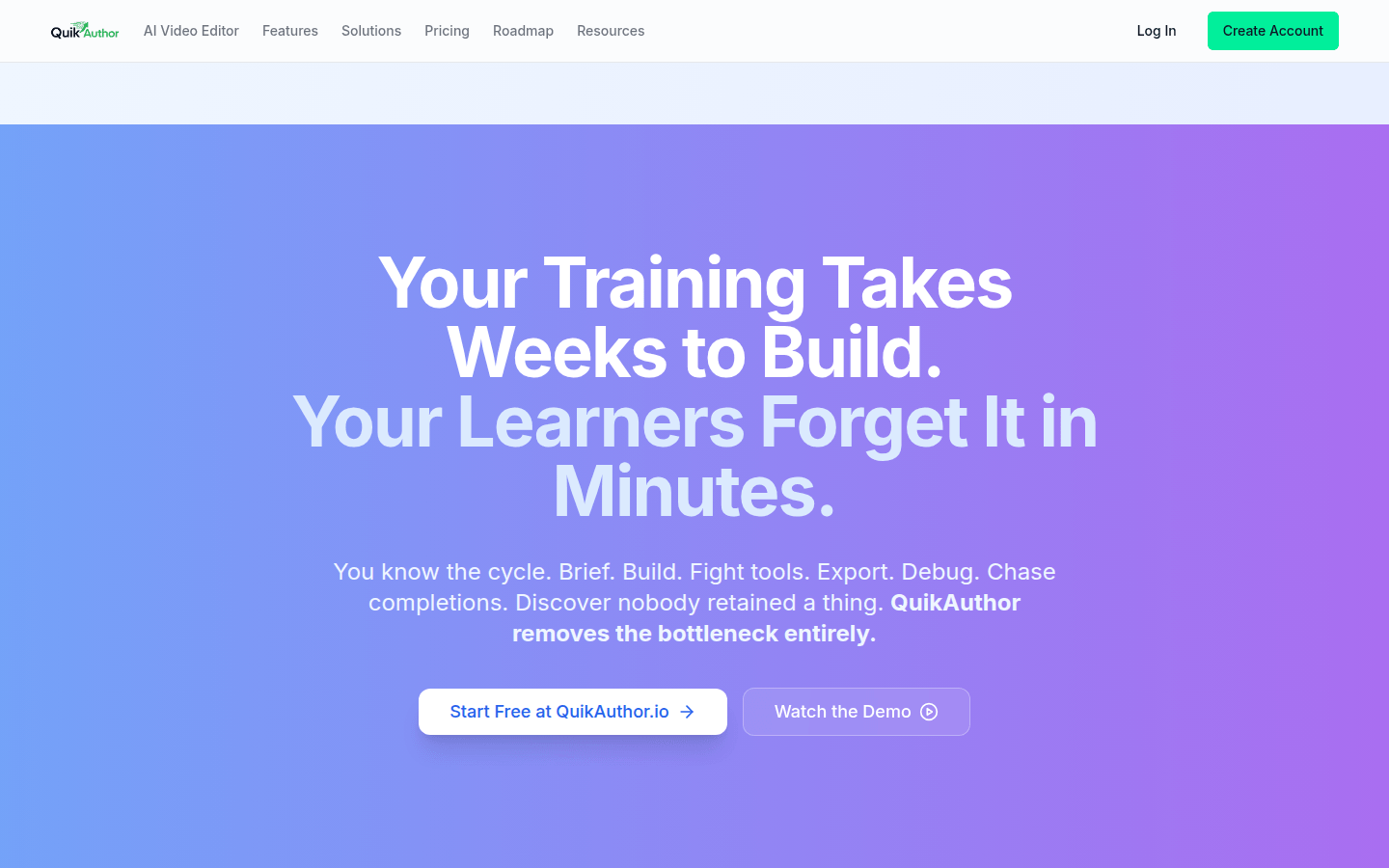
Screenshot archived from the listing page, for preview only.











