
QuickNoter
One-click audio to text converterUpload audio, get text notes
Highlights
What you can do with it
- Turn recorded lectures into readable notes
- Transcribe meeting recordings for later review
- Convert voice memos into searchable text
How to use it
- 1 Open the QuickNoter site
- 2 Upload the audio file you want to convert
- 3 Click the one-click conversion button
- 4 Edit and annotate the text that comes back
Who it is for
Pros
- Simple upload and convert workflow
- Free trial lets you check quality first
- Common audio formats are supported
Limitations
- Free access is a trial, and continued use needs a paid plan
- Transcription accuracy depends on recording quality and accents
- Format support is limited to common audio types
What QuickNoter is
QuickNoter is an AI audio-to-text tool. You upload an audio file, click the conversion button once, and it returns text notes you can read instead of replaying the recording. It supports common audio formats including MP3 and WAV, and it claims intelligent recognition and transcription rather than a rough machine dump. After the transcript appears, you can edit it and add annotations, so the output is a starting point for clean notes rather than a finished document. The product is positioned as an efficiency and learning tool for people who need to turn spoken material into written form quickly. The service pairs a free trial with paid subscription plans, which means you can test how well it handles your recordings before you commit any money.
What you can do with it
- Convert audio files into readable text notes in one click
- Work with common formats such as MP3 and WAV
- Edit and annotate the transcript after conversion
- Try the service before choosing a paid plan
Who it is for
- Students turning recorded lectures into notes
- Professionals reviewing meeting recordings later
- Anyone who would rather read a transcript than replay audio
What to watch out for
Free access is a trial, and continued use requires a paid subscription, so plan for that cost if it becomes a habit. Transcription accuracy depends on recording quality, background noise, and how clearly people speak, so expect to edit the result. Format support covers common audio types, which means unusual files may need converting first. Since pricing details are not published in the product description, check the official site for current plan terms and any limits on file length.
FAQ
Is QuickNoter free?
It offers a free trial, with paid subscription plans for continued use.
Which audio formats work?
Common formats including MP3 and WAV are supported.
Can I edit the transcript?
Yes, the tool includes editing and annotation features.
Why it is free
What the official page says: free trial
Free limits, trial length and features are decided by the official site and can change at any time.
Product preview
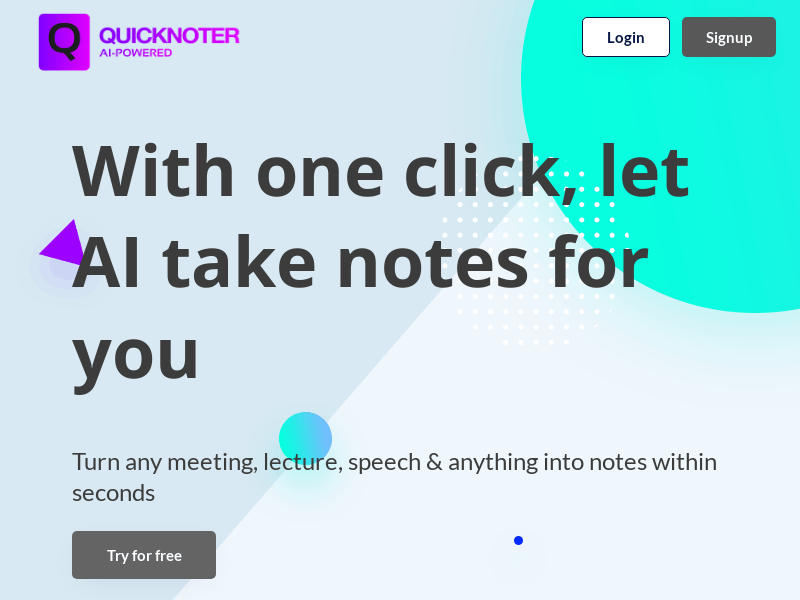
Screenshot archived from the listing page, for preview only.











