
QuickCompare by Trismik
Compare AI models on your own dataQuickCompare picks the right model for your task
Highlights
What you can do with it
- A chatbot team compares models on real conversation data before launch
- A developer picks the best model for a customer service system
- An AI team finds a cheaper model that matches an expensive one on specific tasks
How to use it
- 1 Register on the website and collect 10 free credits
- 2 Prepare evaluation data in Hugging Face dataset, CSV, or JSON form
- 3 Upload the data with QuickCompare and let the system analyze it
- 4 Balance quality, speed, and cost for your use case
- 5 Review the comparison and insights, then make the final choice
Who it is for
Pros
- Decisions rest on your own data rather than public leaderboards
- The assistant removes the need for evaluation expertise
- Three dimension optimization fits real constraints
- A free credit trial lets you test the flow first
Limitations
- 10 free credits is a small trial, not a full evaluation program
- Result quality depends on how representative your dataset is
- You still need to interpret the output for production decisions
- Credit pricing and trial amounts can change at any time
What QuickCompare by Trismik is
Trismik is a tool focused on AI model selection. Instead of guessing or relying on generic benchmarks, you bring your own data and compare models on it. QuickCompare accepts Hugging Face datasets, CSV, or JSON files and can compare around 50 models in minutes. An AI evaluation assistant named Ziggy handles the setup, so you do not need professional evaluation knowledge to reach a result. New accounts get 10 free credits to try the flow.
What you can do with it
- Compare many models on your own conversation or task data
- Upload evaluation data from Hugging Face, CSV, or JSON
- Optimize the choice across quality, speed, and cost
- Find weak points and identify where cheaper models perform well enough
- Turn the output into a production ready decision
Who it is for
- Developers building LLM applications who need a defensible model choice
- AI teams that want evidence from real data rather than public rankings
- Software engineers comparing performance under time pressure
What to watch out for
The 10 free credits cover a trial, not an ongoing evaluation program. Your dataset decides how useful the answer is, because a narrow or unrepresentative sample will point you at the wrong model. Interpreting the results still needs judgement, especially for high-risk or user-facing tasks where quality should be weighted above cost. Credit pricing and trial amounts are set by the operator and can change. Behavior may vary across browsers and devices, so test before production use and consult the help docs if errors appear. Features and interface details may change between versions, so review the latest notes on the page before you start.
FAQ
How do I start for free?
Sign up on the site and you receive 10 free credits to try QuickCompare.
What data formats work?
Hugging Face datasets, CSV, and JSON files are supported for evaluation.
How many models can it compare?
It can compare around 50 models on your data within a few minutes.
Do I need evaluation experience?
No. The AI evaluation assistant named Ziggy guides the setup and results stage.
Why it is free
What the official page says: free credits
Free limits, trial length and features are decided by the official site and can change at any time.
Product preview
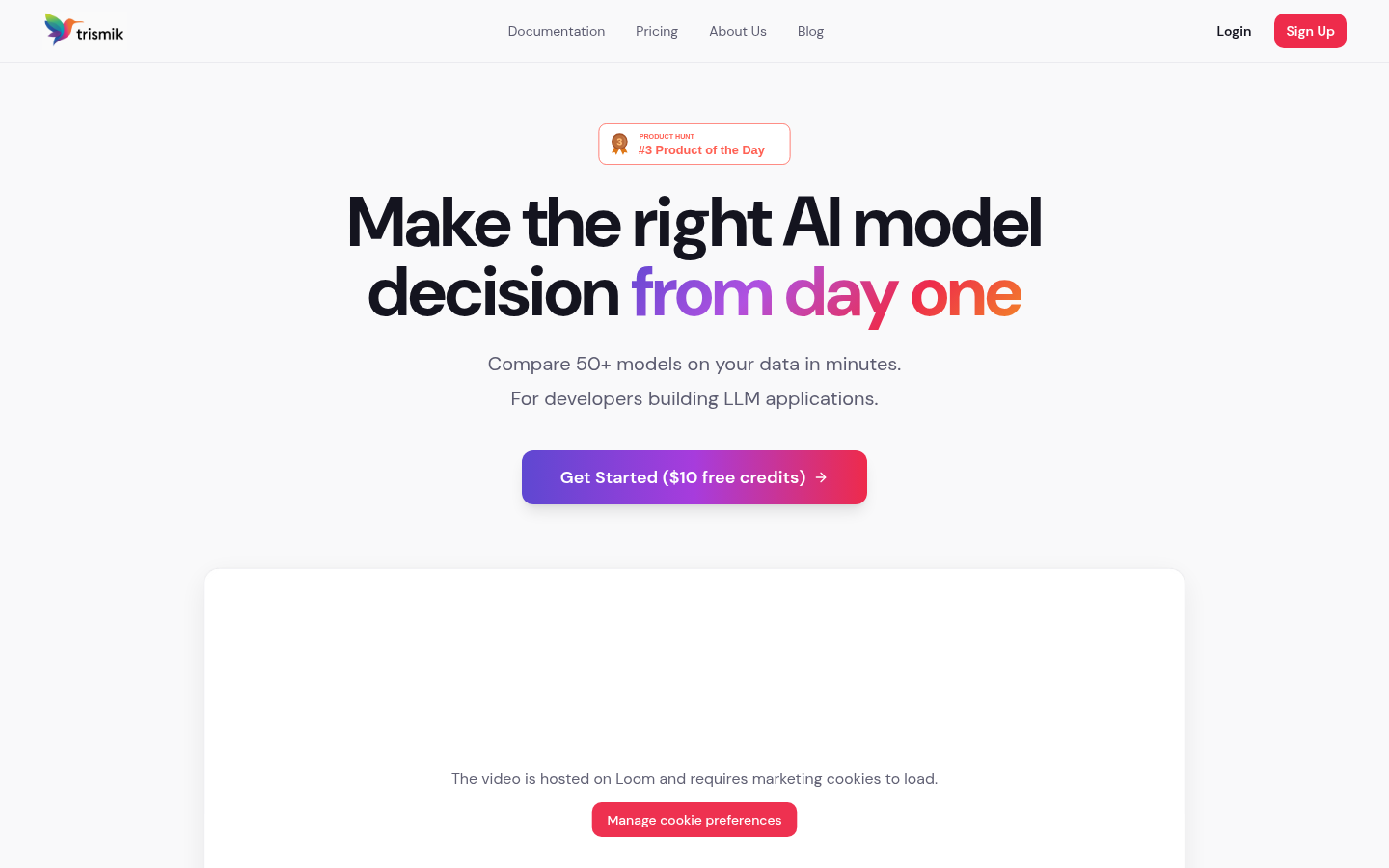
Screenshot archived from the listing page, for preview only.











