
Question.AI
AI homework helperSnap a question, get the answer
Highlights
What you can do with it
- Check a maths answer along with the steps
- Understand a definition or a summary
- Translate a question you cannot read
How to use it
- 1 Open the app or the website.
- 2 Photograph or paste your question.
- 3 Read the answer and the explanation.
- 4 Ask follow-up questions if anything is unclear.
Who it is for
Pros
- Free core use
- Works on phone and desktop
- Wide language coverage
Limitations
- Answers can be wrong, so verify them
- Some schools restrict AI use on graded work
- Free access and feature limits can change
What Question.AI is
Question.AI is a cross-platform AI homework assistant available on the Apple App Store, Android, and the PC web. You submit a question by photo or screenshot and the model returns an answer, and for maths it provides targeted solutions with working. It also acts as an image to LaTeX converter, using OCR to recognise formulas and turn them into readable form, supports translation in more than 140 languages, and offers writing suggestions. The description frames it as free, covering learning, work, business, and daily life questions.
What you can do with it
- Photograph a question and get an answer with steps.
- Convert a handwritten or printed formula into readable text.
- Translate a question or a passage from another language.
- Get definitions, explanations, and summaries on demand.
Who it is for
- Students who are stuck and want a hint rather than a lecture.
- Learners reading source material in a second language.
- Teachers and tutors preparing explanations.
What to watch out for
AI answers can be confidently wrong, so always check the working before copying it into an assignment. Many schools and universities restrict AI assistance on graded work, and using it there can count as misconduct with consequences for you, so check the rules first. The free tier may not cover every feature, and access limits can change. Submitting photos of worksheets or exams also means uploading them to a third party, which is worth thinking about before you do it. For team use, agree on naming and editing conventions in advance to avoid version conflicts or duplicated work. Name and archive exported files consistently so you can find and reuse them, and keep a backup copy of key data.
FAQ
How do I submit a question?
You submit it via photo or screenshot, and the AI model returns an appropriate answer.
What else can it do?
It converts formulas to readable form with OCR, translates across more than 140 languages, and gives writing suggestions.
Can I use it for graded homework?
Only if your school allows it. Many institutions restrict AI assistance on assessed work, and breaking that rule carries consequences for you.
Why it is free
What the official page says: 免费
Free limits, trial length and features are decided by the official site and can change at any time.
Product preview
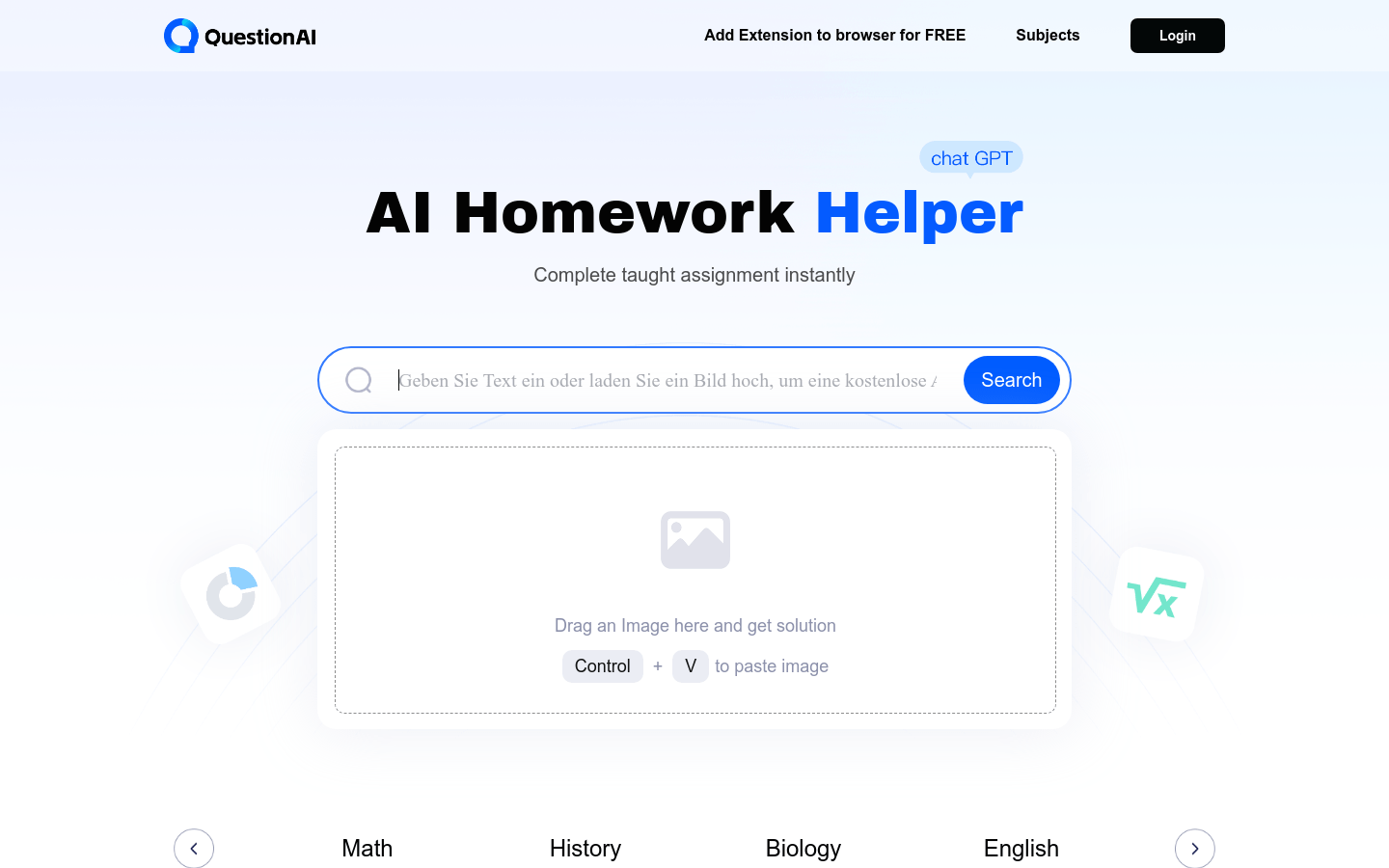
Screenshot archived from the listing page, for preview only.











