
Questgen
AI quiz and exam paper generatorTurn text into questions in seconds
Highlights
What you can do with it
- Generate chapter multiple choice questions from a textbook
- Build an HR quiz from company policy documents
- Create end of chapter exercises for a textbook
How to use it
- 1 Sign up on the Questgen website
- 2 Paste the source text you want questions from
- 3 Choose the question type you need
- 4 Generate and then review or edit the questions
- 5 Export the set in the format you want
Who it is for
Pros
- It removes the repetitive work of picking questions by hand
- Long input up to 25,000 words suits full chapters
- Every generated question can be edited before use
Limitations
- Generated questions still need a teacher's review for accuracy
- The free version has limits compared with paid plans
- It is a helper, not a replacement for professional judgment
What Questgen is
Questgen is an AI platform for automating the creation of exam papers and quizzes. It is built so that teachers and schools can create worksheets in seconds instead of picking questions by hand from a fixed bank every year. With one click it generates multiple choice, true or false, fill in the blank, and advanced thinking questions, and it accepts long text input up to 25,000 words. The generated questions can be revised and edited, and the set can be exported in various formats. Free and paid versions are offered.
What you can do with it
- Turn a chapter of text into multiple choice questions.
- Build a quick quiz from a policy or training document.
- Create fill in the blank and higher thinking questions.
- Edit the generated set and export it for printing or a learning system.
Who it is for
- Teachers and schools that need worksheets fast.
- HR teams that check whether staff understand new policies.
- Education publishers and education technology companies that produce exercises.
What to watch out for
Generated questions are a draft, not a finished product, and a subject expert should review them for accuracy and fairness before use. The free version has limits, so heavy classroom use points to a paid plan. Treat the tool as a time saver that supports your judgment, not one that replaces it. Processing speed depends on file size and network conditions, so retry later if a task stalls during peak hours. Run one full task end to end first, then expand once you are comfortable with the workflow and the result quality. Save a backup of the original file before large batch jobs, and keep an exported copy of key results in case the page or service becomes temporarily unavailable.
FAQ
Is there a free plan?
The site lists both free and paid versions.
How much text can I input?
It supports long text input up to 25,000 words.
Which question types are supported?
Multiple choice, true or false, fill in the blank, and advanced thinking questions.
Can I edit the output?
Yes, generated questions are revisable and editable, and they export in various formats.
Why it is free
What the official page says: 免费
Free limits, trial length and features are decided by the official site and can change at any time.
Product preview
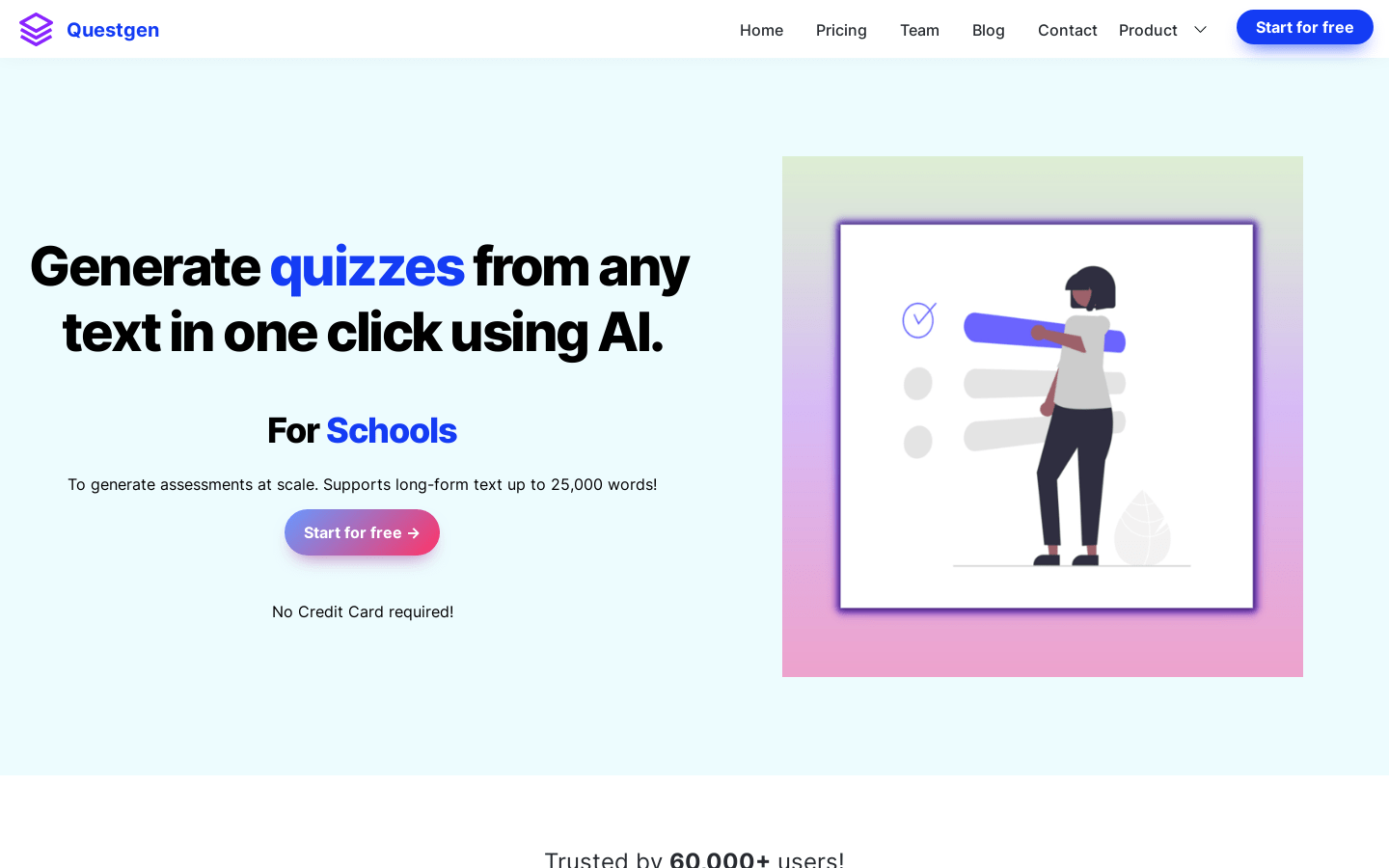
Screenshot archived from the listing page, for preview only.











