
Quady3D AI
Online AI 3D model generatorImages, text, or sketches into downloadable 3D models
Highlights
What you can do with it
- Turn concept art into a low-poly game character and export GLB
- Iterate product form from a sketch and text description
- Turn a photo into a printable STL lithophane for 3D printing
How to use it
- 1 Register and claim 30 welcome credits after verifying your email
- 2 Pick an entry such as Image to 3D or Text to 3D
- 3 Upload references or type a description, then choose a model
- 4 Generate, inspect the model in the browser, and switch models to compare
- 5 Download as GLB, OBJ, or STL and import into your tools
Who it is for
Pros
- No software install; it runs in the browser
- Multiple models let you compare before committing
- Direct export to common 3D and printing formats
Limitations
- A free trial of 30 credits is limited; more needs payment
- Generated meshes often need cleanup before production use
- For commercial work you must confirm rights to your input material
What Quady3D AI is
Quady3D AI is an online platform that generates 3D models from images, text, sketches, or multiple views. It runs several generative models such as Rodin, Hunyuan3D, TRELLIS, Meshy, Tripo, and Seed3D, and you can preview, compare, and download the results as GLB, OBJ, or STL right in the browser. It also includes material tools for PBR textures, low-poly workflows, and STL output for 3D printing. The aim is to let people who are not professional modelers get usable 3D prototypes fast, without installing software. New users get 30 welcome credits after verifying their email.
What you can do with it
- Turn an image, text prompt, or sketch into a 3D model
- Compare results from several models side by side
- Add or replace PBR materials on a model
- Export GLB, OBJ, or STL for engines or slicing software
Who it is for
- Game developers who need fast placeholder assets
- 3D printing users turning photos into STL models
- Product designers iterating form from sketches and text
What to watch out for
The free trial gives only 30 welcome credits, so serious use needs a subscription or credit pack, and pricing can change. Generated meshes often need cleanup, decimation, or rigging before they are production-ready, so plan for a manual pass. For commercial projects, confirm you have the rights to any input images or references you upload. Results vary by model, so test more than one before you commit to an output. Start with a small sample to confirm the output meets your expectations before processing the full batch. Free tiers and usage limits can change, so check the current rules on the official page before relying on it long term.
FAQ
What inputs can I use?
You can generate from images, text, hand-drawn sketches, or multiple views of the same object.
What formats can I download?
You can download GLB, OBJ, or STL and import them into Blender, Unity, Unreal, or slicing software.
Is there a free trial?
Yes. New users get 30 welcome credits after verifying their email, with paid options for more.
Why it is free
What the official page says: free trial
Free limits, trial length and features are decided by the official site and can change at any time.
Product preview
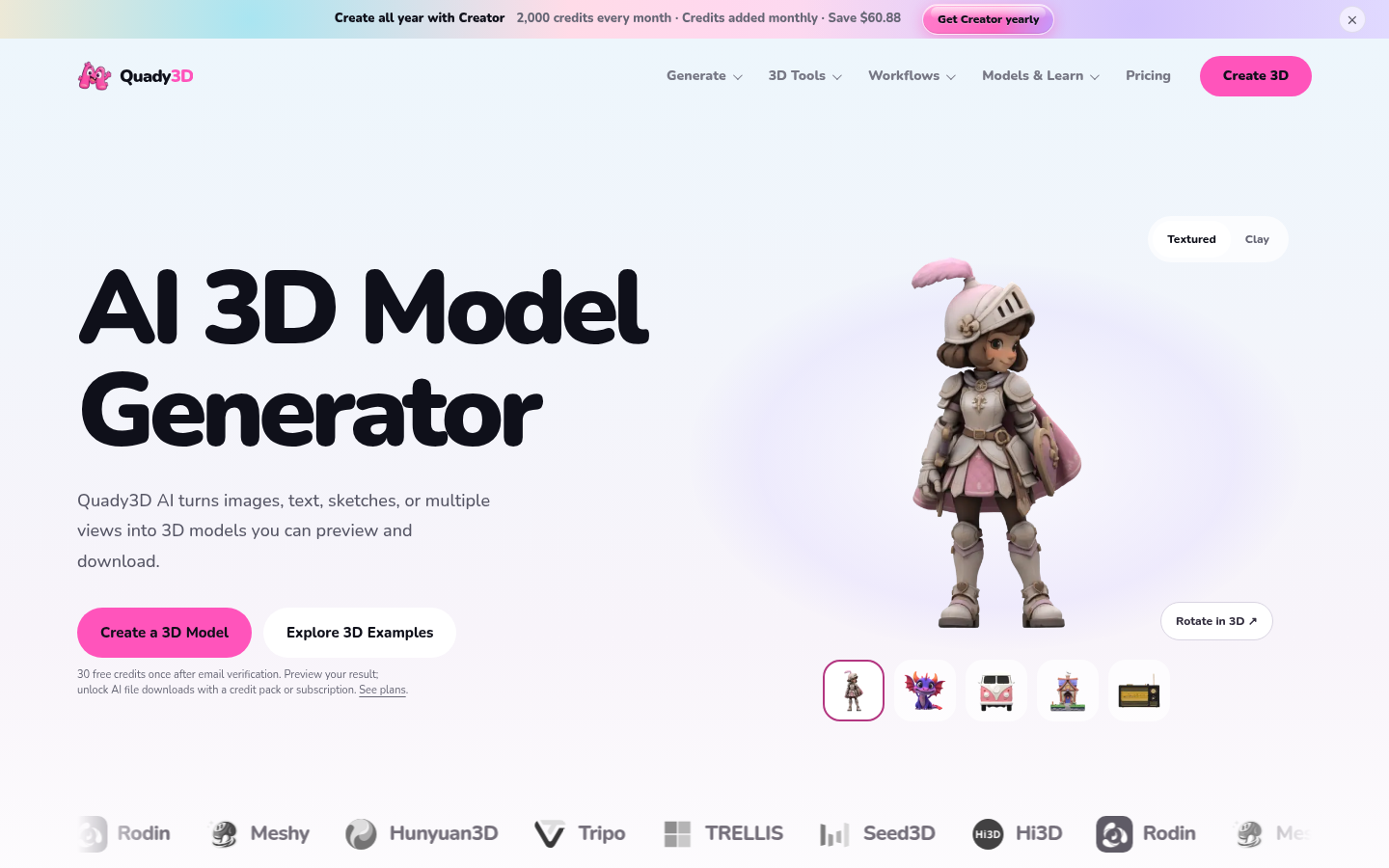
Screenshot archived from the listing page, for preview only.











