
Qoder
Agentic AI coding platform for real workContext-aware coding with AI agents
Highlights
What you can do with it
- Navigating and understanding an unfamiliar or large repository
- Making multi-file changes with agent assistance
- Searching a codebase for where a behavior is implemented
How to use it
- 1 Start the two-week free trial on qoder.com
- 2 Connect or open the repository you want to work on
- 3 Let the platform index the codebase and build context
- 4 Ask questions or assign tasks to the agent
- 5 Review the proposed changes before applying them
Who it is for
Pros
- Full-context view of the codebase instead of isolated snippets
- Multiple frontier models available in one environment
- Memory and tool use help with longer, multi-step tasks
Limitations
- After the two-week trial, payment may be required, and pricing is not stated here
- Free trial length and terms can change
- Agent output still needs review; it is not a substitute for a developer
- Model availability and quality can shift as upstream providers change
What Qoder is
Qoder is an intelligent coding platform built for practical software development rather than one-off snippets. It combines enhanced contextual engineering with AI agents that can look across an entire repository, and it supports recent models from providers such as Claude, GPT, and Gemini. The features are aimed at real engineering work: full-context insight into the codebase, intelligent codebase search, repository-level insights, memory that improves across a session, and the ability to use tools while completing a task. In practice that means you can point it at an unfamiliar repository, ask where a behavior is implemented, and then have the agent propose changes that span several files. A two-week free trial is offered, after which payment may be required. The positioning is an AI-assisted environment that sits inside your existing development workflow instead of replacing it.
What you can do with it
- Search a codebase to find where logic is implemented
- Get repository-level insight before making a change
- Assign multi-step tasks to an agent and review the output
- Work with several frontier models inside one environment
Who it is for
- Developers maintaining or extending an existing codebase
- Engineers who need fast orientation in an unfamiliar repository
- Teams trialing agentic coding tools before wider adoption
What to watch out for
The free trial lasts two weeks and after that payment may be required, so plan the evaluation window deliberately. Trial terms and pricing can change, and the models available may shift as upstream providers update their offerings. Agent output is a proposal, not a decision: you still review every change for correctness, security, and house style before it lands. Because the platform leans on third-party models, output quality varies between providers and tasks, so verify behavior on your own code rather than trusting a demo.
FAQ
How long is the free trial?
Two weeks, after which payment may be required.
Which models does it support?
The platform lists support for recent models such as Claude, GPT, and Gemini.
What does full-context mean here?
The platform reads the codebase so answers and edits account for the whole repository, not just the open file.
Who is it for?
Developers doing practical software work on existing repositories.
Why it is free
What the official page says: 免费试用免费
Free limits, trial length and features are decided by the official site and can change at any time.
Product preview
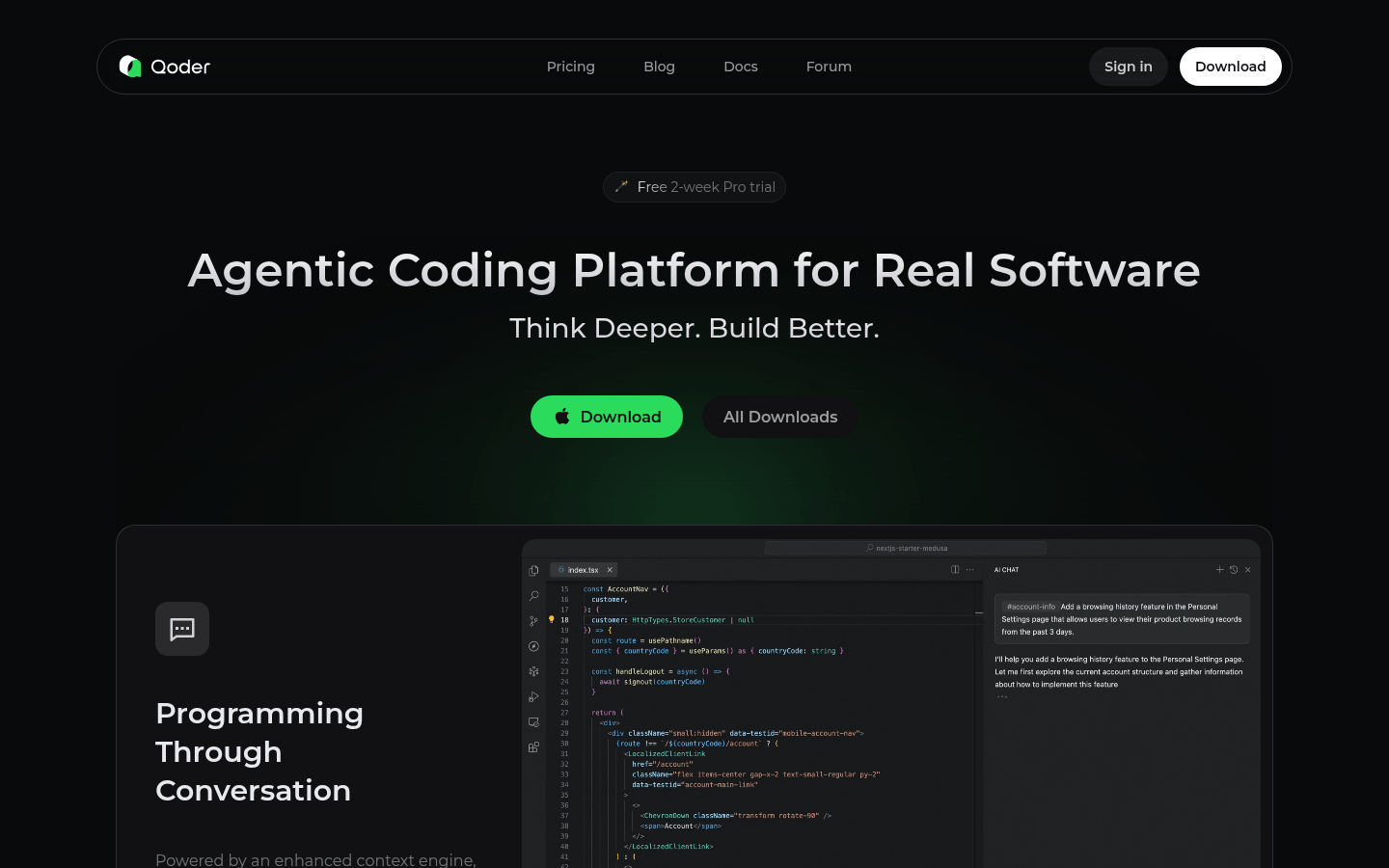
Screenshot archived from the listing page, for preview only.