
Qlone
3D scanning app for phonesScan, share, and sell 3D models from your device
Highlights
What you can do with it
- A restaurant builds an AR menu customers can scan to see dishes in 3D
- A designer scans an artwork and prints it as a 3D model
- A 3D printing shop scans a customer model and prints it
How to use it
- 1 Download the Qlone app on your phone.
- 2 Follow the in app guide to scan the object you want.
- 3 Review and clean up the resulting 3D model.
- 4 Export it to a 3D platform, print it, or share and sell it.
- 5 Buy advanced features only if you need them.
Who it is for
Pros
- Free to download and start using
- Easy to use with high quality scanning results
- Connects to well known 3D platforms
Limitations
- Some advanced features require a purchase
- Scan quality depends on lighting and how you move the phone
- Designed for supported mobile devices, not desktop
What Qlone is
Qlone is a 3D scanning app for phones that turns real objects into usable 3D models. The app is free to download, and you only pay if you want certain advanced features. Instead of buying a dedicated scanner, you move your phone around an object and Qlone builds the model for you. It is built to be easy to use, and it is known for producing high quality scanning results. Once a scan is done, you can create AR menus, print the model, share it, or even sell it, and the app connects with established 3D platforms so the files fit into the tools you already use.
What you can do with it
- Scan real objects into 3D models from your phone.
- Create AR menus that people can scan to view items in 3D.
- Print, share, and sell the models you produce.
- Send scans to established 3D platforms for further work.
Who it is for
- Restaurants and retail shops that want interactive AR menus.
- Designers and artists who need to capture physical objects in 3D.
- 3D printing services that want a fast scan to print from.
What to watch out for
The base app is free, but advanced features cost money, so check what is included before you rely on it. Scan quality depends on good lighting and steady movement, so tricky shapes or reflective surfaces may need extra care. It is a mobile tool, so you will need a supported phone rather than a desktop setup. Free tiers and usage limits can change, so check the current rules on the official page before relying on it long term.
FAQ
Is Qlone free?
The app is free to download, but some advanced features require a purchase.
What can I make with it?
You can scan objects into 3D models, create AR menus, and print, share, or sell the results.
Does it work with other 3D tools?
Yes, Qlone integrates with established 3D platforms.
Why it is free
What the official page says: 免费
Free limits, trial length and features are decided by the official site and can change at any time.
Product preview
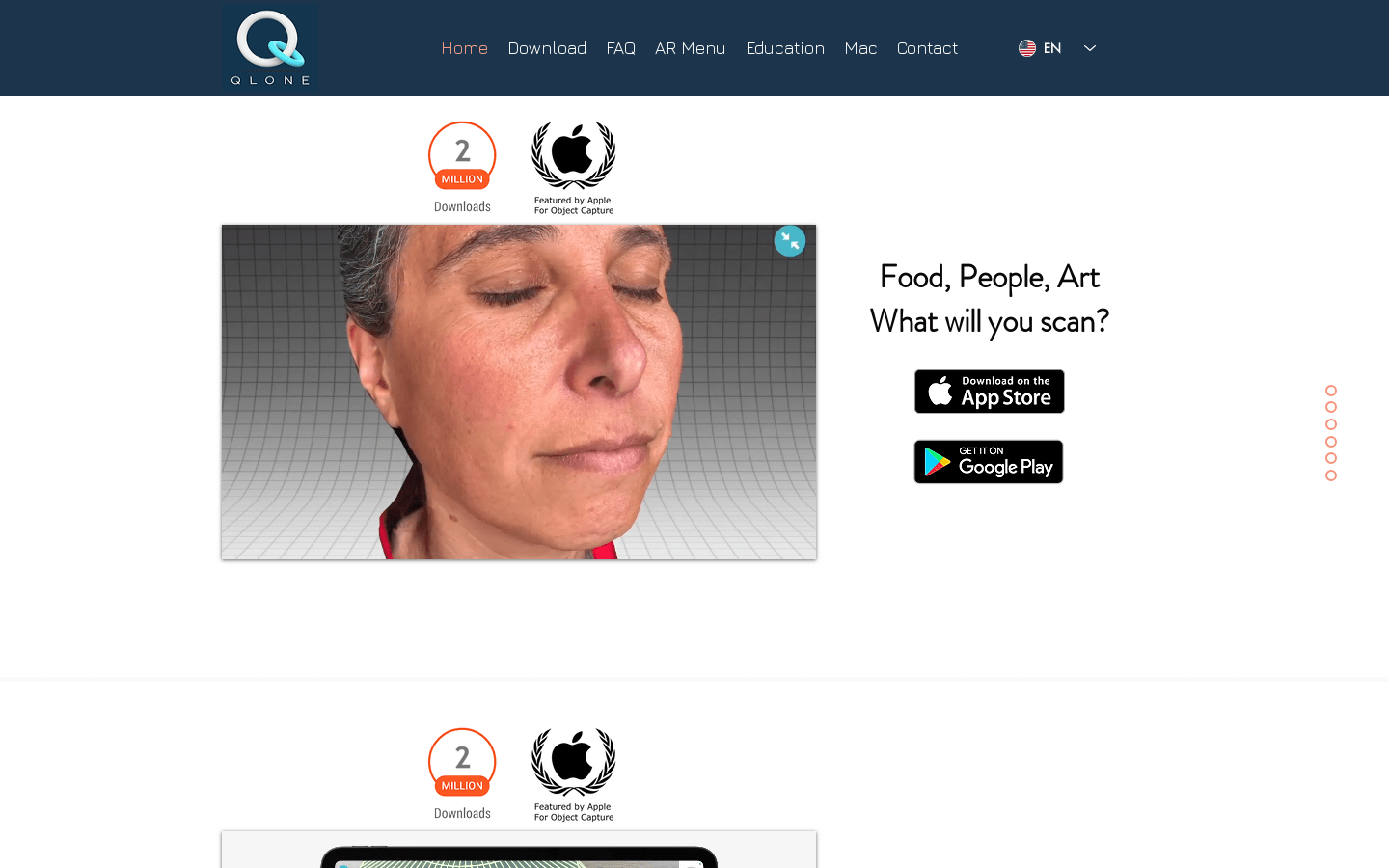
Screenshot archived from the listing page, for preview only.











