
Qianxiang Pixeling
AI image and video creation labCreate images and videos with AI
Highlights
What you can do with it
- Generate unique design concept images
- Create product and model images for e-commerce
- Make personalized videos to share
How to use it
- 1 Open the HiDream lab site and log in
- 2 Choose a feature like image or video generation
- 3 Enter a description or upload an image
- 4 Wait for the AI to create your work
- 5 Edit, adjust, then save and share
Who it is for
Pros
- Many creation tools in one lab
- Handy edits like brush, replacement, and expansion
- Free trial to test features
Limitations
- Some features are paid, not all free
- Output needs review and editing
- Depends on an external service you do not control
What Qianxiang Pixeling is
Qianxiang Pixeling, found at HiDream.ai, is a platform for AI image and video creation. It uses AI to help users make high-quality image and video content without deep technical skills. Its tools cover image generation, video generation, a magic brush that adds motion to part of an image, AI replacement for seamless local edits, magic expansion, 4K image enhancement, and AI product and model images. The platform is rich in features and meant to be easy to use. Some features can be tried for free, while others require payment.
What you can do with it
Here is what the lab offers:
- Generate images and videos from a description
- Use the magic brush and AI replacement for local edits
- Expand an image and enhance it to 4K
- Create AI product and model images in one click
Who it is for
It suits several groups:
- Designers seeking fresh visual ideas
- E-commerce sellers who need product and model images
- Casual users making images and videos to share
What to watch out for
Only some features are free, and the rest require payment, so the split between free and paid can change over time. Output quality varies and usually needs review and editing before it is ready to use. The platform depends on an external service you do not control, so availability can shift. Keep your own copies of finished work, and check the current terms before you rely on it for commercial projects. Free tiers and usage limits can change, so check the current rules on the official page before relying on it long term. Processing speed depends on file size and network conditions, so retry later if a task stalls during peak hours.
FAQ
Is it free?
Some features can be tried for free, while others require payment.
What can it create?
Images and videos, plus edits like brush, replacement, expansion, and 4K enhancement.
Who is it for?
Designers, e-commerce sellers, and casual creators.
Why it is free
What the official page says: free trial
Free limits, trial length and features are decided by the official site and can change at any time.
Product preview
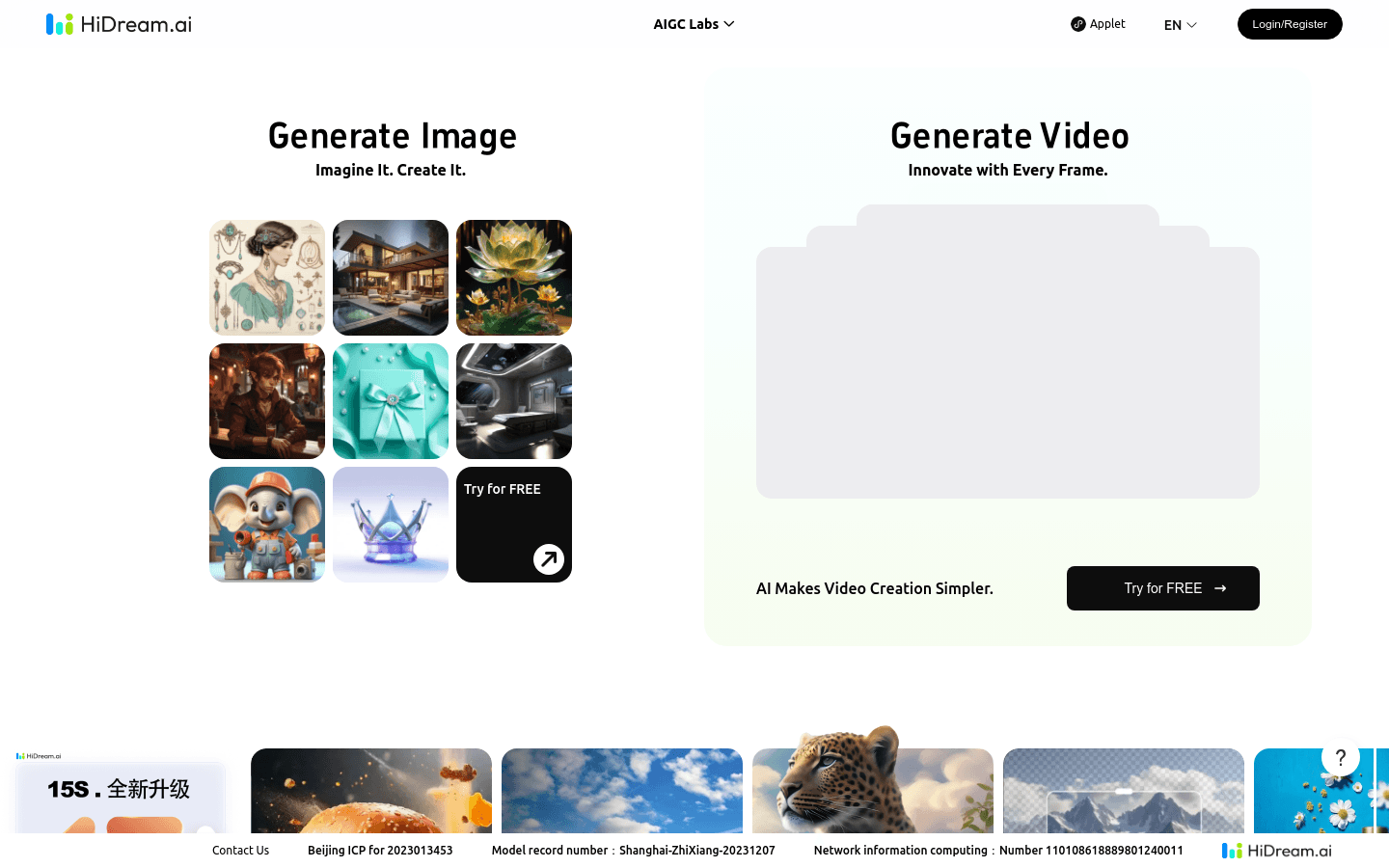
Screenshot archived from the listing page, for preview only.











