
Qiantuwang AI Art Generation
Text-to-image AI art platformType a description, get an image
Highlights
What you can do with it
- Create a background image for a poster or ad
- Turn a story description into illustrations
- Generate promotional visuals for a product
How to use it
- 1 Visit the Qiantuwang AI Art Generation platform
- 2 Register or log in to your account
- 3 Enter the text description you want to visualize
- 4 Choose a style and settings
- 5 Click generate, then edit and adjust the result
- 6 Save or download the final image
Who it is for
Pros
- One-click generation lowers the barrier for non-artists
- Several styles cover different visual needs
- Post-generation editing helps fix small issues
- Community works give quick inspiration
Limitations
- Free trial limits apply, with paid service for heavier use
- Generated images still need a human check before publication
- Commercial use depends on the platform's copyright and licensing terms
What Qiantuwang AI Art Generation is
Qiantuwang AI Art Generation is an AI image platform that converts text descriptions into visual content. Deep learning models read your description and return an image, and the site frames this as a way to lower the barrier to artistic creation so non-professionals can produce professional-looking results. It offers a free trial to start, with paid services for deeper needs.
What you can do with it
- Type a description and receive a matching image in one click.
- Switch between artistic styles for different moods and projects.
- Edit and adjust the generated image until it fits your layout.
- Browse works from other users when you need inspiration.
Who it is for
- Designers who need quick concept or background images.
- Writers and content creators who want illustrations without commissioning art.
- Marketers generating promotional material on a deadline.
What to watch out for
A free trial only goes so far, and the paid service is where heavier use lives, so test the trial against a real task before you rely on it. Generated images can contain odd details, especially in hands, text, and logos, so review every file before it goes public. The platform mentions copyright protection for user works, yet commercial use still depends on the current terms and on whether your prompt borrows from protected material, so read the policy rather than assuming. Start with a small sample to confirm the output meets your expectations before processing the full batch. Free tiers and usage limits can change, so check the current rules on the official page before relying on it long term. Save a backup of the original file before large batch jobs, and keep an exported copy of key results in case the page or service becomes temporarily unavailable.
FAQ
How do I generate an image?
Enter a text description, choose a style, and click generate.
Can I edit the result?
Yes, the platform includes editing and adjustment tools for generated images.
Who owns the output?
The platform states that it provides copyright protection for user works, but review the terms for your specific use.
Why it is free
What the official page says: free trial
Free limits, trial length and features are decided by the official site and can change at any time.
Product preview
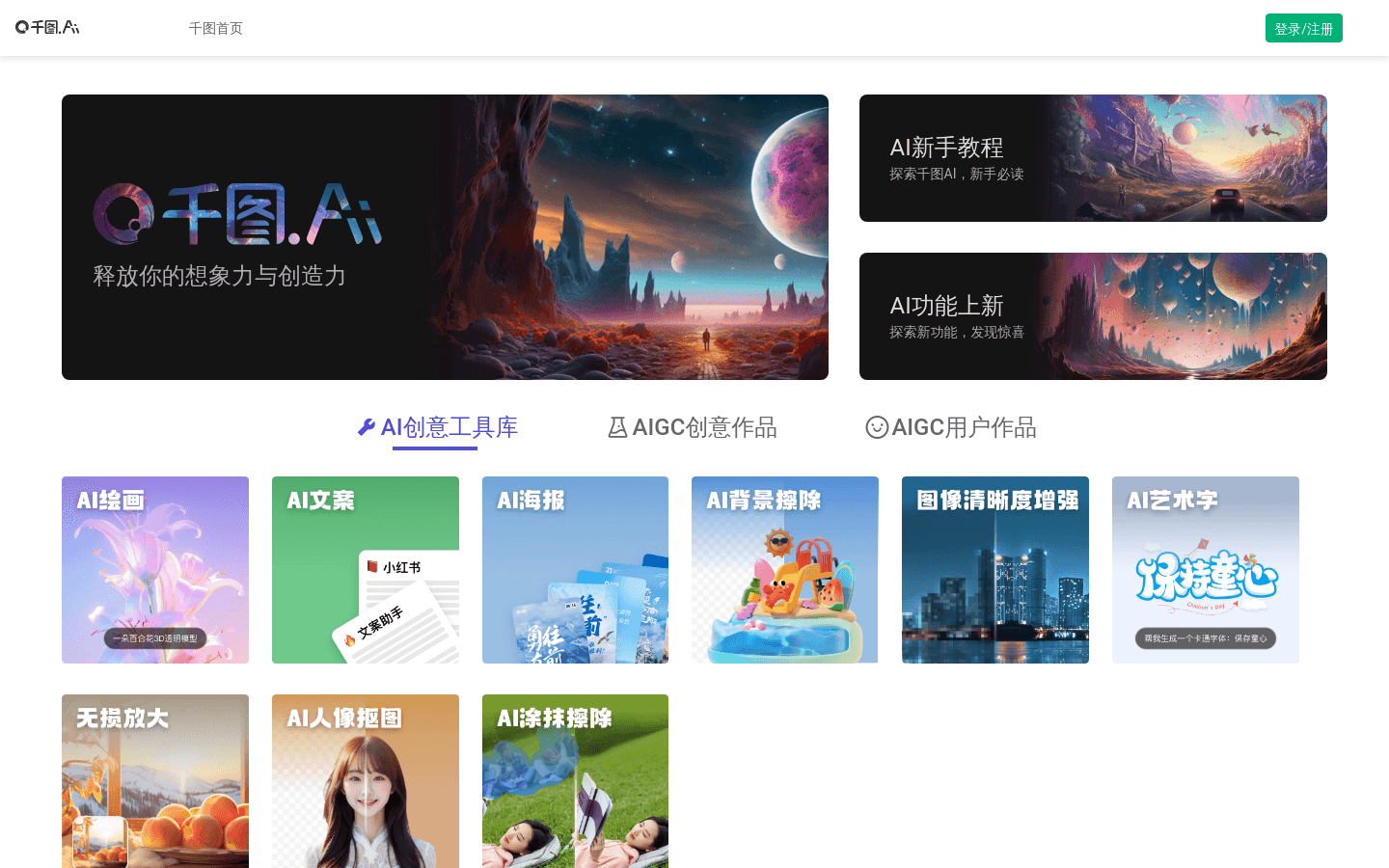
Screenshot archived from the listing page, for preview only.











