
Qianhui AI
AI comic makerMake comics without drawing skill
Highlights
What you can do with it
- Turn a short story into a comic
- Keep a cast consistent across pages
- Prototype a comic before drawing it by hand
How to use it
- 1 Register on the Qianhui AI site.
- 2 Create or pick character profiles.
- 3 Enter your text or story content.
- 4 Generate storyboards, then adjust the layout.
Who it is for
Pros
- No drawing ability required
- Character consistency across panels
- Fast storyboard drafts from plain text
Limitations
- Pricing is not published yet
- Layout and text placement still need manual tuning
- Free trial terms may change
What Qianhui AI is
Qianhui AI is a platform for making comics with AI. The idea is that you do not need drawing skills: you create or select character profiles, enter text or novel content, and the system generates storyboards and illustrations you can arrange into pages. Consistency is the headline feature, since the same character profile is reused so faces do not drift between panels. Layout options are varied rather than fixed grids, and the workflow is described as simple text input plus character selection. A free trial is offered, and the site has not published final pricing.
What you can do with it
- Generate comic storyboards from a story or a text prompt.
- Keep the same character looking the same across panels.
- Arrange pages using different layout styles.
- Export or share the finished comic.
Who it is for
- Comic enthusiasts making a first work without art training.
- Independent creators who need storyboards quickly.
- Students working on an illustrated or graduation project.
What to watch out for
Panel level control is still manual, so arranging dialogue, captions, and speech bubbles takes real editing time, and automatic layouts rarely match a creator's intent exactly. Pricing is not yet published, which makes budgeting difficult, and free trial terms can change. Illustration style is limited by the underlying models, so a very specific visual identity may not be achievable. Review the output for artefacts before you publish. Run one full task end to end first, then expand once you are comfortable with the workflow and the result quality. Behavior may vary across browsers and devices, so test before production use and consult the help docs if errors appear.
FAQ
Do I need to be able to draw?
No. The pitch is that simple text prompts and character selection are enough for the AI to produce the illustrations.
How does it keep characters consistent?
You choose or create character profiles, and the same profile is used across images.
Is it free?
A free trial is offered. The description says specific pricing strategies are yet to be defined.
Why it is free
What the official page says: free trial
Free limits, trial length and features are decided by the official site and can change at any time.
Product preview
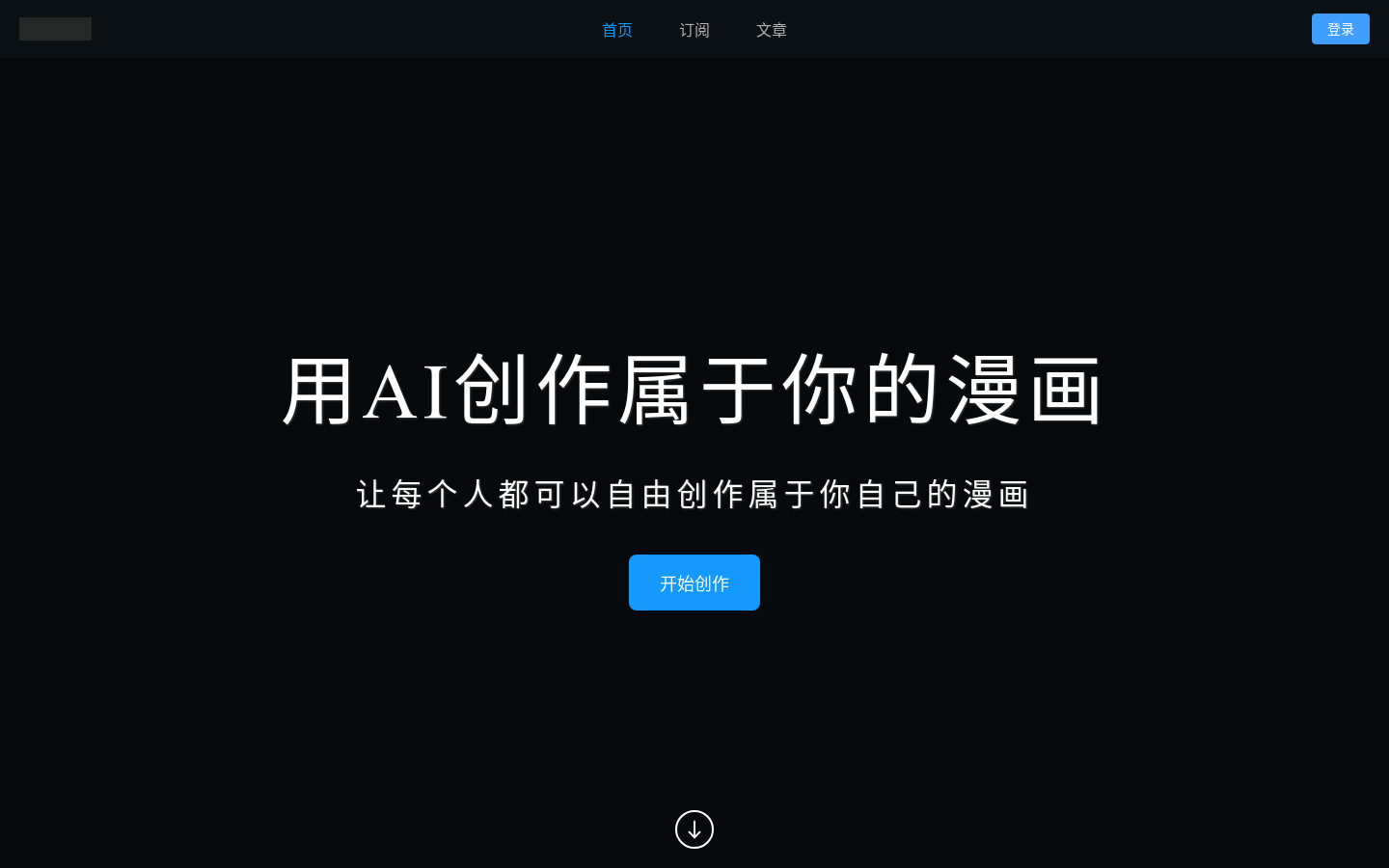
Screenshot archived from the listing page, for preview only.











