
Purpose
Automation assistant toolAssistants plus automation
Highlights
What you can do with it
- Manage tasks and schedules for a small team
- Automate repeated file and coordination work
- Use smart reminders to stay on top of deadlines
How to use it
- 1 Create an account on PurposeTech.ai.
- 2 Set up tasks, schedules, and files.
- 3 Invite team members if you collaborate.
- 4 Build automations for repeated work.
- 5 Review smart reminders and adjust as needed.
Who it is for
Pros
- Free version available to start
- Task, schedule, and file tools together
- Customizable automation reduces repeated work
Limitations
- Free version limits are not listed on the page
- Automation setup takes time to get right
- Value depends on moving your workflow into it
What Purpose is
Purpose, at PurposeTech.ai, is a comprehensive platform of intelligent assistants and automation tools. It brings task management, scheduling, file management, and team collaboration into one place, along with intelligent reminders and suggestions that surface what needs attention. Its stated strengths are the smart reminders and highly customizable automation tools, which is the part that separates it from a plain to do list. Pricing includes both free and paid versions, and the audience spans individual users, teams, and enterprises across industries.
What you can do with it
- Manage tasks and schedules in one workspace
- Store and organize files alongside your work
- Collaborate with a team on shared items
- Build custom automations for repeated coordination
Who it is for
- Individual users who want a personal productivity hub
- Teams that need shared task and file management
- Enterprises looking to automate routine coordination work
What to watch out for
The page does not list what the free version includes, and paid pricing is not described, so confirm limits before a team commits, since assistant platforms often gate collaboration behind paid seats. Automations take time to set up and test, and a misconfigured flow can create duplicate work instead of saving it, so start small and verify before scaling. The value depends on how much of your workflow you move into the platform, since partial adoption usually delivers partial gains. Check data export options early in case you need to move later, and review reminder settings so the assistant helps rather than interrupts. Name and archive exported files consistently so you can find and reuse them, and keep a backup copy of key data.
FAQ
What is Purpose?
It is a platform of intelligent assistants and automation tools covering task management, scheduling, file management, and team collaboration.
Is there a free version?
Yes, pricing includes both free and paid versions tailored to user needs.
Who is it for?
It targets individual users, teams, and enterprises across diverse work scenarios and industries.
Why it is free
What the official page says: 免费
Free limits, trial length and features are decided by the official site and can change at any time.
Product preview
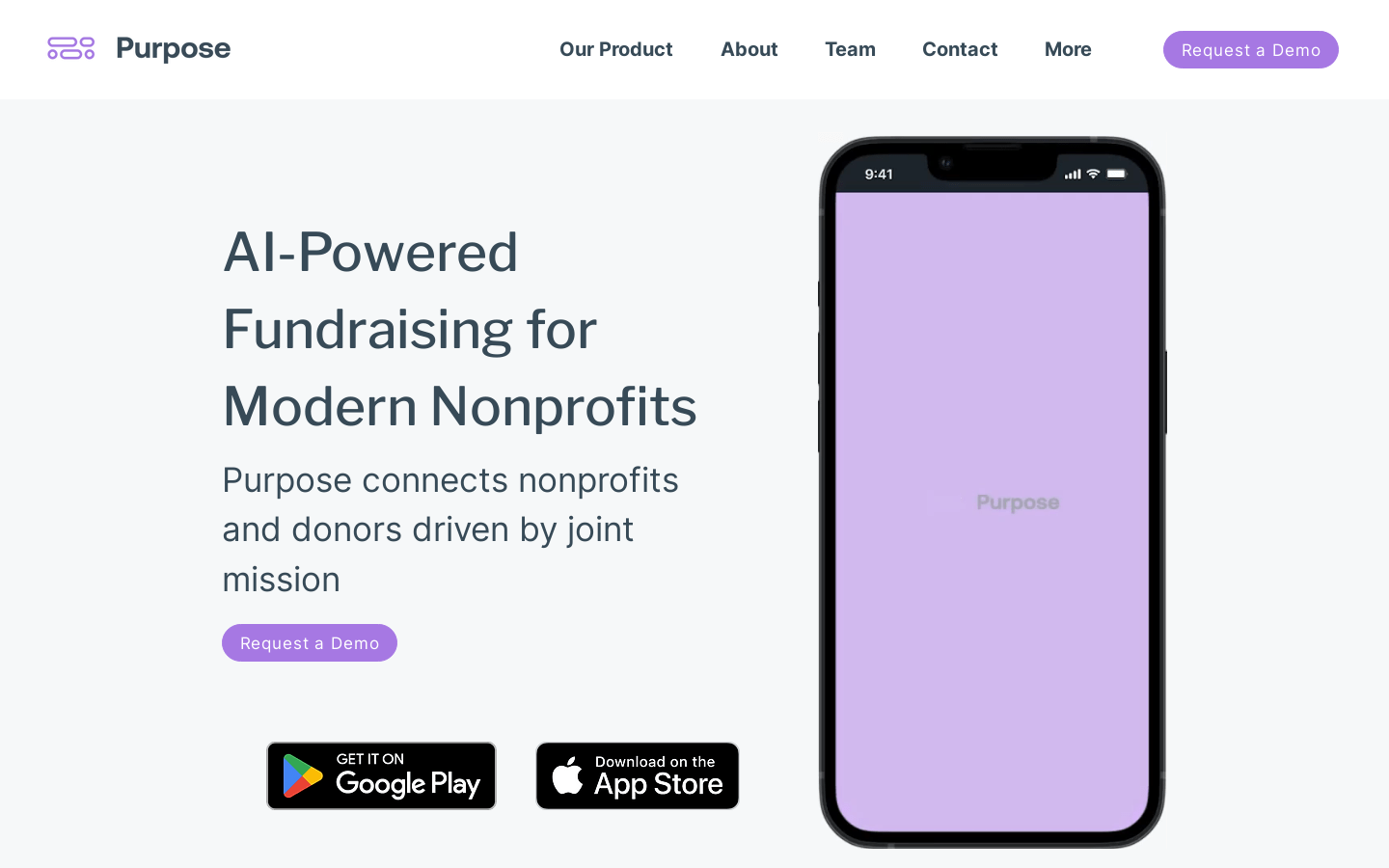
Screenshot archived from the listing page, for preview only.











