
PureMIDI
Convert audio, PDF, and video to MIDI onlineFree AI MIDI conversion for your DAW
Highlights
What you can do with it
- A producer converts an MP3 song to MIDI to remix in a DAW
- A piano teacher turns a score PDF into MIDI for a lesson
- A guitarist turns a WAV recording into MIDI to build a track
How to use it
- 1 Visit PureMIDI and register or log in
- 2 Choose a conversion mode, such as Pro Song or Quick Melody
- 3 Upload a supported file like MP3, WAV, or PDF
- 4 Click convert and wait for processing to finish
- 5 Download the MIDI file and import it into your DAW
Who it is for
Pros
- Free trial credits for new users
- Runs online with no installation
- Handles audio, PDF, and video inputs for MIDI output
Limitations
- Free credits are limited and paid credit packages are needed after
- YouTube links cannot be converted directly, only exported audio
- Transcription accuracy varies with the source material
What PureMIDI is
PureMIDI is a free, AI driven online MIDI converter. It turns audio files, music score PDFs, video audio, and instrument recordings into editable MIDI you can use in any digital audio workstation, with no installation needed since it runs in the browser. It supports formats like MP3, WAV, M4A, FLAC, OGG, AAC, AIFF, PDF, and video files such as MP4 and MOV. New users get a small number of free trial credits for a limited period, and after that you can buy credit packages, with different modes costing different amounts depending on length. It is built for producers, musicians, and learners who want quick transcription into MIDI.
What you can do with it
- Convert audio files like MP3 and WAV into editable MIDI
- Turn music score PDFs into MIDI through score recognition
- Extract MIDI from video audio and instrument recordings
- Use the output in any digital audio workstation
Who it is for
- Music producers who need MIDI from audio material
- Musicians turning performances or scores into MIDI
- Music learners converting scores or audio for practice
What to watch out for
The free credits are limited and only last for a trial period, so ongoing use means buying credit packages, and pricing can change. You cannot convert a YouTube link directly; you need to export authorized audio locally first, which adds a step. Transcription accuracy also varies with the source, so dense mixes or complex scores may need cleanup in your DAW afterward, and it is worth testing on one file before converting a whole project. For team use, agree on naming and editing conventions in advance to avoid version conflicts or duplicated work.
FAQ
Is PureMIDI free?
New users get a small number of free trial credits for a limited period. After that you can purchase credit packages, so it is not free forever.
What can I convert to MIDI?
You can convert audio files, music score PDFs, video audio, and instrument recordings into editable MIDI for use in a DAW.
Can I convert a YouTube link directly?
Not directly. You need to export authorized YouTube audio to a local file first, then upload that audio for conversion.
Why it is free
What the official page says: free trial
Free limits, trial length and features are decided by the official site and can change at any time.
Product preview
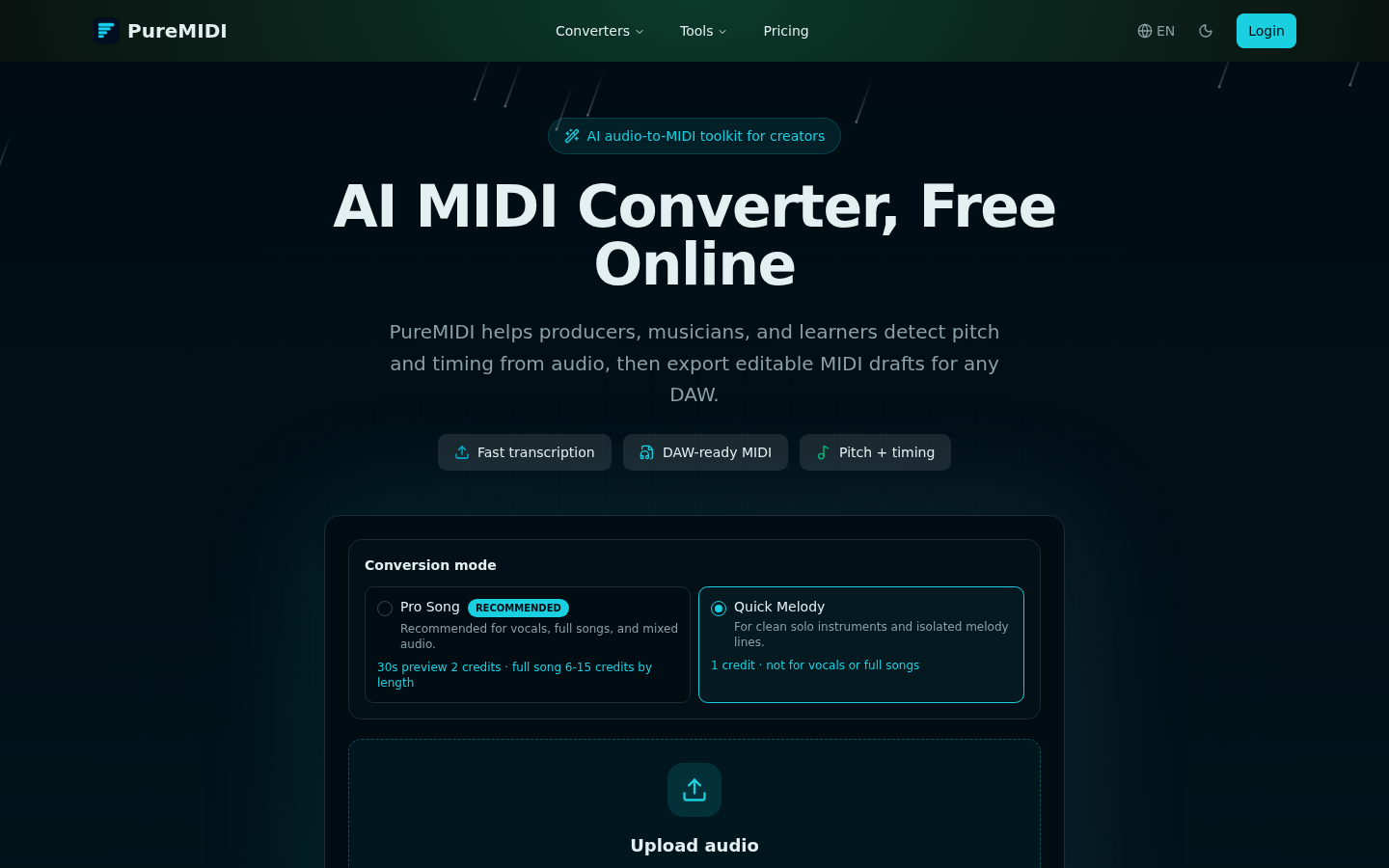
Screenshot archived from the listing page, for preview only.











