Prowler Cloud
Open source cloud security scannerScan multi-cloud, fix by risk
Highlights
What you can do with it
- An e-commerce platform found a public S3 bucket and fixed it within minutes
- A healthcare startup caught unencrypted Azure disks as a compliance violation
- A financial institution corrected over-privileged Kubernetes RBAC settings
How to use it
- 1 Register for Prowler Cloud or download the open-source CLI.
- 2 Connect your cloud account with a read-only IAM role or service principal.
- 3 Select environments, regions, and compliance frameworks, or run a default scan.
- 4 Review findings by risk priority and open each item for detail and root cause.
- 5 Follow the remediation guidance, fix in the console or code, then rescan to confirm.
Who it is for
Pros
- Free open-source core with wide framework coverage
- Read-only, agentless access that does not change your environment
- Prioritization cuts the noise of thousands of raw findings
Limitations
- The cloud trial is 15 days and paid pricing can change
- The volume of findings needs triage before it becomes useful
- Setup requires cloud credentials and permission decisions
What Prowler Cloud is
Prowler is an open-source cloud security platform. It scans multiple environments, including AWS, Azure, Google Cloud, Kubernetes, GitHub, and Microsoft 365, from one control plane, and it carries more than 2,500 security checks mapped to over 70 compliance frameworks such as CIS, NIST, PCI, and GDPR. Findings are sorted by risk severity, context, and business impact so a team starts with what matters instead of a wall of alerts. Each finding comes with remediation guidance, and AI assistance can generate explanations and suggested fixes. Access is read-only through IAM roles or service principals, no agents are deployed into the environment, and the project is SOC 2 Type II certified. The open-source version is free, and the cloud version has a 15-day trial.
What you can do with it
- Scan multiple clouds and services from one place
- Map results to compliance frameworks automatically
- Prioritize findings by severity and business impact
- Follow step-by-step remediation guidance
- Track posture over time with rescans and trend charts
Who it is for
- Security engineers who need automated multi-cloud scanning
- DevOps and platform engineers wiring checks into pipelines
- Compliance and audit staff producing framework evidence
- CISOs and cloud architects needing a cross-account risk view
What to watch out for
The cloud trial lasts 15 days and paid pricing can change, so plan procurement before the trial lapses. More than 2,500 checks produce a lot of output, and without triage the noise can bury the issues that matter. Connecting accounts requires read-only credentials, which still needs a permissions decision and sign-off in most organizations. Remediation is guidance, not automation, so someone has to apply the fixes and rescan.
FAQ
Is the open-source version free?
Yes. The open-source version is free, and the cloud version offers a 15-day free trial.
Does it change my cloud environment?
No. It connects in read-only mode and installs no agents.
Which clouds are supported?
AWS, Azure, Google Cloud, Kubernetes, GitHub, and Microsoft 365 are listed.
Why it is free
What the official page says: free trial
Free limits, trial length and features are decided by the official site and can change at any time.
Product preview
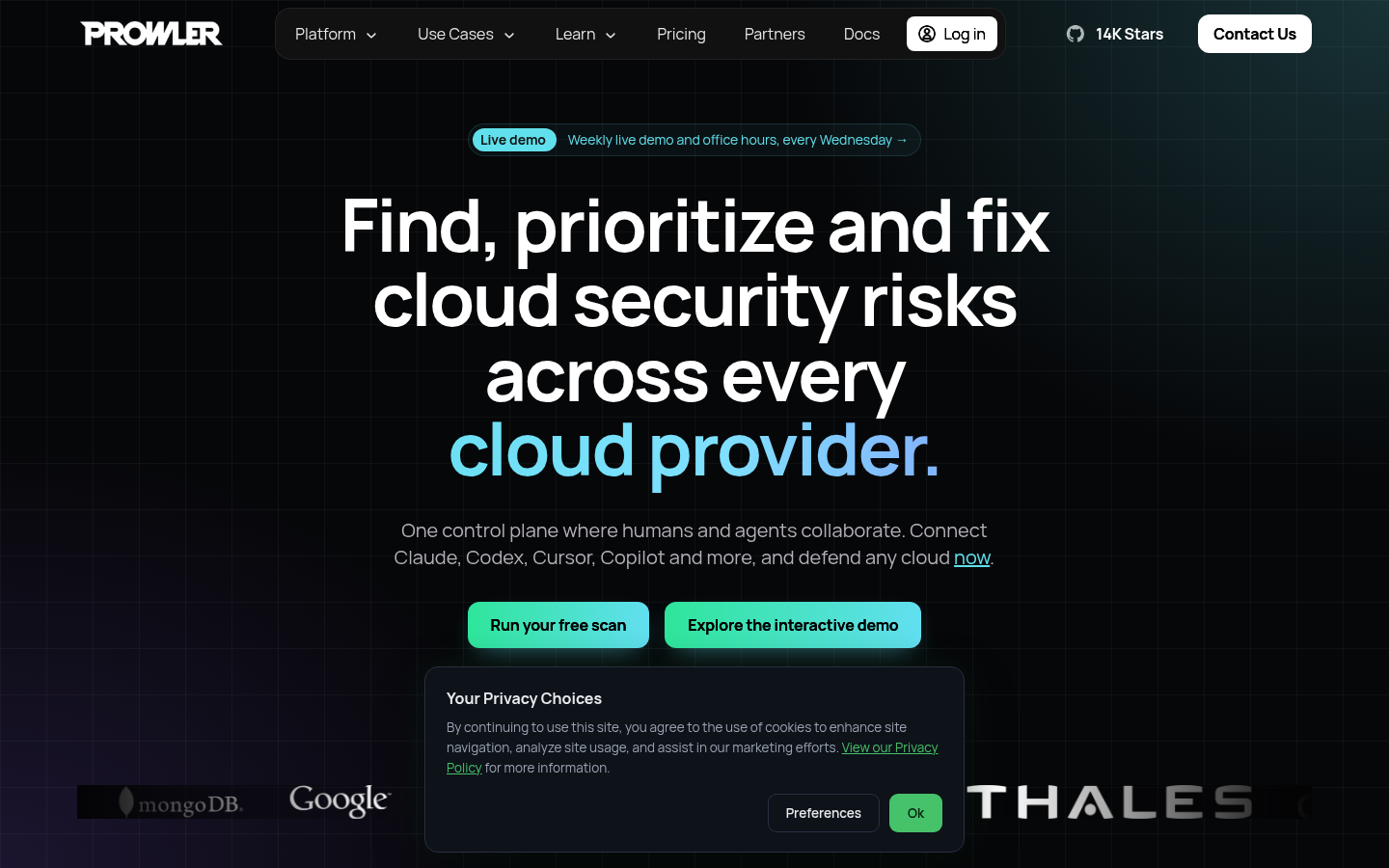
Screenshot archived from the listing page, for preview only.