Prospect AI
Browser plugin for finding company contactsFind emails and contacts on any website
Highlights
What you can do with it
- Sales teams find decision-maker contacts to grow pipeline
- Digital marketers build influencer and publisher lists
- PR professionals locate company contacts for media outreach
- Teams push enriched contacts into a CRM via the API
How to use it
- 1 Install the Prospect AI plugin in your browser
- 2 Open a website and click the plugin icon
- 3 View the key contacts and related information in the popup
- 4 Save, segment, or export the contacts you need
Who it is for
Pros
- Free to use
- One-click contact discovery on any site
- Real-time profiles and social context
- CSV export plus Webhooks and REST API
- Integrates with common SEO and outreach tools
Limitations
- Free access and contact limits may change over time
- Contact accuracy depends on what the site exposes
- Suited to finding contacts, not full CRM management
- Outreach must follow email and privacy rules in your region
What Prospect AI is
Prospect AI is a free browser plugin that helps sales teams, digital marketers, and PR professionals find company contacts. Instead of hunting for emails by hand, you open any website and click the plugin icon to instantly see key contacts and related information. Before adding someone to your list, you can review real-time personal profiles and social background, so you have context on who you are about to reach. The plugin is designed to speed up outreach and list building, and it is offered for free so teams can try it without a paid plan. You can then segment your lists and move the data into the tools you already use, which saves a lot of time when you are building a large number of prospects for a campaign.
What you can do with it
- Discover key contacts and related details on any website
- Review real-time personal profiles and social background
- Create and segment prospect lists for campaigns
- Export contacts as CSV or send them through Webhooks or the REST API
- Connect with tools such as Pitchbox, Ahrefs, Semrush, and Google
Who it is for
- Sales teams that need decision-maker contacts to grow pipeline
- Digital marketers building influencer and publisher lists
- PR professionals managing media relations and outreach
- Teams that push enriched contact data into a CRM
What to watch out for
The plugin is described as free, but free access and any contact or usage limits can change over time, so check current terms before relying on it. Contact accuracy depends on what a website publicly exposes, so results will vary from site to site and some entries may be missing or outdated. It is a discovery and list-building tool rather than a full CRM, so you still need somewhere to manage and nurture relationships after the first contact. When you reach out, follow email marketing and privacy rules in your region, since you are responsible for compliant outreach and for how you use the data you collect.
FAQ
Is Prospect AI free?
Yes, it is described as a free plugin for finding company contacts.
How does it work?
Install the browser plugin, open a website, and click the icon to see key contacts in a popup.
Can I export the contacts?
Yes. You can export contacts as CSV or send them to other software through Webhooks or the REST API.
What tools does it integrate with?
It integrates with tools such as Pitchbox, Ahrefs, Semrush, and Google.
Who is it for?
It is built for sales teams, digital marketers, and PR professionals.
Why it is free
What the official page says: for free
Free limits, trial length and features are decided by the official site and can change at any time.
Product preview
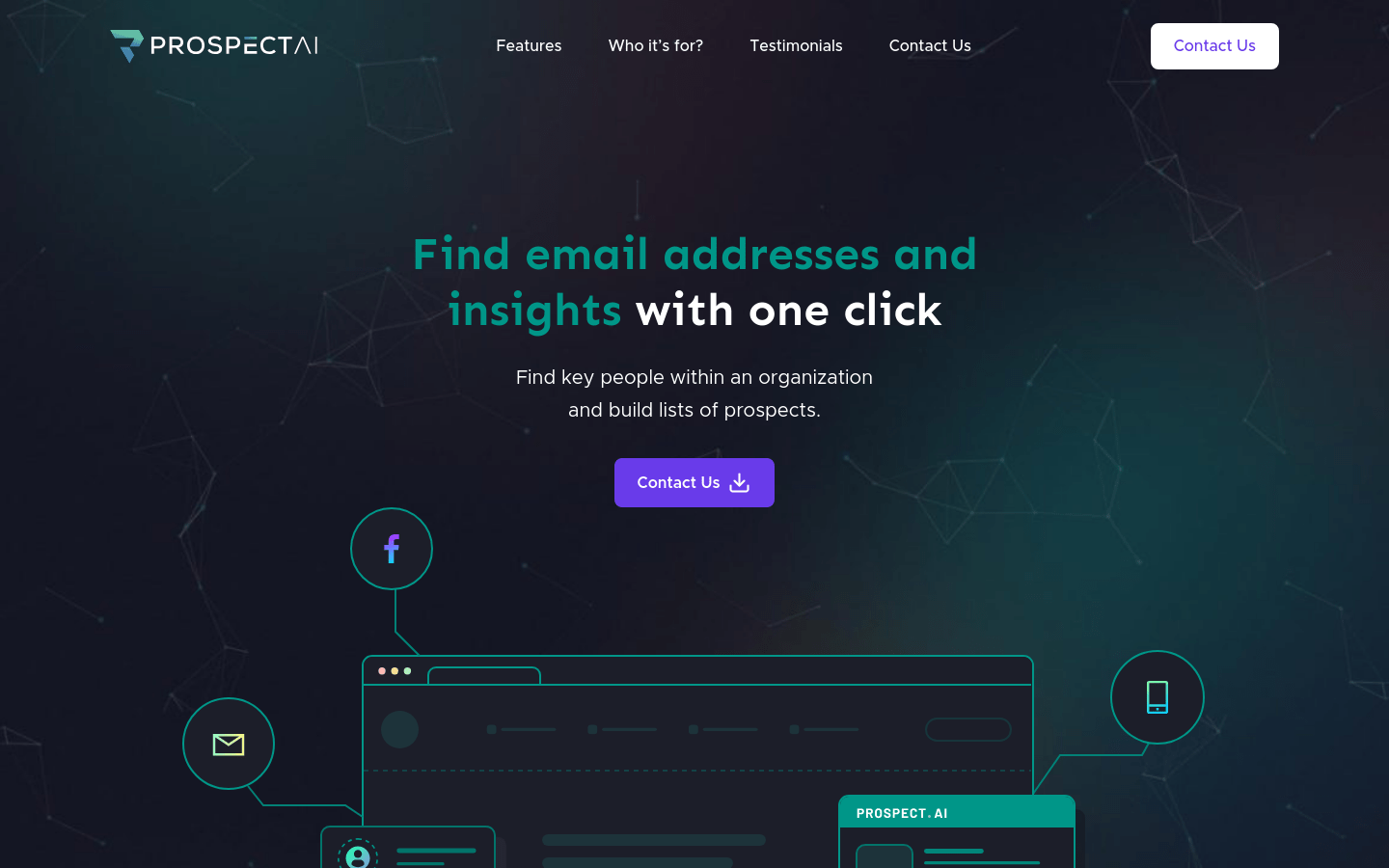
Screenshot archived from the listing page, for preview only.