
ProRemover
Free AI object and watermark removerClean photos in the browser, free
Highlights
What you can do with it
- A traveler removes crowds, signs, and clutter from a landscape photo
- A seller cleans props, dust, and messy edges out of product photography before publishing
- A creator strips subtitles, stickers, and old logos from a shareable graphic
How to use it
- 1 Upload a JPG, PNG, or WEBP image by clicking or dragging it into the page
- 2 Mark the people, objects, text, or graphics you want removed
- 3 Confirm the removal and let the AI fill the area
- 4 Check the result and save the cleaned image
Who it is for
Pros
- Free to use with no desktop software to install
- Simple workflow: upload, mark, confirm, save
- Handles several cleanup jobs that would otherwise need layered editing
- AI filling keeps the edited area usable for publishing
Limitations
- Free status and any usage limits can change at any time, so check the site before relying on it
- Complex backgrounds can produce visible artifacts that need retouching
- Removing watermarks or logos from images you do not own may breach copyright or platform rules, and the responsibility sits with you
- It removes elements but does not restore detail the original photo never captured
What ProRemover is
ProRemover is a free online AI tool for cleaning up photographs. You upload an image, mark the parts you want gone, and the AI fills the space so the frame looks natural again. It handles people, random objects, text, subtitles, timestamps, watermarks, logos, emojis, stickers, and overlays. Supported formats are JPG, PNG, and WEBP, and everything runs in the browser, so there is no Photoshop install and no heavy desktop editor to launch. The pitch is simple: get a clean, publishable photo in a few clicks instead of an hour of layered editing. Use it only on images you own or have the rights to edit.
What you can do with it
- Remove strangers and unwanted people from a photo in seconds.
- Erase objects such as signs, wires, bins, and clutter with a one-click marking step.
- Strip text, subtitles, timestamps, watermarks, and logos without leaving obvious smudges.
- Clean emojis, stickers, and overlays out of memes, posters, and social graphics.
Who it is for
- Real estate agents who need text and logos off listing photos quickly.
- Content creators tidying thumbnails so a busy background stops distracting from the subject.
- Social media managers and food bloggers polishing photos on any device without opening an editor.
What to watch out for
The tool is free today, but free status and any usage limits can change at any time, so check the site before you build a routine around it. Busy or textured backgrounds can leave visible artifacts that still need manual retouching, and the AI cannot invent detail the original photo never captured. Watermark and logo removal deserves extra care: only edit images you own or have permission to modify, because stripping marks from copyrighted material may breach the rights holder's terms and the consequences sit with you, not the tool.
FAQ
Is ProRemover free?
It is presented as a free online tool. Free status and any limits can change, so confirm on the site before you depend on it.
Which file formats work?
JPG, PNG, and WEBP.
Do I need to install anything?
No. The whole workflow runs in the browser, so there is no Photoshop or heavy desktop editor involved.
Can I remove a watermark from any image?
The tool can remove watermarks, but only use it on images you own or have permission to edit. Removing marks from copyrighted material may breach the rights holder's terms and the responsibility stays with you.
Why it is free
What the official page says: 免费
Free limits, trial length and features are decided by the official site and can change at any time.
Product preview
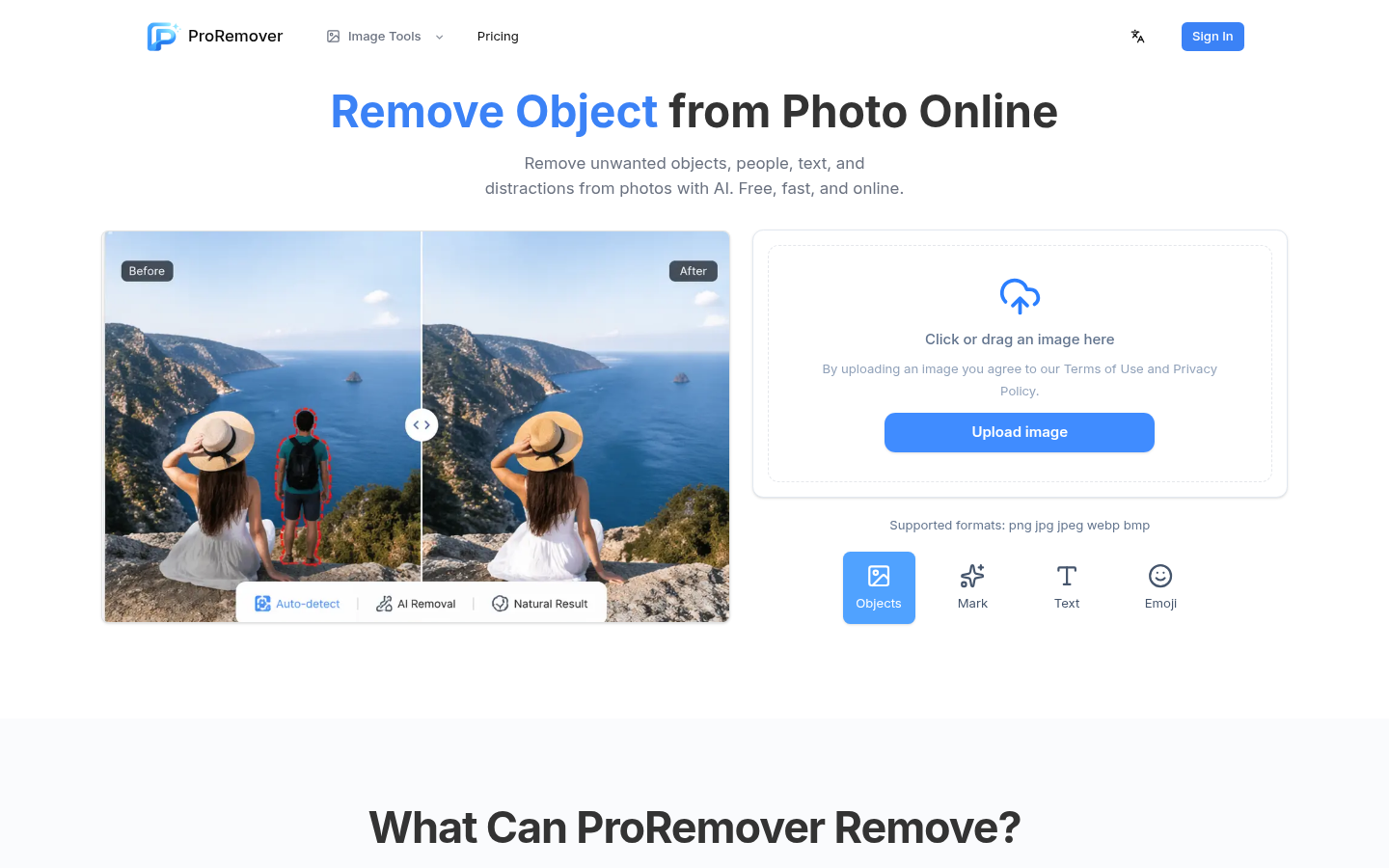
Screenshot archived from the listing page, for preview only.











