
PromptWall: All
Multi-model AI image generator, pay per imageSeveral models, one interface, no subscription
Highlights
What you can do with it
- Generate design material from a written brief
- Produce styled social images from templates
- Redesign an existing image to explore new directions
How to use it
- 1 Visit the site and start the free trial or log in.
- 2 Choose a model such as ChatGPT Image or DALL·E 3.
- 3 Pick text-to-image or image-to-image.
- 4 Write your prompt or upload a reference image.
- 5 Use the prompt assistant or a template to refine.
- 6 Generate, then pay only for the images you keep.
Who it is for
Pros
- Several models without managing several accounts
- No subscription; you pay per image
- Templates and prompt help lower the starting barrier
Limitations
- Pay-per-use adds up if you generate a lot
- Model output varies, so results are not uniform across models
- Free trial limits and current prices need checking on the site
What PromptWall: All is
PromptWall: All is an AI image generation and editing workspace that gathers several models behind one interface. Rather than maintaining accounts across different providers, you work in a single place and pick the model that suits the job. The listing names ChatGPT Image, DALL·E 3, Google Nano Banana, Flux Kontext, and Seedream as available options.
On top of generation, it adds tools that matter in practice: image-to-image for redesigning an existing picture, a side-by-side prompt assistant that analyses what you typed and suggests improvements, and hundreds of pre-made effect templates spanning anime style, realistic portraits, oil painting, and 3D rendering. Pricing is pay-as-you-go with no subscription, and the listing puts the cost of a single image as low as $0.025 depending on the model. New users get a free trial.
What you can do with it
- Generate images from text prompts across several models.
- Redesign an uploaded image, changing style, details, or branding.
- Use the prompt assistant to improve a weak prompt.
- Start from a built-in effect template instead of writing from scratch.
Who it is for
- Designers who need a fast set of visual options to choose from.
- Social media managers producing styled images on a schedule.
- Artists and creatives exploring styles through image-to-image.
What to watch out for
Pay-per-use pricing is honest but unforgiving at volume. If you generate dozens of variations per project, the per-image cost is worth calculating against a subscription elsewhere, and the free trial will not tell you what steady use costs. Confirm current prices before you commit to a workflow.
Model output is not uniform. The same prompt can produce very different results depending on which backend you choose, so plan to test rather than assuming one prompt works everywhere. And because generation is a black box, review anything you intend to publish commercially for accidental likenesses, trademarks, or text artifacts before it goes out.
FAQ
Which models can I use?
The listing names ChatGPT Image, DALL·E 3, Google Nano Banana, Flux Kontext, and Seedream on a single platform.
Is there a subscription?
No. Pricing is pay-as-you-go, and the listing says an image can cost as little as $0.025 depending on the model.
Is there a free trial?
Yes, new users can enjoy a free trial according to the listed steps.
Do I need design skills?
No, the prompt assistant and hundreds of built-in effect templates are there to help beginners get usable results.
Why it is free
What the official page says: 免费
Free limits, trial length and features are decided by the official site and can change at any time.
Product preview
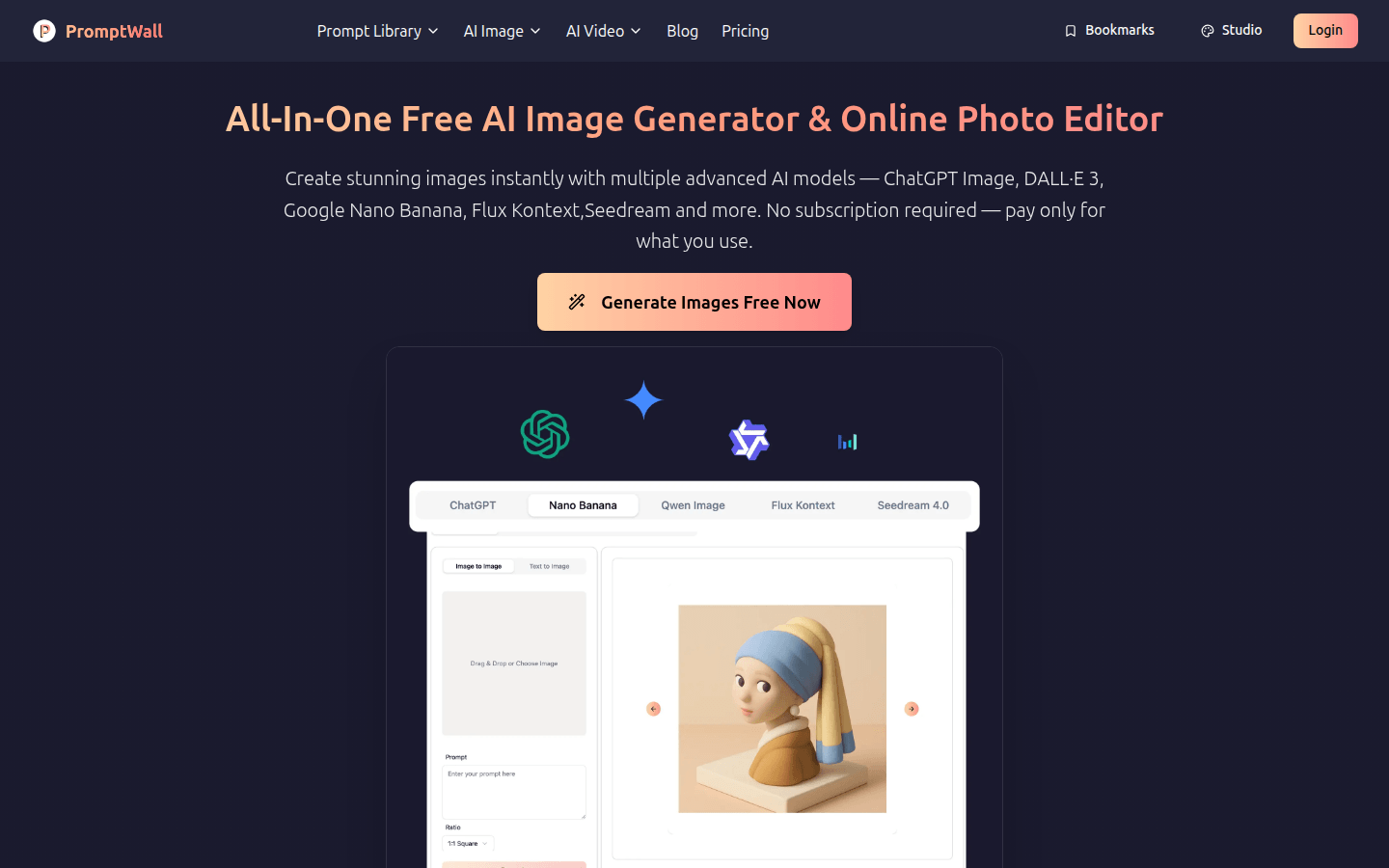
Screenshot archived from the listing page, for preview only.











