
PrompTune
AI writing polish in secondsFix grammar, sharpen style, keep your meaning
Highlights
What you can do with it
- Tighten an email before you send it
- Improve the readability of an article or post
- Raise the professionalism of a business letter
How to use it
- 1 Open the PrompTune site and start the free trial.
- 2 Paste the text you want to improve.
- 3 Pick the style you are aiming for.
- 4 Review the suggested corrections and rewrites.
- 5 Copy the final version back into your document.
Who it is for
Pros
- Handles the mechanical fixes quickly
- Style options give you some control over tone
- Free trial available before paying
Limitations
- Free access is a trial, not a permanent free tier
- The site was recorded as unreachable at the time of listing
- Suggestions still need a human read before you send anything important
What PrompTune is
PrompTune is an AI writing tool that takes a draft and returns a cleaner version of it. The listed features are the standard set that matters for this category: automatic grammar and spelling correction, high-quality writing suggestions, several writing styles to choose between, and support for multiple languages. You paste text in, pick a direction, and get a revised version back in seconds.
The listing places it in everyday writing rather than long-form work: emails where the reply rate matters, articles that need to be more readable, and business letters that should sound professional. Access starts with a free trial, and paid packages vary by how long you use it and which feature level you need.
What you can do with it
- Correct grammar and spelling automatically.
- Shift the tone of a draft by choosing a different style.
- Tighten an email or a business letter before sending.
- Work in more than one language.
Who it is for
- Professionals who write business email all day and want a quick pass.
- Non-native speakers polishing English text for clarity.
- Anyone who wants a second read on a draft before it goes out.
What to watch out for
Free access is a trial, not a standing free tier, so treat it as an evaluation window rather than a permanent option. The listing also recorded the site as unreachable when the entry was collected, which is a real practical problem: confirm it is back online before you build a habit around it.
More importantly, automated rewrites change wording without understanding your intent. A suggestion can flatten a deliberate tone, drop a caveat that mattered, or turn a specific claim into a vague one. Read every change before you accept it, especially in anything contractual or customer facing.
FAQ
Is PrompTune free?
It offers a free trial, with paid packages that vary by usage period and feature level.
What does it correct?
Grammar and spelling errors, plus broader writing suggestions and style changes.
Does it support other languages?
The listing says it supports multiple languages, without naming them.
Is the site currently working?
The listing recorded an unreachable response, so verify the site is back online before you plan around it.
Why it is free
What the official page says: free trial
Free limits, trial length and features are decided by the official site and can change at any time.
Product preview
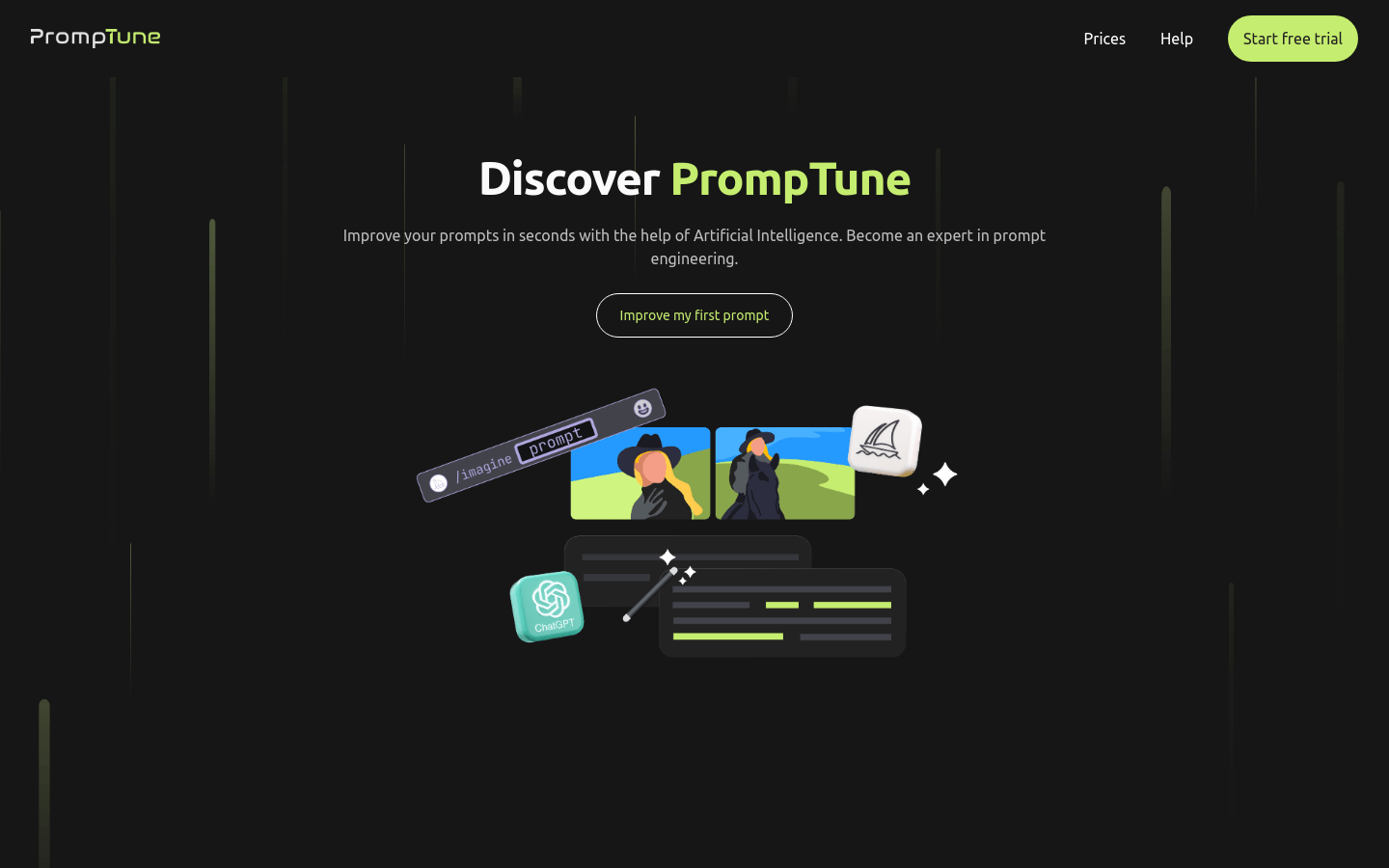
Screenshot archived from the listing page, for preview only.











