ProfilePictureMaker.com
Free round profile picture makerMake a round profile picture in your browser
Highlights
What you can do with it
- Profile photos for social accounts
- Team avatars with a consistent border
- Quick avatar edits without installing an app
How to use it
- 1 Open the site in your browser
- 2 Upload a photo or choose a sample
- 3 Add a border, background, or text
- 4 Crop it into the round shape you want
- 5 Download and post it
Who it is for
Pros
- Free to use with no registration
- Images stay inside your browser
- Works across major social platforms
Limitations
- Free status and available features can change
- Needs a modern browser to work well
- Limited to profile-style edits, not full photo editing
What ProfilePictureMaker.com is
ProfilePictureMaker.com is a free tool for making round profile pictures. You upload your own photo or start from a sample, then add custom borders, backgrounds, and text to create something unique. The important part is that all image processing happens in your local browser, so your picture is not sent to a server, and the site says no registration is needed. The finished round image can be used on social platforms such as Instagram, Twitter, Facebook, and TikTok. The tool positions privacy protection and quick, no-signup editing as its main selling points, which matters for people who do not want their face sitting on someone else's server.
What you can do with it
- Crop a photo into a round profile picture
- Add custom borders, backgrounds, and text
- Create many variations from one upload
- Download results for social media
Who it is for
- Social media users updating their avatar
- Teams that want a uniform set of profile pictures
- People who do not want photos uploaded anywhere
What to watch out for
The free status and the available options can change, so check the page before you plan a batch of avatars. Because it depends on browser capability, older browsers or low-memory devices may struggle with large photos. It is built for profile-style edits rather than full photo editing, and the site has shown redirect behavior, so confirm the URL you land on before you upload anything. For best results, start with a small test file and review the output carefully before working on anything important. Free tiers can change over time, so it is worth checking the current limits on the official page before you rely on the tool daily.
FAQ
Is it free?
Yes, the tool is free and needs no registration.
Are my photos uploaded anywhere?
No, the page says processing happens in the local browser.
Where can I use the images?
Platforms such as Instagram, Twitter, Facebook, and TikTok.
Why it is free
What the official page says: 免费无需注册
Free limits, trial length and features are decided by the official site and can change at any time.
Product preview
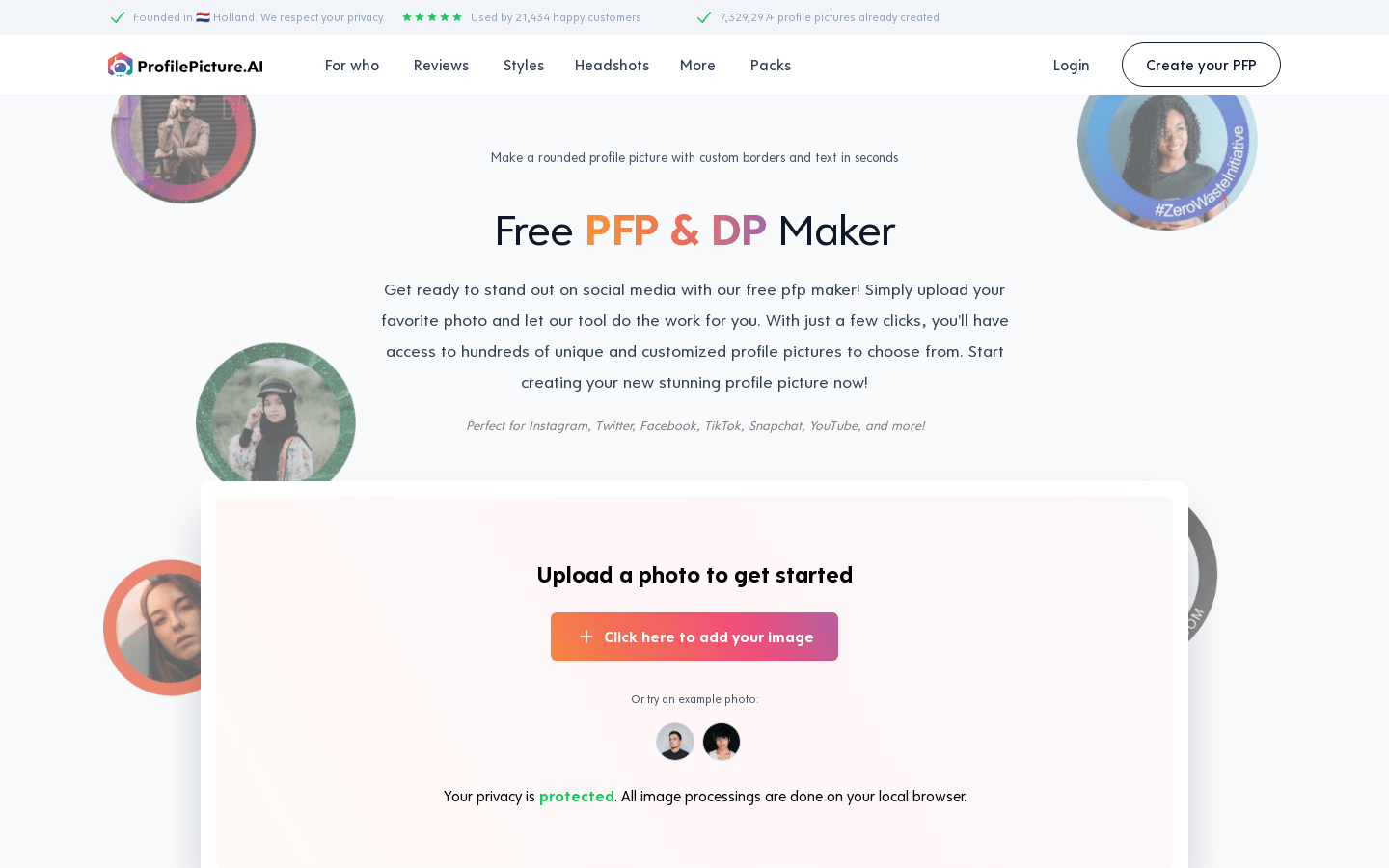
Screenshot archived from the listing page, for preview only.











