
Problembo
AI toolbox with daily free creditsImage, design and chat tools in one place
Highlights
What you can do with it
- Generating an image from a text description
- Removing or replacing a photo background
- Previewing a room redesign before buying furniture
How to use it
- 1 Open Problembo and check your daily credit balance
- 2 Choose a tool such as text to image or background removal
- 3 Upload your file or enter your prompt
- 4 Run the job and download the result
- 5 Top up credits only if you need more than the daily amount
Who it is for
Pros
- Many different tools behind a single account
- Daily free credits lower the entry cost
- Pay per use avoids long-term lock-in
Limitations
- Credits run out, so heavy use costs money
- The free credit amount and pricing can change
- Output quality varies between tools and inputs
What Problembo is
Problembo is an online service platform that bundles a set of AI tools behind one interface. It covers neural network text to image generation, AI powered interior design, online background removal, conversational AI chat, an AI image editor, AI image description and photo enhancement with resolution improvement. Rather than selling a single product, it works on credits: each user receives a small daily allowance of free service credits, and after that you pay only for what you use, with no subscription and no hidden charges.
What you can do with it
- Generate images from text descriptions
- Remove or replace the background of a photo
- Preview an interior design change before committing
- Enhance a low-resolution photo or describe an image in words
Who it is for
- Hobbyists who want to sample several AI tools without a monthly plan
- Online sellers who need fast background removal for listings
- People experimenting with a room redesign before spending money
What to watch out for
Credits are the limiting factor, so a busy day of image work will run past the free daily amount and cost money. Output quality varies noticeably between the different tools, and the same prompt can give very different results on different runs, so build in time for retries. The free credit amount and pricing can change at any point. As with any AI image tool, check that you have the rights to the photos you upload before using outputs commercially. Name and archive exported files consistently so you can find and reuse them, and keep a backup copy of key data. When quality matters, export a small draft first to confirm the result before producing the final file.
FAQ
What kinds of tools does Problembo offer?
Text to image generation, interior design, background removal, AI chat, image editing, image description and photo enhancement.
Is there a free allowance?
The listing says each user gets a small amount of free service credits daily.
How does billing work after that?
You pay only for the services you use, with no subscription fees or hidden charges.
Why it is free
What the official page says: 免费
Free limits, trial length and features are decided by the official site and can change at any time.
Product preview
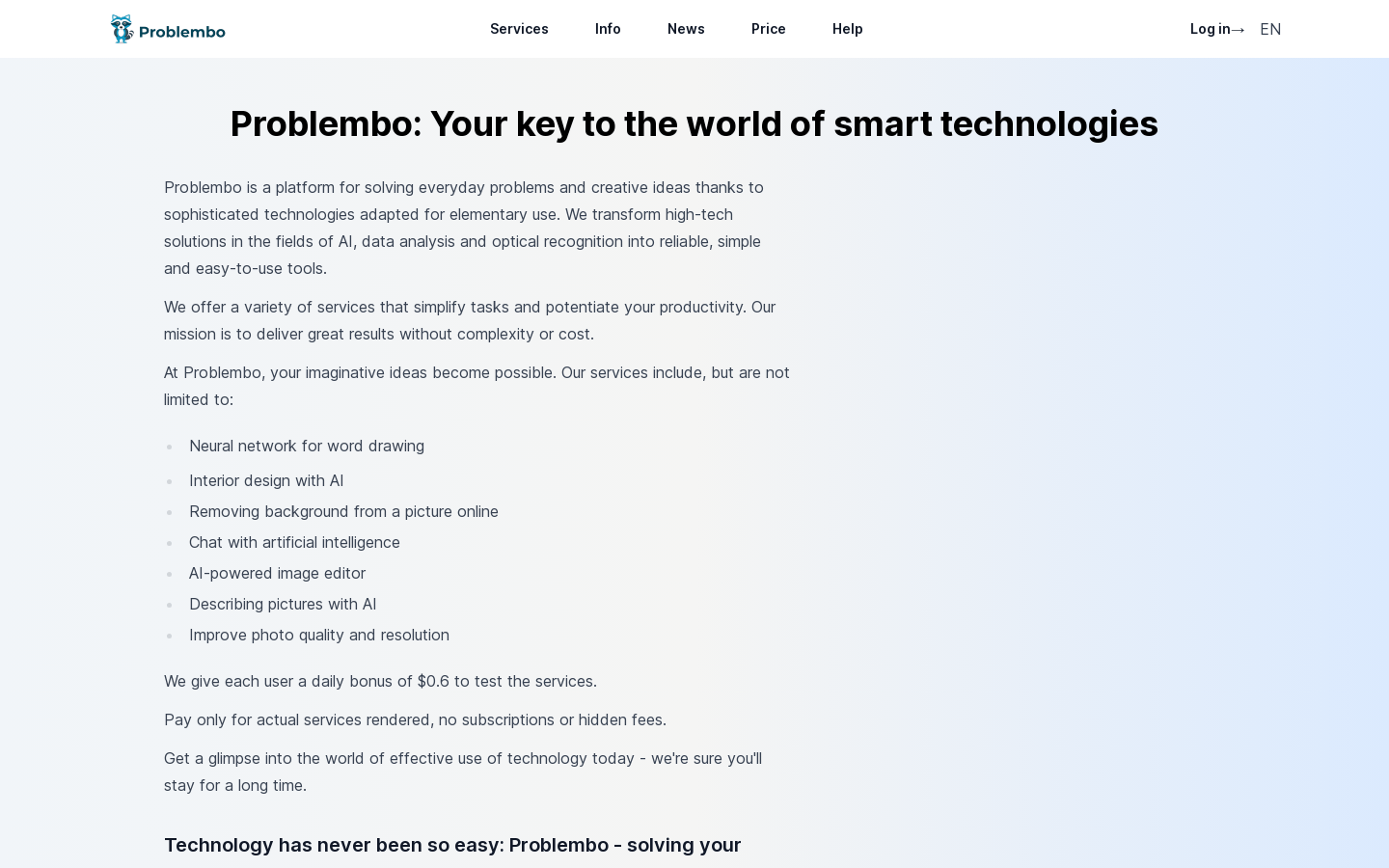
Screenshot archived from the listing page, for preview only.











