
Prismy
GitHub-based AI localizationTranslate product copy inside your repo
Highlights
What you can do with it
- Shipping a product into new language markets
- Keeping marketing and support copy in sync
- Letting non-developers edit copy without merge conflicts
How to use it
- 1 Register for a Prismy account
- 2 Install Prismy as a GitHub app on your repository
- 3 Define where your translation files live
- 4 Let the GitHub integration detect and apply missing translations
- 5 Use context and the terminology library to improve quality
- 6 Let the business team edit copy in production through generated pull requests
Who it is for
Pros
- Works inside the GitHub workflow developers already use
- Reduces merge conflicts from translation churn
- Context improves translation quality
- Terminology library keeps key terms consistent
Limitations
- Free trial only, with paid use after
- Machine translation still needs native speaker review
- Depends on GitHub and connected tools staying available
- Setup requires repository access and configuration
What Prismy is
Prismy is an AI-driven localization platform built around GitHub. Instead of exporting string files and emailing translators, you install Prismy as a GitHub app, tell it where your translation files live, and it finds missing strings and applies translations automatically. It also connects to customer-facing tools such as Intercom, so support content goes through the same pipeline. The translation runs with context: pull request descriptions, Linear issue details, and attachments all feed the model, and it considers existing content to keep wording consistent. A custom terminology library protects key business terms, and the writing style can be tuned to brand requirements. A free trial is available.
What you can do with it
- Detect and fill missing translations automatically
- Translate repository content and customer-facing tools in one pipeline
- Supply context from PRs and issues to improve output
- Keep key terms consistent with a terminology library
- Match brand tone and writing style
- Let business teams edit copy in production via conflict-free pull requests
Who it is for
Product teams launching in new language markets are the primary audience, because the bottleneck is usually string churn rather than translation itself. Developers who are tired of manually merging translation files benefit most from the GitHub-native flow. Localization managers get value from the terminology library and brand tone controls, which are the parts that keep a multilingual product from reading like five different products.
What to watch out for
Access is a free trial, so plan for paid usage once you evaluate it. Machine translation still needs native speaker review before publication, particularly for marketing copy where tone carries as much meaning as words. The whole workflow depends on GitHub and any connected tools staying available and keeping their permissions, so a revoked app access silently stops the pipeline. Setup also requires repository access and deliberate configuration of file locations, which is a real hour of work rather than a two-click install.
FAQ
Is Prismy free?
It offers a free trial. Longer-term use is a paid product.
How does it integrate with GitHub?
You install it as a GitHub app on a repository, define translation file locations, and it detects and applies missing translations.
What context does the AI get?
PR descriptions, Linear issue details, and attachments, plus consideration of all existing content for consistency.
Can non-developers edit copy?
Yes. Business teams can make changes in production while Prismy automatically creates branches and conflict-free pull requests.
Why it is free
What the official page says: free trial
Free limits, trial length and features are decided by the official site and can change at any time.
Product preview
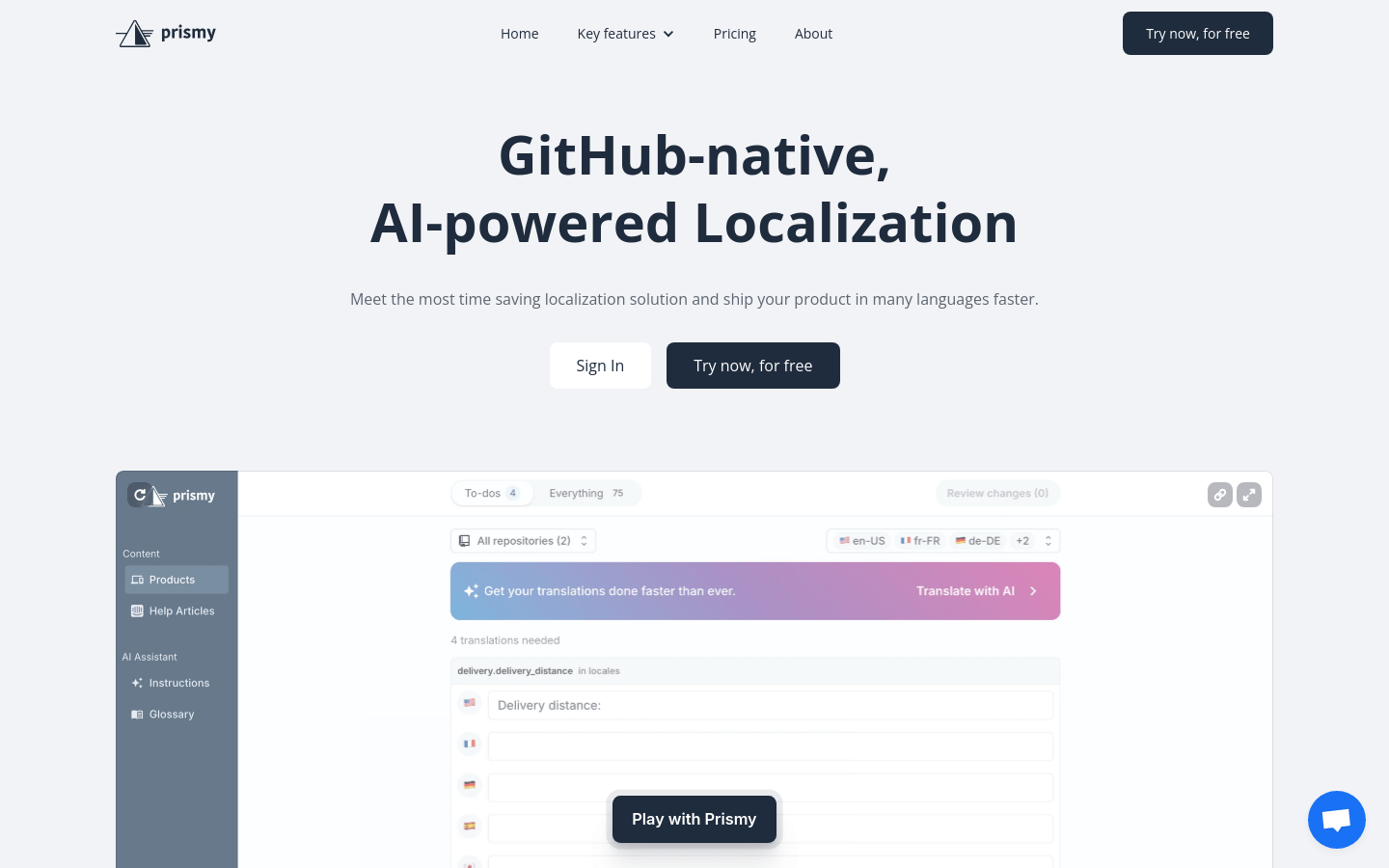
Screenshot archived from the listing page, for preview only.











