
Prism Videos
AI video and image platform aggregating Veo, Kling, Sora and more.Multiple AI video models, one editor, commercial-ready output.
Highlights
What you can do with it
- Founders creating startup story and tech explanation videos
- Marketers producing product showcase videos for promotion
- Creators making music videos and creative short content
How to use it
- 1 Visit prismvideos.com and click Start For Free to register
- 2 Choose Create Image or Create Video and enter a text prompt
- 3 Select a model such as Veo, Kling, or Sora if needed
- 4 Refine with motion control and templates, preview, then export in your format
Who it is for
Pros
- Model switching lets you pick the right engine per shot
- Free plan available for testing the workflow
- Multi-platform export presets save reformatting time
Limitations
- Credit costs vary by model, and heavy generation burns credits fast
- AI video quality varies between models and prompts
- Free tier limits restrict production volume
What Prism Videos is
Prism Videos is a next-generation AI video platform that aggregates several advanced AI models, including Google Veo, Kling, and Sora, into one creation and editing environment. The core appeal is accessibility: instead of learning professional editing software, you generate images and videos from simple text prompts, then refine them with built-in tools. Motion control lets you change or animate elements in a scene, lip sync makes characters speak naturally, and one-click templates such as stabilizers, 360-degree tracks, and slow motion provide quick starting points. A timeline editor supports clipping, splicing, and transitions for more traditional assembly work. Because different models have different strengths, you can switch between them to suit each project's style. Output is commercially usable, with exports in multiple resolutions up to 4K and aspect ratios optimized for platforms like YouTube, TikTok, and Instagram. Pricing uses free and paid tiers with credit-based fees, where 1 credit equals 0.01 computing volume and different models cost differently.
What you can do with it
- Generate videos and images from text prompts across multiple AI models
- Apply motion control, lip sync, and one-click templates for faster creation
- Edit on a timeline with clipping, splicing, and transitions
- Export up to 4K in platform-optimized formats for commercial projects
Who it is for
- Creators who lack professional editing skills but want polished video content
- Marketers producing product showcases and social media campaigns
- Enterprises creating brand promotion videos and customer-facing content
- Founders and storytellers explaining products or ideas visually
What to watch out for
Credit-based pricing rewards efficiency: costs vary by model, and experimental generation across multiple models can consume credits quickly, so test small before batching. Output quality is uneven in the way all AI video currently is; prompts may need several iterations, and complex scenes or consistent characters across shots remain challenging, so budget time for regeneration. The free tier is fine for evaluation but too limited for production volume, so estimate your monthly credit needs before committing. Also verify the current commercial-use terms yourself before client work, since platform policies can change. Finally, as with all generative video, review output for unintended artifacts, likeness issues, and any resemblance to copyrighted material before publishing.
FAQ
Is Prism Videos free?
There are free and paid plans. Free credits let you test, while serious use runs on credit pricing where 1 credit equals 0.01 computing volume.
Which AI models does it include?
It integrates multiple advanced models such as Google Veo, Kling, and Sora, and you can switch between them per project.
Can I use output commercially?
Yes. Content created on Prism can be used for marketing videos, social promotion, and client projects.
Why it is free
What the official page says: 免费
Free limits, trial length and features are decided by the official site and can change at any time.
Product preview
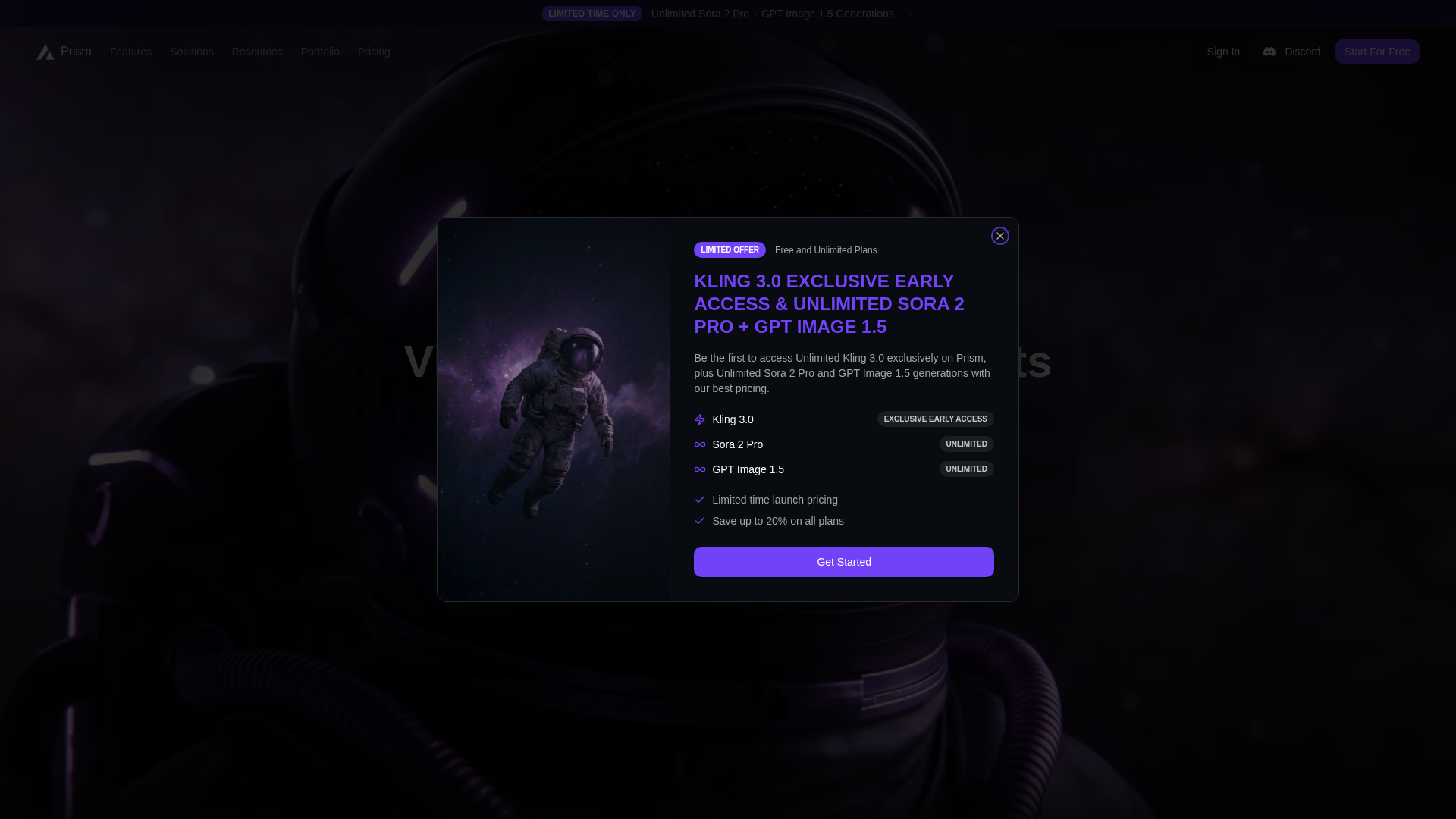
Screenshot archived from the listing page, for preview only.











