
Presenton.ai
AI tool that turns data into presentationsTurn dull data into captivating presentations
Highlights
What you can do with it
- Preparing a client report in minutes instead of hours
- Turning a dense consultancy report into an executive-ready deck
- Explaining formulas, historical events, or science with clear visuals
How to use it
- 1 Visit presenton.ai.
- 2 Click Get Started or Create Your AI Presentation Now and upload your file.
- 3 Let the system analyze the file and generate the presentation.
- 4 Edit and customize the generated slides as needed.
- 5 Preview or download the finished presentation.
Who it is for
Pros
- Cuts presentation preparation time sharply
- Handles charts and visuals automatically
- Free tier lets you test the workflow first
Limitations
- Unlimited creation and watermark-free export need the paid plan
- Output quality tracks how clean your source file is
- Free rules and pricing can change over time
What Presenton.ai is
Presenton.ai is an AI-based online presentation generation tool. It converts complex data, reports, and analyses into concise, engaging, and interactive presentations. The product is aimed at business professionals, educators, students, and content creators who need to turn raw material into a clear story quickly. There is a free version you can start with right away, and paid plans add more advanced features such as unlimited presentation creation and watermark-free output. The workflow is built so you upload your file, the AI reads it, and a structured deck appears that you can then refine before sharing.
What you can do with it
- Turn dense reports and data files into slides with professional charts and visuals
- Upload several files at once and generate a presentation in a short time
- Edit and customize the generated deck before you share it
- Preview or download the finished presentation directly on the website
Who it is for
- Business professionals who build client reports and internal updates
- Educators who need to explain formulas, history, or science with clear visuals
- Students and content creators who want slides without manual layout work
What to watch out for
The free version is a fair way to test the workflow, but it comes with limits. Unlimited creation and watermark-free exports sit behind the paid plan, so anyone producing decks every week should plan for an upgrade. Output quality also tracks the quality of the file you upload, because the AI reads your material to build the slides. Free-tier rules and pricing can change over time, so check the site before you depend on it for an important deadline.
FAQ
Is Presenton.ai free to use?
Yes, there is a free version. Paid plans add unlimited presentation creation and watermark-free outputs.
What can I upload?
You can upload files such as reports and data documents, and the tool supports multiple file uploads.
Who is it built for?
It targets business professionals, educators, students, and content creators.
Why it is free
What the official page says: 免费
Free limits, trial length and features are decided by the official site and can change at any time.
Product preview
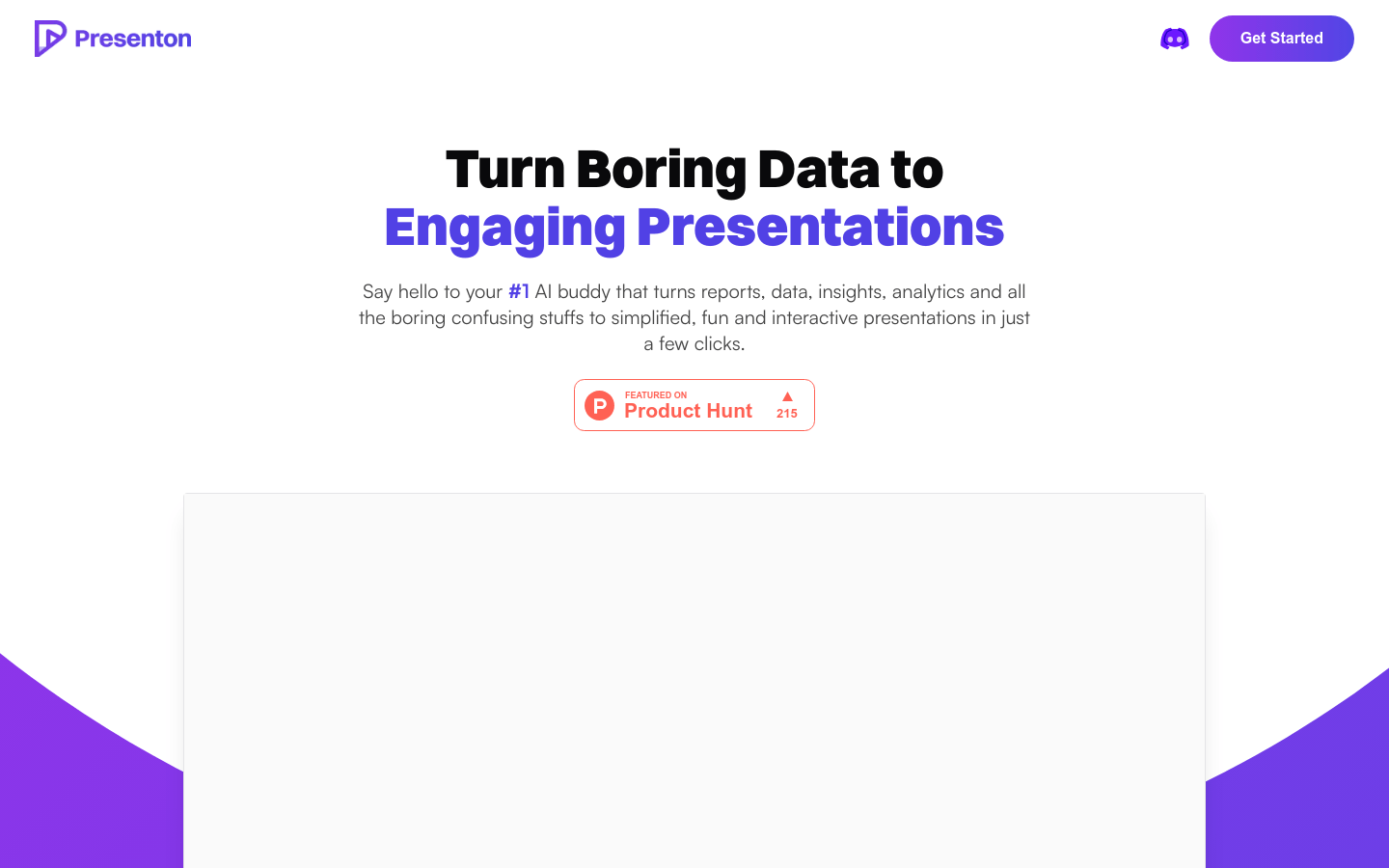
Screenshot archived from the listing page, for preview only.











