
Presentations.ai
AI presentation generatorType a prompt, get a full deck
Highlights
What you can do with it
- Create a business deck from a text prompt
- Collaborate with a team on a presentation
- Design slides without manual layout work
How to use it
- 1 Open the Presentations.AI website
- 2 Enter a prompt describing your deck
- 3 Let the AI generate the presentation
- 4 Edit the slides and present
Who it is for
Pros
- Fast generation from a prompt
- Personalized design output
- Multi-device support
- Real-time collaboration
Limitations
- The free option is for trying it out; pricing beyond that can change
- Pricing and features can change
- Generated layouts may need manual edits
- Depends on the AI service being available
What Presentations.AI is
Presentations.AI is an AI-powered presentation application that helps users easily create presentations. By entering prompts, users can leverage AI to generate an entire PPT presentation from scratch in seconds. The app offers personalized design, multi-device compatibility, and real-time collaboration, and you can try creating one for free. It is built for people who need a deck fast and do not want to start from a blank slide.
What you can do with it
- Generate a full presentation from a text prompt
- Get personalized design for your slides
- Work across multiple devices
- Collaborate with others in real time
- Try creating a presentation for free
Who it is for
- Professionals who need decks quickly
- Teams collaborating on a presentation
- Anyone who wants AI-designed slides
- Users who prefer prompts over manual layout
What to watch out for
The free option is for trying the tool out, and pricing beyond that can change, so check current plans before you commit. Generated layouts often need manual edits to match your content, and a vague prompt tends to give a vague deck. The service depends on the AI being available, so generation can slow down at busy times. Treat the output as a strong first draft rather than a finished presentation. Run one full task end to end first, then expand once you are comfortable with the workflow and the result quality. Behavior may vary across browsers and devices, so test before production use and consult the help docs if errors appear. Save a backup of the original file before large batch jobs, and keep an exported copy of key results in case the page or service becomes temporarily unavailable.
FAQ
Can I try it free?
Yes, you can try creating a presentation for free.
How does it work?
Enter prompts and the AI generates a full presentation.
Can I collaborate?
Yes, it supports real-time collaboration.
Does it work on mobile?
It offers multi-device compatibility.
Why it is free
What the official page says: for free
Free limits, trial length and features are decided by the official site and can change at any time.
Product preview
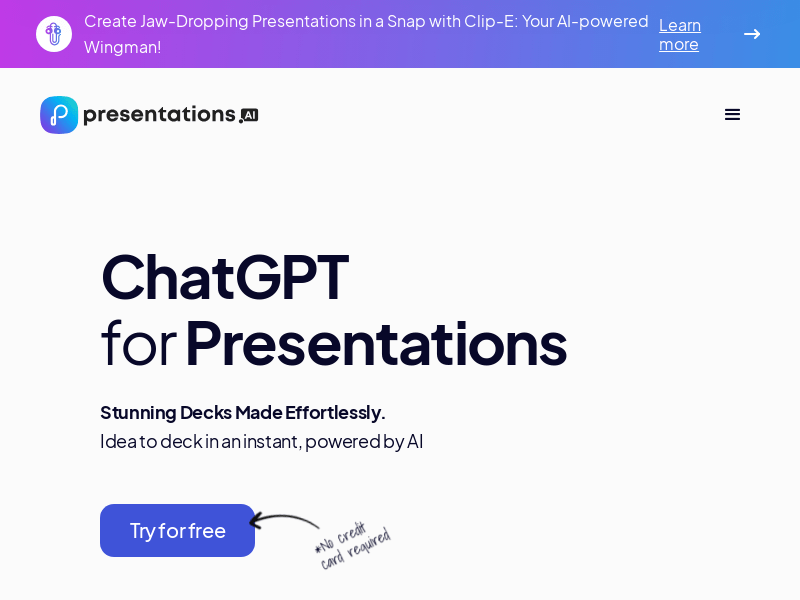
Screenshot archived from the listing page, for preview only.











