
Postman
API platform for design, testing and AI agentsBuild, test, govern and call APIs in one workspace
Highlights
What you can do with it
- A fintech team runs collection tests and governance checks in CI on every commit.
- A platform team lets AI agents query the Context Graph to find dependent APIs before changes.
- A startup uses a Mock Server so frontend and QA work while the backend builds to OpenAPI.
How to use it
- 1 Register and open Postman on the web or download the desktop client.
- 2 Create or join a workspace and a collection, then add requests or import OpenAPI docs.
- 3 Debug in the API client with environment variables, auth and test assertions.
- 4 Design contracts in Spec Hub and turn on a Mock Server for frontend or agent testing.
- 5 Run tests with Collection Runner or Postman CLI in CI, add monitoring, and wire up the CLI or MCP Server for AI agents.
Who it is for
Pros
- One workspace covers design, mocking, testing, monitoring and docs, reducing tool switching.
- AI-native features let coding agents discover and validate APIs through CLI and MCP.
- Governance and catalog help teams keep API contracts consistent, with a free tier to start.
Limitations
- The free tier is limited; collaboration, governance and scale need Professional or Enterprise plans.
- The platform is broad, so there is a learning curve to use it well.
- AI agent features are newer and may change as the product evolves.
What Postman is
Postman is an API development and collaboration platform that covers the complete lifecycle of an API: design, mocking, testing, monitoring, governance, documentation and SDK generation. It has recently grown into an API engineering platform for AI agents, adding tools such as Postman CLI, a Postman MCP Server, Context Graph and Agent Mode. These let both human developers and AI agents discover, understand, call and validate APIs in a single workspace. The main idea is to keep API contracts consistent from development through production, which reduces context switching and improves delivery accuracy and speed. It runs on a freemium model with Free, Professional and Enterprise editions.
What you can do with it
- Build and debug HTTP requests with environment variables, auth and proxy settings.
- Design OpenAPI and MCP specs in Spec Hub and launch a Mock Server before the backend is ready.
- Run collection tests in CI with Collection Runner or Postman CLI, and set up monitoring and load tests.
- Connect AI coding agents through the CLI or MCP Server and explore dependencies in Context Graph.
Who it is for
- Backend and frontend developers who debug APIs and share documentation with a team.
- QA and test engineers building automated regression, performance and monitoring suites.
- AI agent and platform engineers who need LLM agents to call internal APIs safely.
- Technical managers and enterprise teams that want a global view of API assets and governance.
What to watch out for
The Free tier is limited, and team collaboration, governance and scale usually need Professional or Enterprise plans, so check pricing for your team size. The platform is broad, so expect a learning curve to use mocking, governance and agent features well. The AI agent tools are newer and may change as the product develops. Because it is a central workspace, keep access and secrets managed carefully across teams.
FAQ
Is Postman free?
It uses a freemium model with Free, Professional and Enterprise editions; the Free tier covers basic use.
What does it cover?
API design, mocking, testing, monitoring, governance, documentation and SDK generation.
Does it work with AI agents?
Yes, through Postman CLI, an MCP Server, Context Graph and Agent Mode.
Who is it for?
Developers, QA engineers, AI agent and platform teams, and managers who need API governance.
Why it is free
What the official page says: freemium
Free limits, trial length and features are decided by the official site and can change at any time.
Product preview
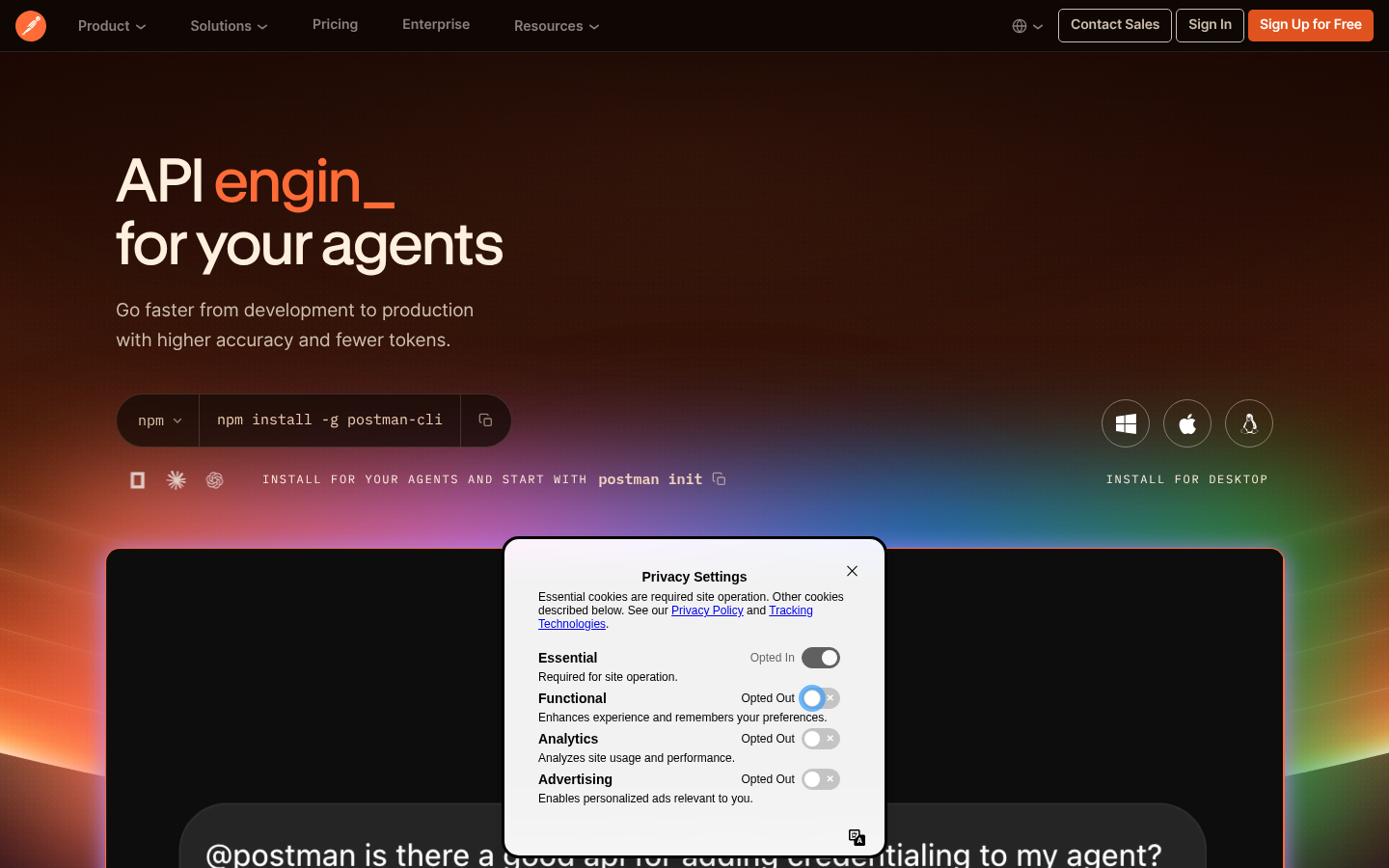
Screenshot archived from the listing page, for preview only.











