
PoorClaw
Free desktop client for several AI modelsMainstream AI chat, no API key needed
Highlights
What you can do with it
- Everyday chat and questions from a desktop app
- Homework help and knowledge queries for students
- Developers adding AI chat to their own apps through the API
How to use it
- 1 Download the PoorClaw application.
- 2 Install it and open the app.
- 3 Let it connect to the AI models automatically.
- 4 Pick the model or function you want to use.
- 5 Start chatting from the desktop app or through Telegram or QQ Bot.
Who it is for
Pros
- No API key or manual setup before you can chat
- Several models reachable from one app
- Desktop, Telegram, and QQ Bot channels
- OpenAI compatible API for integration work
Limitations
- The site is new and its long term availability is unproven
- Free access may change, and usage limits are not published
- Routing chats through a third party client raises privacy questions
- Answers can still be wrong, so verify anything important
What PoorClaw is
PoorClaw is a free desktop client for AI chat. Its main promise is that you do not need to apply for an API key or configure anything: you download the app, install it, and start talking to mainstream models such as ChatGPT and DeepSeek. The site says it is completely free with no hidden fees, and that the connection to models is set up automatically. Beyond the desktop app, it says you can also reach the models through Telegram and QQ Bot, that it exposes a standard OpenAI compatible API for developers, and that Skills extensions add functions over time. It is aimed at anyone who wants AI chat without creating an account with each provider.
What you can do with it
- Chat with several mainstream AI models from one desktop app
- Start conversations without applying for or pasting an API key
- Reach the same models through Telegram or QQ Bot
- Use an OpenAI compatible API in your own projects
- Add functions through Skills extensions
Who it is for
- People who want AI chat without signing up per service
- Students using it for homework help and knowledge questions
- Developers who want an OpenAI compatible endpoint to build on
- Users who prefer a desktop app to a browser tab
What to watch out for
The site is new, so there is little history to judge reliability or longevity by, and free access can change without notice. No usage limits are published, so heavy use may run into a ceiling you did not expect. Because your messages pass through a third party client rather than the provider's own app, think carefully before pasting personal, financial, or confidential information, and read the privacy terms first. Model answers can still be wrong or out of date, so verify anything you plan to rely on. As with any chat tool, follow your school or workplace rules on AI use.
FAQ
Do I need an API key?
No. The site says configuration is handled automatically after install.
Which models can I use?
It lists ChatGPT and DeepSeek among others, and mentions Qwen and Zhipu GLM, with more being added.
Is it free?
The site says it is completely free with no hidden fees, but no usage limits are published.
Can developers use it?
Yes, it provides a standard OpenAI compatible API.
Why it is free
What the official page says: completely free
Free limits, trial length and features are decided by the official site and can change at any time.
Product preview
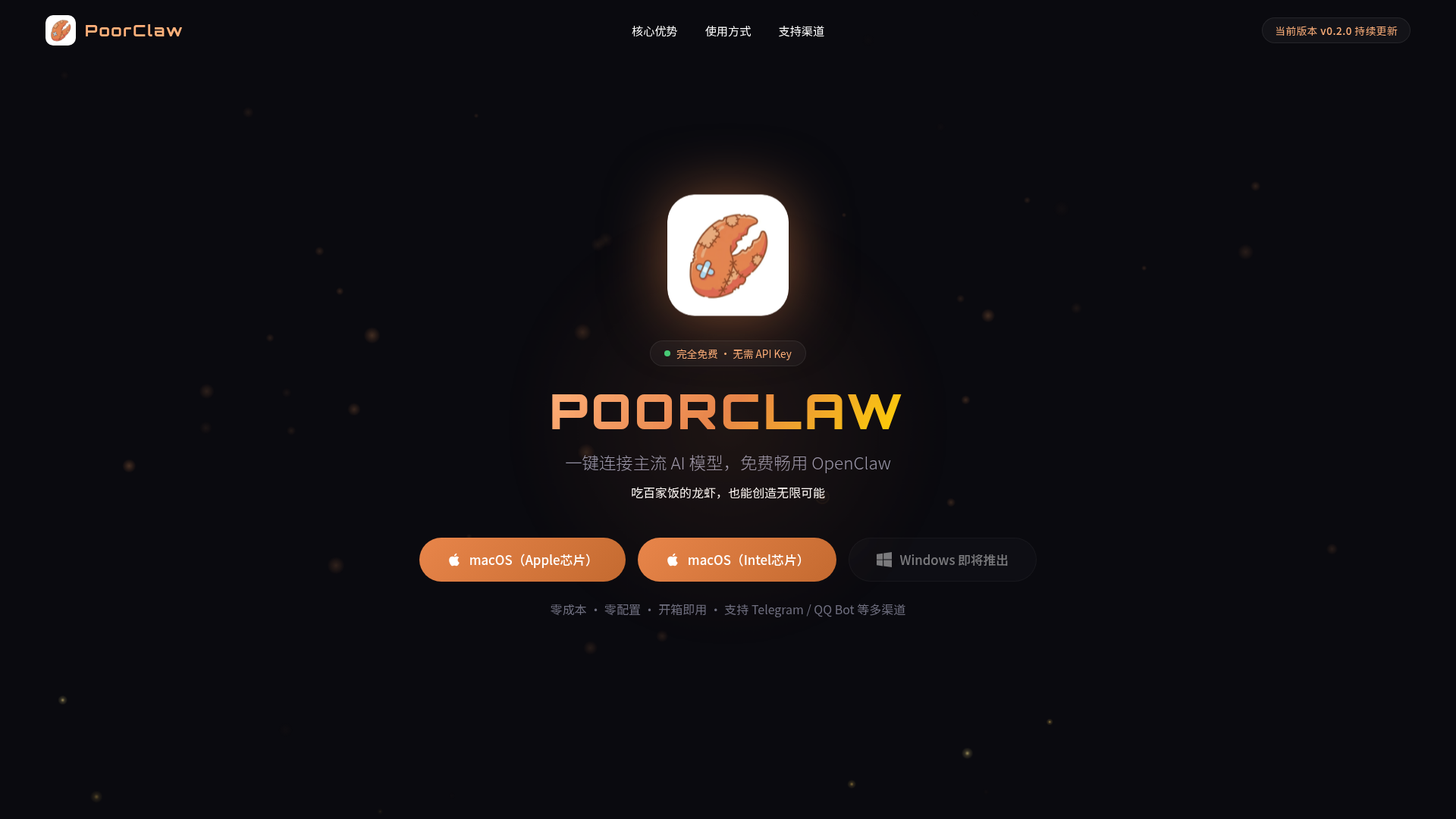
Screenshot archived from the listing page, for preview only.











