
Ponzu
AI generator for PBR texture mapsPBR textures in seconds from a prompt
Highlights
What you can do with it
- Game developers create tiling textures for environments and props
- 3D artists generate material maps for modeling and rendering
- Designers prototype surfaces quickly before committing to final art
How to use it
- 1 Open Ponzu in your browser
- 2 Describe the surface you want to generate
- 3 Run the generation and review the resulting maps
- 4 Download the maps and apply them in your project
Who it is for
Pros
- Produces complete PBR map sets rather than a single color image
- Very fast, which helps when blocking out a scene
- A free option exists for testing the workflow
Limitations
- Free usage limits and the split between free and paid features are not spelled out
- AI textures may need cleanup for seamless tiling or hero assets
- Consistency across a whole asset set still requires manual work
- Paid plan terms and pricing can change
What Ponzu is
Ponzu, also referred to as Ponzukey, is an online tool for generating AI-powered PBR textures. The important detail is that it does not stop at a color image. It produces the maps that real-time engines actually read: albedo for base color, normal for surface detail, metallic for reflectivity, and roughness for how light scatters. That makes the output usable in game engines and renderers rather than just looking nice in a thumbnail. The pitch is speed: describe a surface and get a working material set in seconds, which helps when you are blocking out an environment or testing a look before committing to hand-authored art. Free and paid versions are available, with paid plans adding more advanced features and customization.
What you can do with it
- Generate complete PBR map sets from a text description
- Produce materials for game environments, props, and characters
- Create reference textures for modeling and rendering work
- Prototype a surface quickly before finalizing the art
Who it is for
- Game developers and level designers who need materials fast
- 3D modelers and rendering artists building libraries of surfaces
- Designers who want to test a look before spending time on final assets
What to watch out for
The description does not detail exactly where the free tier ends and paid features begin, so treat the free version as a way to evaluate rather than a guaranteed production path. AI-generated textures also often need cleanup: edges may not tile seamlessly, and fine detail can be inconsistent across a set, which matters when several surfaces sit next to each other in one scene. For hero assets you will likely still do manual work. Paid plan terms and pricing can change, and as an online service it depends on the site staying available.
FAQ
What maps does it generate?
Albedo, normal, metallic, and roughness maps, which together form a standard PBR material set.
Is there a free version?
Yes, Ponzu offers free and paid versions. The paid version adds more advanced features and customization options.
Will the textures tile seamlessly?
Not always. Plan on checking and adjusting edges when you need seamless repetition.
Why it is free
What the official page says: 免费
Free limits, trial length and features are decided by the official site and can change at any time.
Product preview
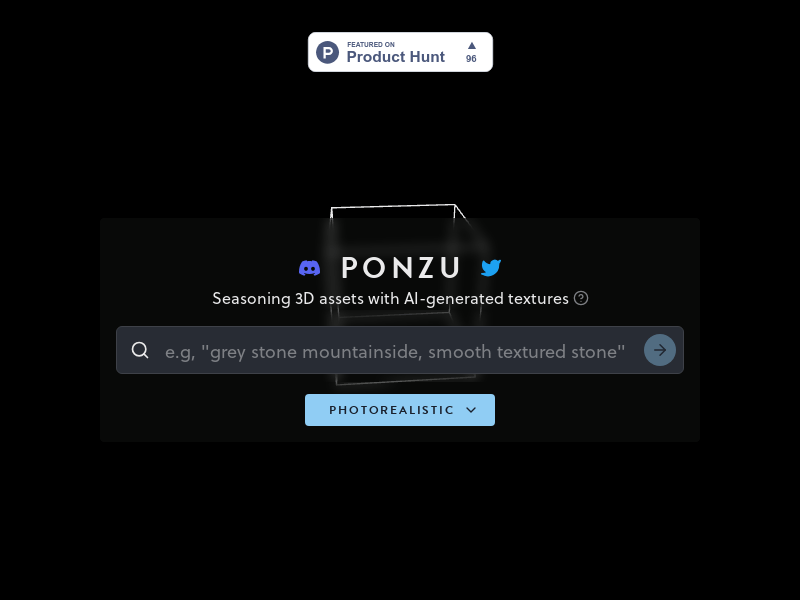
Screenshot archived from the listing page, for preview only.











