
Polymorf
Text to video character generatorTurn text and a character image into AI video
Highlights
What you can do with it
- A creator makes a character video for a YouTube Short
- A marketer produces a quick talking head style ad
- An educator builds a character led explainer video
How to use it
- 1 Sign up on Polymorf and start the free trial.
- 2 Pick an existing character or upload your own image.
- 3 Type the script you want the character to say.
- 4 Choose a language, voice, and video format.
- 5 Generate the video and download it for your platform.
Who it is for
Pros
- Free trial to test before paying
- Fast generation from text plus a character image
- Many languages, voices, and video formats
Limitations
- Free trial is limited and full use needs a paid plan
- Lip sync and motion may not look fully natural
- Only use faces and voices you have the right to use
What Polymorf is
Polymorf is a text to video character generation tool, and it offers a free trial. You type in text and either choose an existing character or upload a custom character image, and the tool creates an AI video in minutes. It supports over 40 languages, offers over 100 voice options, and even lets you upload your own audio if you want a specific voice. Videos can be made in vertical, horizontal, or square formats, which covers platforms like YouTube and TikTok. It is built for content creators, marketers, and educators who need character led video fast, without a full production setup.
What you can do with it
- Turn a text script into a character video in minutes.
- Use an existing character or upload your own image.
- Pick from many languages and voices, or upload your own audio.
- Export in vertical, horizontal, or square formats.
Who it is for
- Content creators making short character videos.
- Marketers who need quick talking head style content.
- Educators building character led explainer videos.
What to watch out for
The free trial is limited, and fuller use requires a paid plan. Lip sync and motion may not look completely natural, so set expectations accordingly for polished work. Most importantly, only use faces and voices you have the right to use, because putting a real person's likeness or voice into a video without permission can raise consent and likeness issues, and the responsibility for that sits with you. For team use, agree on naming and editing conventions in advance to avoid version conflicts or duplicated work. Name and archive exported files consistently so you can find and reuse them, and keep a backup copy of key data.
FAQ
Is there a free trial?
Yes, Polymorf offers a free trial.
What do I need to make a video?
You need text for the script and a character image you choose or upload.
What formats are supported?
It supports vertical, horizontal, and square video formats.
Why it is free
What the official page says: free trial
Free limits, trial length and features are decided by the official site and can change at any time.
Product preview
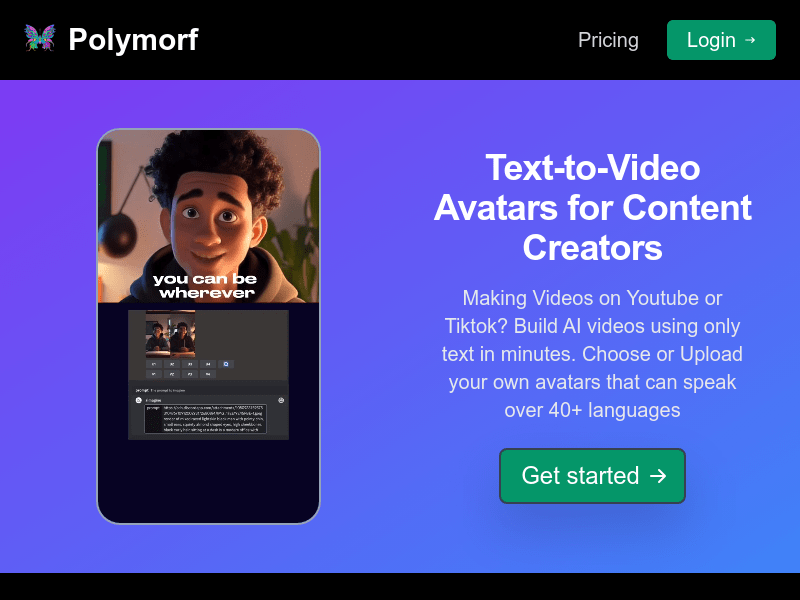
Screenshot archived from the listing page, for preview only.











