
Polaris Office AI
Free office suite with broad format supportOpen and edit office documents for free
Highlights
What you can do with it
- Open and edit Word, Sheet, and Slide files
- Read PDF documents without a separate viewer
- Work with Korean HWP files on other systems
How to use it
- 1 Install or open Polaris Office.
- 2 Open the document format you need.
- 3 Edit using the built-in tools.
- 4 Save or export in the format you need.
Who it is for
Pros
- Broad format support including HWP and PDF
- Free to use
- Long-established product with a long domain history
Limitations
- The site returned an error when checked, so verify current availability
- Complex formatting can shift when moving between formats
- AI features are not described in detail on the page
- Advanced collaboration features may sit behind paid tiers
What Polaris Office is
Polaris Office is a free office suite that leads on compatibility. It opens and edits several document formats, including Hangul (HWP), Word, Sheet, Slide, and PDF, so you can work with files that arrive in different formats without converting each one first. Viewing and editing are both built in rather than split across separate applications. The product is offered to individuals, companies, and organizations, and is described as office software plus business solutions. The domain has a long history, which points to an established product rather than something released last month.
What you can do with it
- Open and edit Word, Sheet, and Slide documents.
- Read PDF files in the same application.
- Work with Korean HWP files without a dedicated Korean office install.
- Save or export into the format the recipient needs.
Who it is for
- Individuals who want a free office suite that opens most files.
- Companies standardizing document handling across teams.
- Anyone who regularly receives HWP files from Korean counterparts.
What to watch out for
The site returned an error when checked, so verify current availability and which version you would actually install before committing. Format compatibility is the selling point, but complex formatting can still shift when a document moves between formats, so check layouts after conversion. The page does not describe the AI features in any detail, despite the AI in the name, and advanced collaboration or cloud features may sit behind paid tiers. For heavy collaborative work, compare it against what your team already uses. Run one full task end to end first, then expand once you are comfortable with the workflow and the result quality.
FAQ
Which formats does it support?
Hangul (HWP), Word, Sheet, Slide, and PDF.
Is it free?
Yes, it is described as customized free office software.
Who is it for?
Individuals, companies, and organizations needing office software and business solutions.
Why it is free
What the official page says: 免费
Free limits, trial length and features are decided by the official site and can change at any time.
Product preview
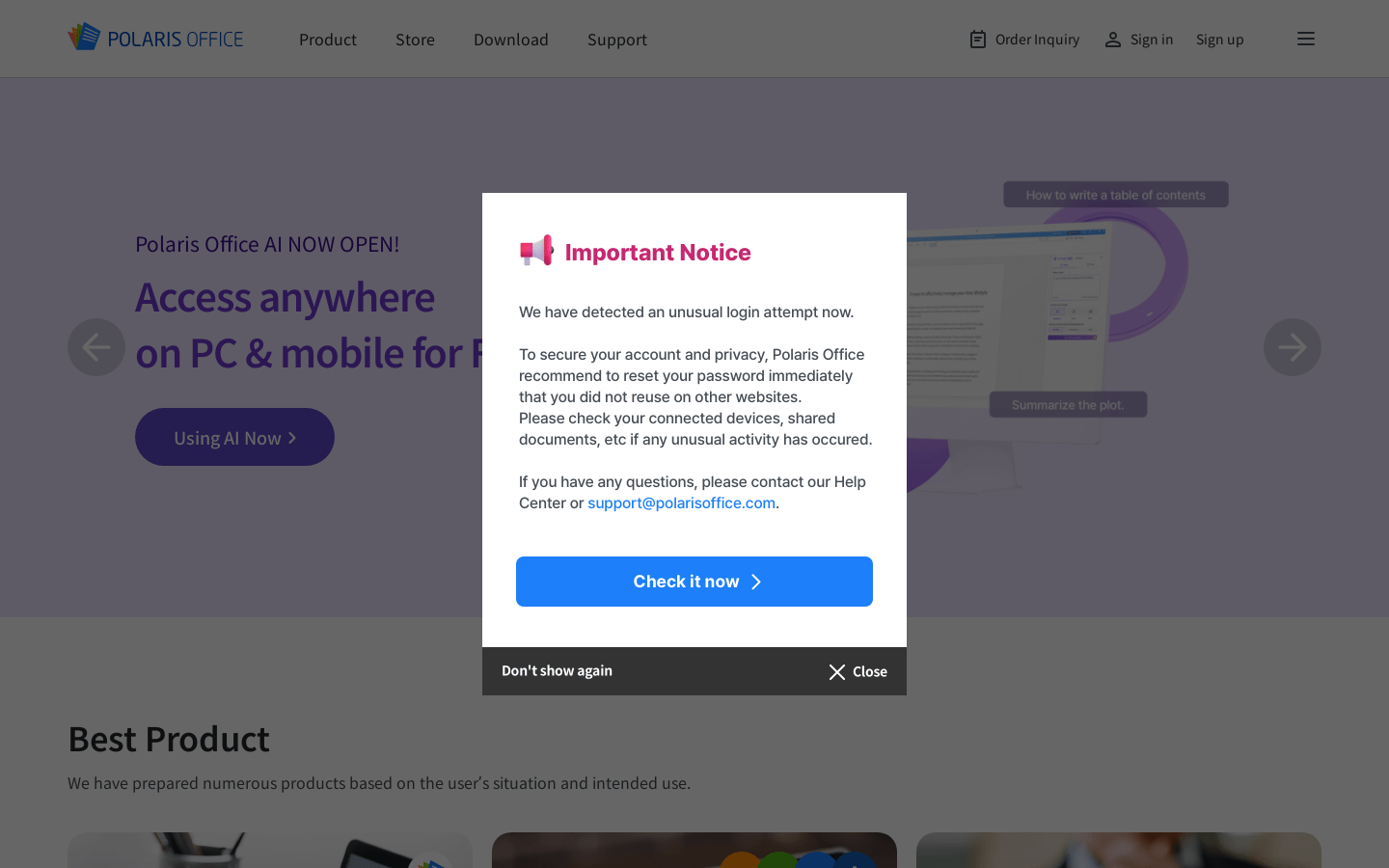
Screenshot archived from the listing page, for preview only.











