
Pokecut Studio
Free AI photo editorCut out, swap and fix photo backgrounds
Highlights
What you can do with it
- E-commerce sellers cut out product photos and place them on plain solid backgrounds.
- Designers try different backgrounds on the same artwork.
- Photography enthusiasts restore old and blurry photos.
How to use it
- 1 Visit the Pokecut site or download the app.
- 2 Choose background removal, background change or quality enhancement.
- 3 Upload the image you want to work on.
- 4 Follow the prompts, such as picking a template or confirming enhancement settings.
- 5 Download the result for social media, ads or your own collection.
Who it is for
Pros
- All features are described as completely free.
- A large template library for background swaps.
- Works on iOS, Android and the web.
- Simple flow: upload, pick, download.
Limitations
- The tool is focused on backgrounds and enhancement, not full editing.
- Free access is the current promise and it can change.
- Results depend on the input photo and on the AI model behind the scenes.
- The site returned an error during the last automated check, so availability is uncertain.
What Pokecut Studio is
Pokecut Studio is an AI image editor made by Guangzhou Guangzhengyuan Information Technology. It covers three jobs: removing a background, changing a background and improving image quality. The removal tool produces transparent images that work for social media and advertising, the change tool offers more than 1,000 background templates plus a wide colour set, and the enhancement feature repairs blurry images and restores colour accuracy on old photos. The site says every feature is completely free and needs no payment. You can use it on iOS and Android, or open the web version in a browser.
What you can do with it
- Cut a subject out of a photo and keep a transparent background.
- Swap in a new background from a library of over 1,000 templates.
- Repair a blurry image and bring colour back to an old photo.
- Edit on a phone with the app or in a browser on a desktop.
- Save the finished image for social media, ads or your own collection.
Who it is for
- E-commerce sellers who need clean product images for listings.
- Designers testing several backgrounds on the same artwork.
- Photography enthusiasts restoring old family photos.
What to watch out for
The app is built around backgrounds and enhancement, so it is not a full editing suite and will not cover layout, text or detailed retouching. Output quality depends on the source photo and on the AI model behind the scenes, and busy edges such as hair or glass can be harder to get clean. The free status is the current promise from the site, and free rules can change. The page also returned an error during the last automated check, so confirm the site or app is reachable before you rely on it.
FAQ
Is Pokecut free?
The site states that all features are completely free and need no payment.
Which platforms does it support?
It runs on iOS and Android, and there is a web version.
How many backgrounds can I choose from?
More than 1,000 background templates plus a range of colours.
Can it fix old photos?
The enhancement feature is meant to repair blurry images and restore colour accuracy.
Why it is free
What the official page says: 完全免费免费
Free limits, trial length and features are decided by the official site and can change at any time.
Product preview
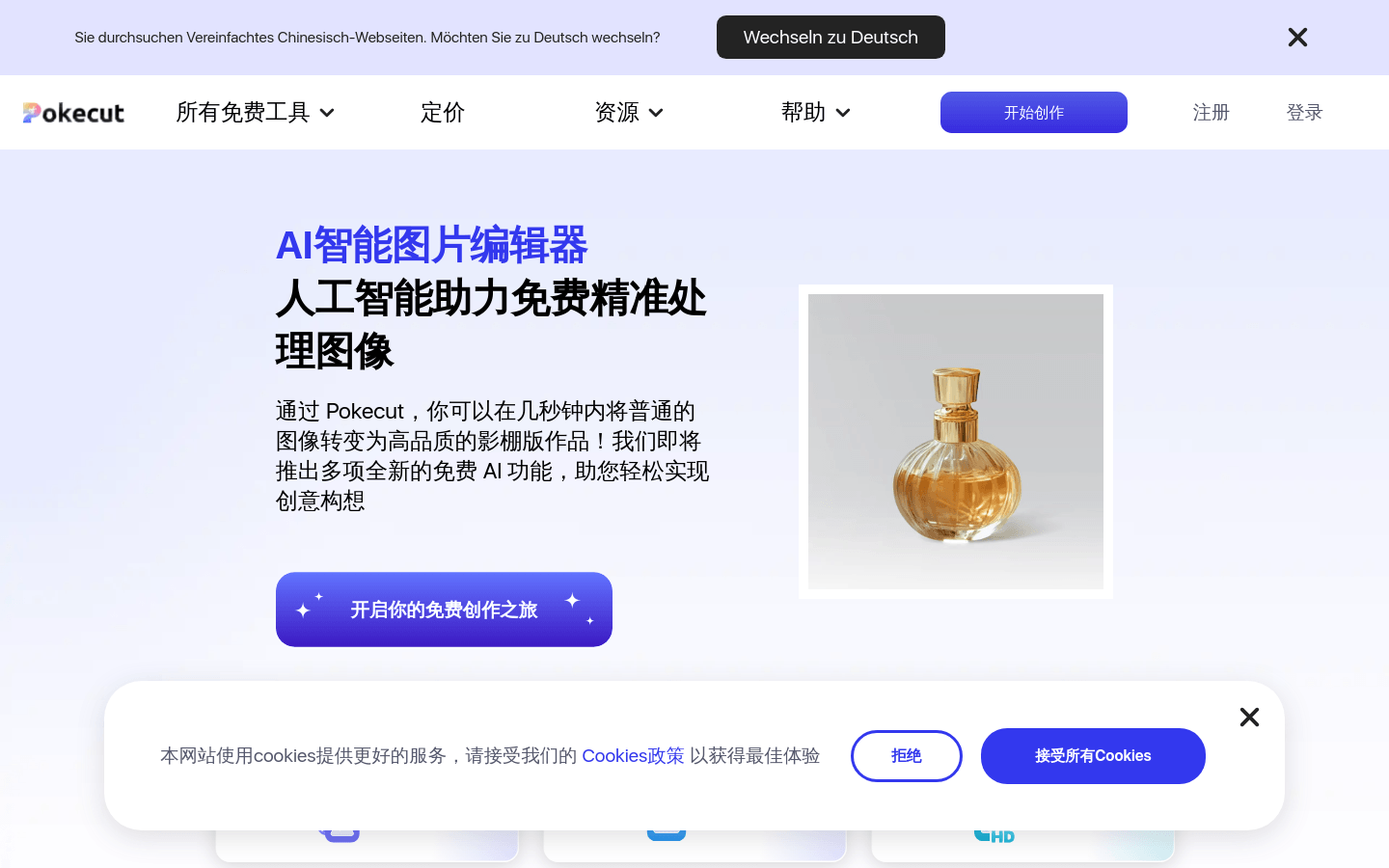
Screenshot archived from the listing page, for preview only.











