
Podcast Editor
Text-based podcast editor that turns long talks into short clipsEdit a podcast by editing its text
Highlights
What you can do with it
- Cutting a long interview into short vertical clips
- Cleaning filler words from a recorded episode
- Adding subtitles and branding for social sharing
How to use it
- 1 Import your podcast or interview recording
- 2 Let the tool transcribe it into text
- 3 Cut filler words and pauses by editing the text
- 4 Add images, subtitles, and your brand logo
- 5 Export clips and share them to social platforms
Who it is for
Pros
- Text-based editing is quick and intuitive
- Automatic transcript and filler-word removal
- Free version covers basic editing and clips
Limitations
- Free version is limited compared with the paid Ultra tier
- Transcript accuracy affects how clean the edit is
- Free features and pricing may change over time
What Streamlabs Podcast Editor is
Streamlabs Podcast Editor is a fast, dynamic editing tool for podcasts and interview content. Its signature feature is text-based editing: it transcribes your recording, and you cut and shape the episode by editing that text rather than scrubbing a waveform. It can remove filler words and pauses, and it turns long-form podcasts into short video clips with images and subtitles so you can promote a show across social platforms. You can add brand logos and images, customize clips, and share the results. A free version is available, with a paid Ultra tier that adds more professional streaming and editing tools.
What you can do with it
- Transcribe a podcast or interview into editable text
- Cut filler words and pauses by editing the transcript
- Turn a long episode into short vertical video clips
- Add images, subtitles, and brand logos to clips
- Optimize and share finished clips across platforms
Who it is for
- Podcasters who want to repurpose episodes into clips
- Interview creators cutting highlights from long talks
- Social media managers making short video posts
- Anyone who finds waveform editing slow and fiddly
What to watch out for
Transcription accuracy matters, because edits follow the text, so a misheard word can lead to a wrong cut that you need to fix by hand. The free version is limited next to the paid Ultra tier, so heavy or professional use likely means an upgrade. Very long recordings can take time to transcribe and process, and export quality and available features may change with updates. Plan to review the transcript before you trust the automatic filler-word removal on important audio.
FAQ
How does Streamlabs Podcast Editor work?
It transcribes your podcast or interview so you can edit by cutting text, including filler words and pauses, then export clips.
Can I make social media clips?
Yes. It turns long-form podcasts into short video clips and lets you add images, subtitles, and brand logos for sharing.
Is there a free version?
Yes. There is a free version, and a paid Ultra version adds more professional streaming and editing features.
Why it is free
What the official page says: free version
Free limits, trial length and features are decided by the official site and can change at any time.
Product preview
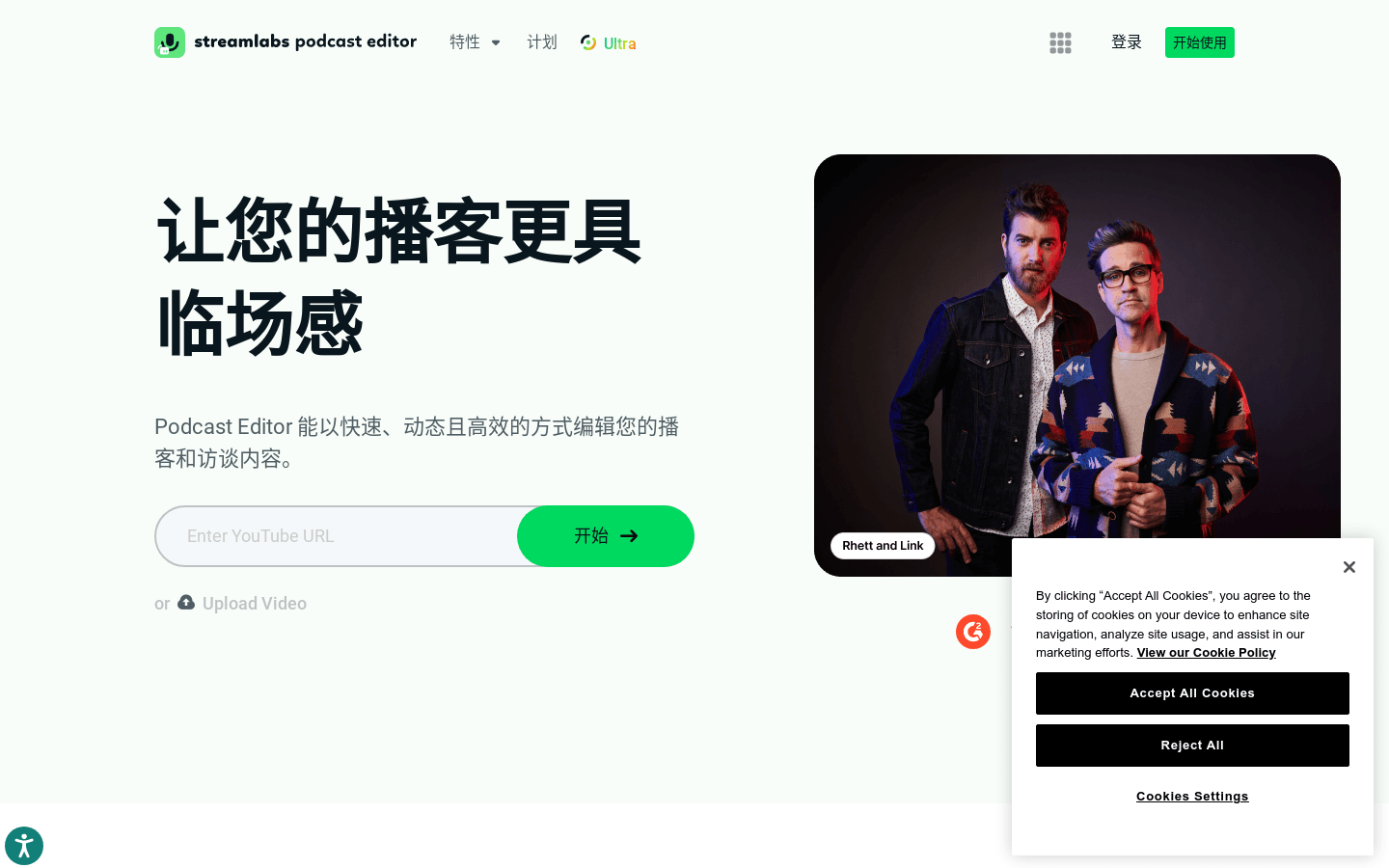
Screenshot archived from the listing page, for preview only.










