
Playground AI
Free online AI image creation and editingCreate art, posts, and logos without design skills
Highlights
What you can do with it
- Hobbyists create artwork and fun images
- Marketers make social posts, posters, and logos
- Teams piece together creative concepts and collages
How to use it
- 1 Open the tool and start a new image or upload one
- 2 Use blended editing to mix real and synthetic elements
- 3 Grow, erase, or adapt objects to fit your scene
- 4 Export the finished image for your project
Who it is for
Pros
- Free to use and runs in the browser
- No professional design skills required
- Flexible editing from blending to sketching
Limitations
- Free access and features can change over time, so check the site before relying on it
- Complex edits still need an eye for design to look good
- Results depend on your prompts and input images
What Playground AI is
Playground AI is a free online AI image creation tool. It lets you create and edit images without needing professional skills, so anyone can start making visuals right away. You can produce artwork, social media posts, presentations, posters, videos, and logos. A key feature is blended image editing, which combines real and synthetic images to create new artwork and realistic visuals. Everything runs in the browser, so there is nothing to install, which makes it easy to test ideas quickly and share them with others.
What you can do with it
- Create and edit images from scratch or from an upload
- Blend real and synthetic images into unique art
- Grow images beyond their edges and erase unwanted parts
- Turn ideas into sketches and build creative collages with others
Who it is for
- Hobbyists who want to make art without design training
- Marketers and social media users who need quick visuals
- Teams that piece together creative concepts together
What to watch out for
The tool is free, but free access and features can change over time, so check the site before relying on it for important work. Blending and editing are powerful, yet complex pieces still need a good eye for composition to look right. Your results also depend heavily on the prompts and images you feed in, so plan your inputs and refine them to get the output you want. For best results, start with a small test file and review the output carefully before working on anything important. Free tiers can change over time, so it is worth checking the current limits on the official page before you rely on the tool daily.
FAQ
Is Playground AI free?
It is described as a free online AI image creation tool.
Do I need design skills?
No, you can create and edit images without professional skills.
What can I make?
Artwork, social media posts, presentations, posters, videos, and logos.
Why it is free
What the official page says: 免费使用免费
Free limits, trial length and features are decided by the official site and can change at any time.
Product preview
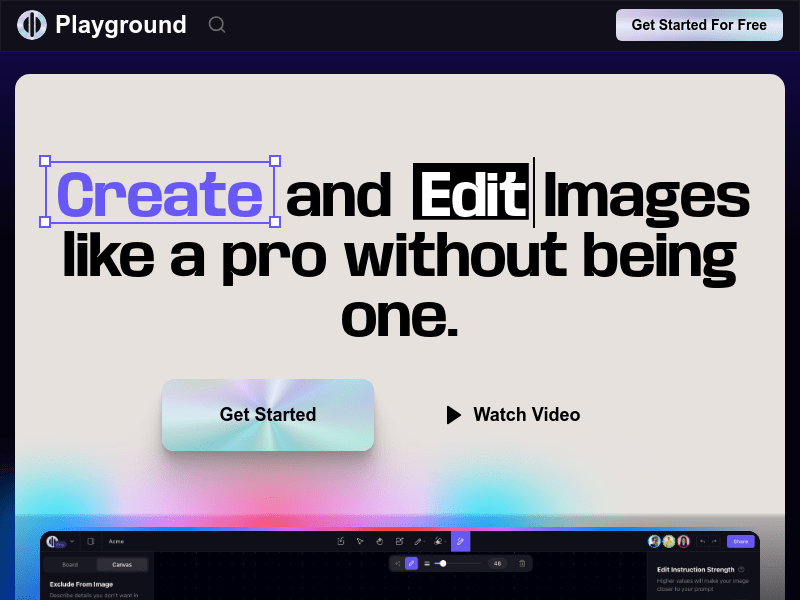
Screenshot archived from the listing page, for preview only.











