
PlanningPoker.live
Real-time planning poker for remote Scrum teamsEstimate sprints together without signing up
Highlights
What you can do with it
- Estimating backlog items during a live Zoom or Teams call
- Running an async vote when the team cannot meet at the same hour
- Saving agreed estimates straight back to JIRA issues
How to use it
- 1 Open the PlanningPoker.live site and create a room.
- 2 Share the room link so teammates can join without accounts.
- 3 Pick a card set such as Fibonacci or T-shirt sizes and start a round.
- 4 Vote, review the statistics, and discuss the outliers.
- 5 Push the agreed estimate back to JIRA and lock the room if needed.
Who it is for
Pros
- No signup wall before a session can start
- Open source code that teams can inspect or self host
- Card options and statistics cover most agile estimation styles
- Synchronous and asynchronous modes in the same tool
Limitations
- Free access rules can change, so check the site before a big ceremony
- JIRA and video call features depend on outside services that can break
- New users may need a round or two to learn rooms and permissions
- Self hosting the open source build adds setup and upkeep work
What PlanningPoker.live is
PlanningPoker.live is a browser based planning poker tool for agile teams that need to estimate work together. You create a room, share the link, and everyone joins without making an account. The project is open source, so teams that want to inspect the code or run their own copy can do that. Voting covers Fibonacci numbers, T-shirt sizes, and custom card sets, and the session shows statistics that help a group see where opinions differ and move toward a shared estimate. Meetings can run live alongside Zoom, Teams, Google Meet, or Webex, or asynchronously when members are spread across time zones.
What you can do with it
- Run a live estimation session with card sets such as Fibonacci values or T-shirt sizes.
- Hold an asynchronous vote when the team cannot meet at the same hour.
- Review session statistics to spot outliers and talk through edge cases.
- Send agreed results back to JIRA issues and use PokerBot for meeting summaries.
- Protect a room with a password and set permissions for who can vote or edit.
Who it is for
- Remote Scrum teams that estimate backlog items every sprint.
- Project managers who want estimates recorded in JIRA without copy and paste.
- Distributed teams where a single meeting time does not work for everyone.
- Facilitators who want a simple, no signup room for an estimation workshop.
What to watch out for
The service is free to use without registration today, but free access rules can change, so check the site before you rely on it for a critical ceremony. The JIRA and video call features lean on outside services, and an outage on either side can interrupt a session mid vote. First time users sometimes need a round or two to learn how rooms, card sets, and permissions fit together. Open source code means you can self host, but that adds setup and maintenance work that a quick session does not need.
FAQ
Do participants need an account to vote?
No. The listing states that no registration is required to join a room.
Can I use it with Zoom or Teams?
Yes. It is described as working inside Zoom, Teams, Google Meet, and Webex.
Does it support async estimation?
Yes, asynchronous planning meetings are listed as a feature.
Is the code available?
The project is described as open source, so the code can be reviewed and customized.
Why it is free
What the official page says: no registration
Free limits, trial length and features are decided by the official site and can change at any time.
Product preview
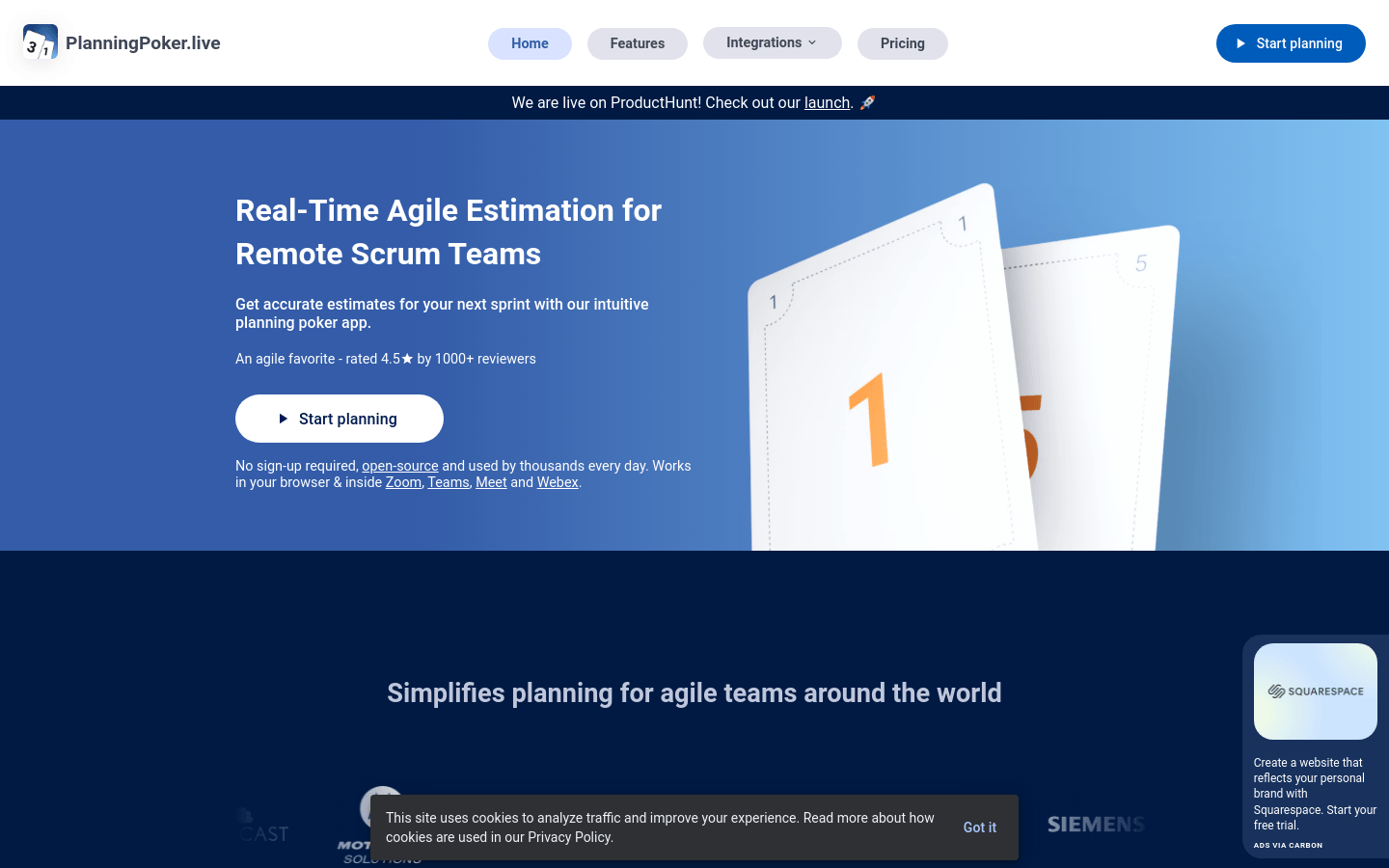
Screenshot archived from the listing page, for preview only.











