
Highlights
What you can do with it
- Translating messages during daily multilingual conversations
- Helping front desk staff communicate with guests
- Giving language learners quick lookups while reading
How to use it
- 1 Install the app on macOS and start the free trial
- 2 Pick the translation engine that fits your language pair
- 3 Set a keyboard shortcut for fast access
- 4 Select text and translate it with one click
- 5 Buy the one time license if you keep using it
Who it is for
Pros
- On device processing keeps your text private
- Fast menu bar access with keyboard shortcuts
- Low one time price of $4.99
- Several engines to switch between for different languages
Limitations
- It is macOS only, so other systems are out of scope
- On device models can be less accurate than cloud services for rare languages
- The free trial ends, and the one time price could change
- It is a quick translation helper, not a full localization suite
What Plae is
Plae is a menu bar application built specifically for macOS, and it does translation on the device. Because everything runs locally, the vendor says there is no data collection and no tracking, which is the main privacy argument for the app. It supports multiple translation engines, so you can choose the one that handles your language pair best, and it covers a broad set of languages including some less common ones. Access is designed to be quick: a keyboard shortcut brings up translation from the menu bar, making it a one click helper for daily communication. A free trial is offered, and the full app is a one time purchase of $4.99, which is unusually cheap for a utility of this kind.
What you can do with it
- Translate selected text from anywhere on your Mac in one click
- Switch between translation engines depending on the language pair
- Handle common and less common languages without opening a browser
- Keep private text on the device instead of sending it to a server
Who it is for
Multilingual families who switch languages during the day are a natural fit, since the app is always one shortcut away. International and remote teams that write across languages can use it for quick clarifications. Hotel front desk and service staff who need short phrases for guests get a fast tool that does not require opening a website. Language learners can use it while reading to check meaning without breaking flow, and privacy minded users will appreciate that nothing leaves the machine.
What to watch out for
The app is macOS only, so if you work across systems it will not cover everything. On device models are smaller than cloud services, so accuracy for rare languages or long, nuanced sentences can fall short of what a cloud engine returns. The free trial ends, and although the one time price is listed at $4.99, pricing can change, so confirm it before you buy. Finally, this is a quick translation helper rather than a full localization suite: for documents, terminology management, or professional review, you will still need dedicated tools.
FAQ
Does it send my text anywhere?
No. The vendor states it runs fully on device with no data collection or tracking.
How much does it cost?
There is a free trial, and then a one time purchase of $4.99.
Which system does it need?
It is a macOS menu bar application.
Can I choose the translation engine?
Yes, multiple translation engines are supported so you can pick per language pair.
Why it is free
What the official page says: 免费试用免费
Free limits, trial length and features are decided by the official site and can change at any time.
Product preview
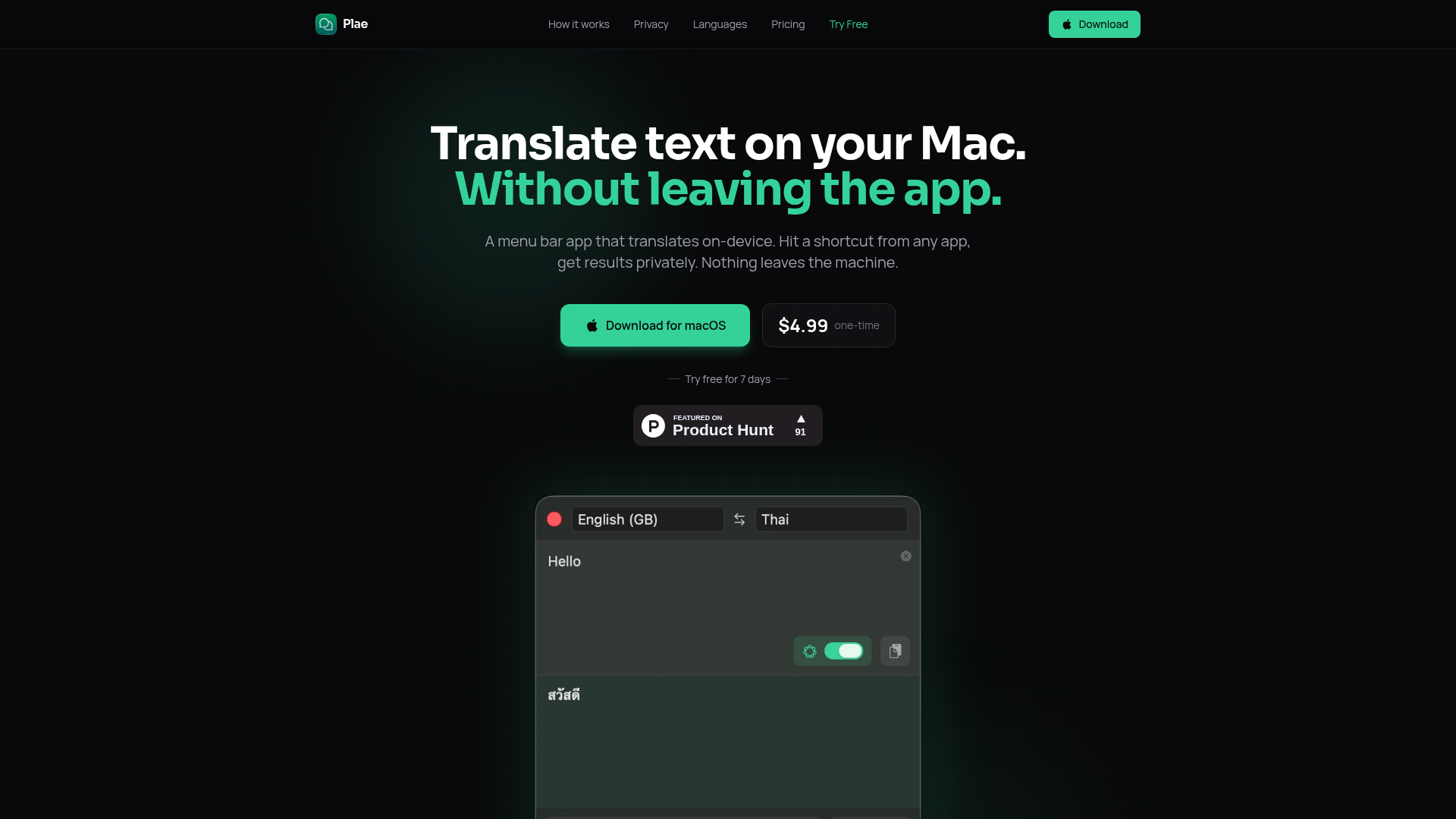
Screenshot archived from the listing page, for preview only.