
PixNova AI
AI image toolkitGenerate, edit, and swap faces
Highlights
What you can do with it
- Generate photos in a chosen style for social media
- Enhance a photo and improve facial detail
- Create a face-swapped GIF and share it with friends
How to use it
- 1 Visit the PixNova AI website
- 2 Select the function you want, such as face swap or image generation
- 3 Upload your images or videos and follow the prompts
- 4 Save or share the generated photos
Who it is for
Pros
- Free to use according to the listing
- A wide set of AI image functions in one place
- Simple interface for quick edits
Limitations
- Face swap and similar edits can break platform rules and raise consent issues, and any consequences fall on the user
- Free access and the feature set can change
- Removing watermarks and backgrounds should not be used on images you do not own
What PixNova AI is
PixNova AI is an AI image generation and editing toolkit. It generates photos from prompts, edits and enhances existing images, and swaps faces across photos, GIFs, and videos. There is a removal tool for watermarks and backgrounds, along with options such as clothing change, hairstyle change, and virtual girlfriend features. The site describes itself as free to use, continuously updated, and focused on privacy, with an interface built for people who are not designers. Everything runs in the browser: pick a function, upload your material, follow the prompts, then save or share the result. For quick creative edits it covers a lot of ground in a single place.
What you can do with it
- Generate images in a chosen style, expression, or pose.
- Enhance a photo and bring out facial detail.
- Remove watermarks, backgrounds, and other clutter.
- Swap a face across photos, GIFs, and short videos.
Who it is for
- Social media users who want stylized photos without an editor.
- People experimenting with face swap for jokes or personal projects.
- Anyone who needs a fast cleanup or enhancement on an existing image.
What to watch out for
Face swap tools are the sharpest edge here. Editing someone's likeness without their permission can break the rules of the platform you post to, damage real relationships, and in some places create legal exposure, and any of that lands on you rather than the tool. The same applies to clothing change and the removal tool: stripping watermarks or backgrounds from images you do not own is not a neutral edit. Free access and the exact feature set can also change between visits, so treat any single function as available today rather than guaranteed tomorrow, and check the site's current terms before you rely on it.
FAQ
What can PixNova AI do?
It generates images, edits and enhances photos, and swaps faces in photos, GIFs, and videos.
Is it free?
The listing describes it as free to use, though terms can change.
What file types does face swap support?
Photos, GIFs, and videos.
Why it is free
What the official page says: 免费使用免费
Free limits, trial length and features are decided by the official site and can change at any time.
Product preview
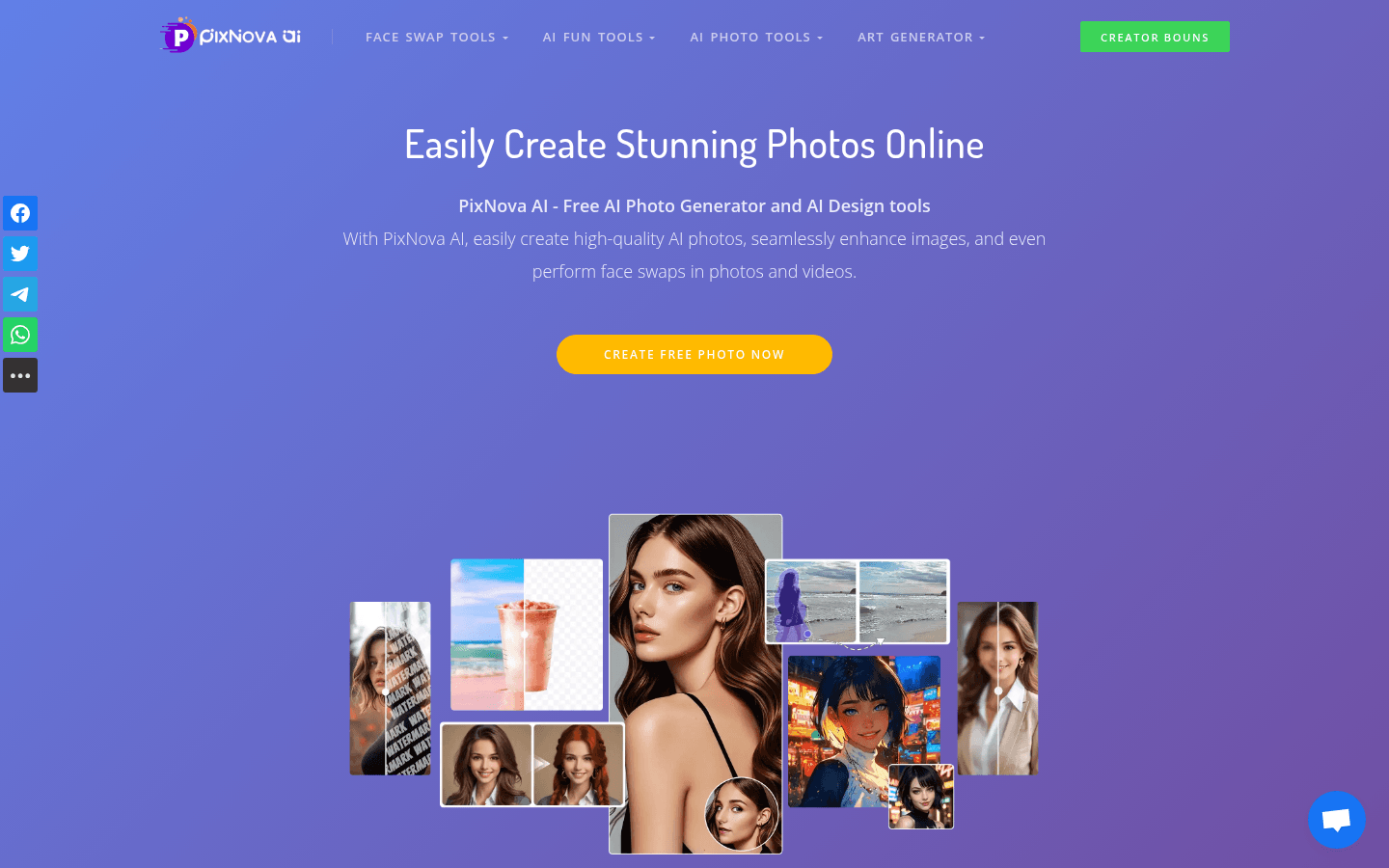
Screenshot archived from the listing page, for preview only.











